getTitle(), getCurrentUrl(), getPageSource in Selenium | Complete Browser Control Guide | Testing
Автор: The Quality Analyst
Загружено: 2026-01-29
Просмотров: 4
Описание:
Welcome to The Quality Analyst 🚀
Before learning advanced Selenium concepts like XPath, waits, frames, and actions — every automation tester must master Browser Control & Page Information Methods in Selenium WebDriver.
In this video, you’ll learn how Selenium opens, controls, verifies, and closes browsers — exactly how real automation frameworks work in live projects.
📌 Topics Covered in This Video
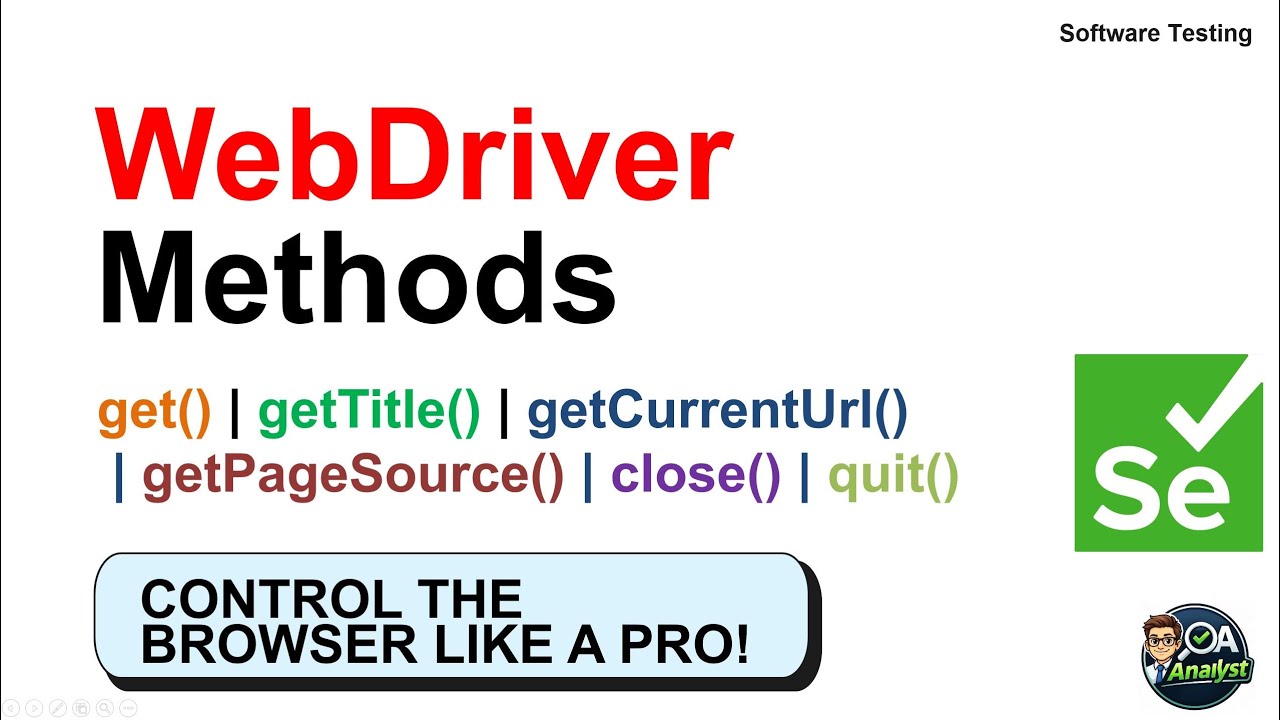
✔️ driver.get() – Open web pages correctly
✔️ getTitle() – Verify page identity
✔️ getCurrentUrl() – Confirm navigation & redirection
✔️ getPageSource() – Debug and inspect full HTML
✔️ close() – Close current browser window or tab
✔️ quit() – End WebDriver session completely
✔️ Real project use cases
✔️ Interview-ready explanations
🎯 Who Should Watch
• Selenium Beginners
• Manual Testers moving to Automation
• QA Engineers
• Software Testing Interview Candidates
• Automation Framework Developers
👍 Like | Share | Subscribe to The Quality Analyst
We don’t just teach Selenium —
We teach Real Project Automation Skills.
🚀 Happy Testing & Keep Learning!
#SeleniumWebDriver
#BrowserControl
#getTitle
#getCurrentUrl
#AutomationTesting
#SoftwareTesting
#QATesting
#SeleniumTutorial
#TestAutomation
#ManualTesting
#SeleniumInterview
#QualityAnalyst
#LearnSelenium
Повторяем попытку...
Доступные форматы для скачивания:
Скачать видео
-
Информация по загрузке:
![Почему работает теория шести рукопожатий? [Veritasium]](https://image.4k-video.ru/id-video/ggI1xKzoANs)