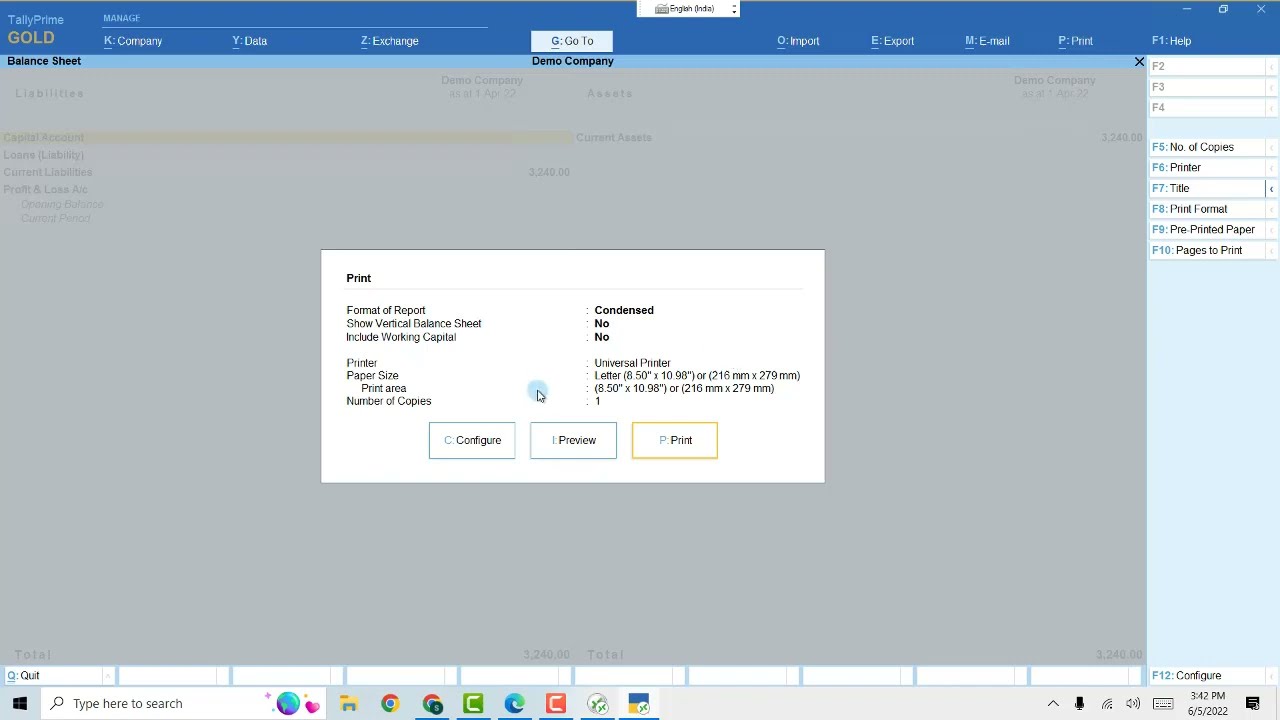
How To Run Tally On AWS Cloud Using Browser
Автор: TallyOnlineCloud
Загружено: 2022-05-29
Просмотров: 3635
Описание:
Https://TallyOnlineCloud.Com provides you worlds Fastest and Secure most experience of running your Tally Prime or Tally ERP9 on Amazon's AWS Cloud Servers.
Once your Tally is on AWS Cloud, you can run your tally anytime, anywhere and on any devices 24x7x365 using your mobile, tabs, laptop, desktop etc.
TallyOnlineCloud.com provides 3 methods to access Tally on AWS cloud.
1. Using Browser
2. Using Desktop Application
3. Using Microsoft RDP
All 3 options are available to all the users of tally on cloud provided by TallyOnlineCloud.com without any extra charges.
In this Video, you will Learn How to Run Tally on Cloud Powered by Amazon's AWS using Browser.
In this video you Will see Demo of running tally using browser.
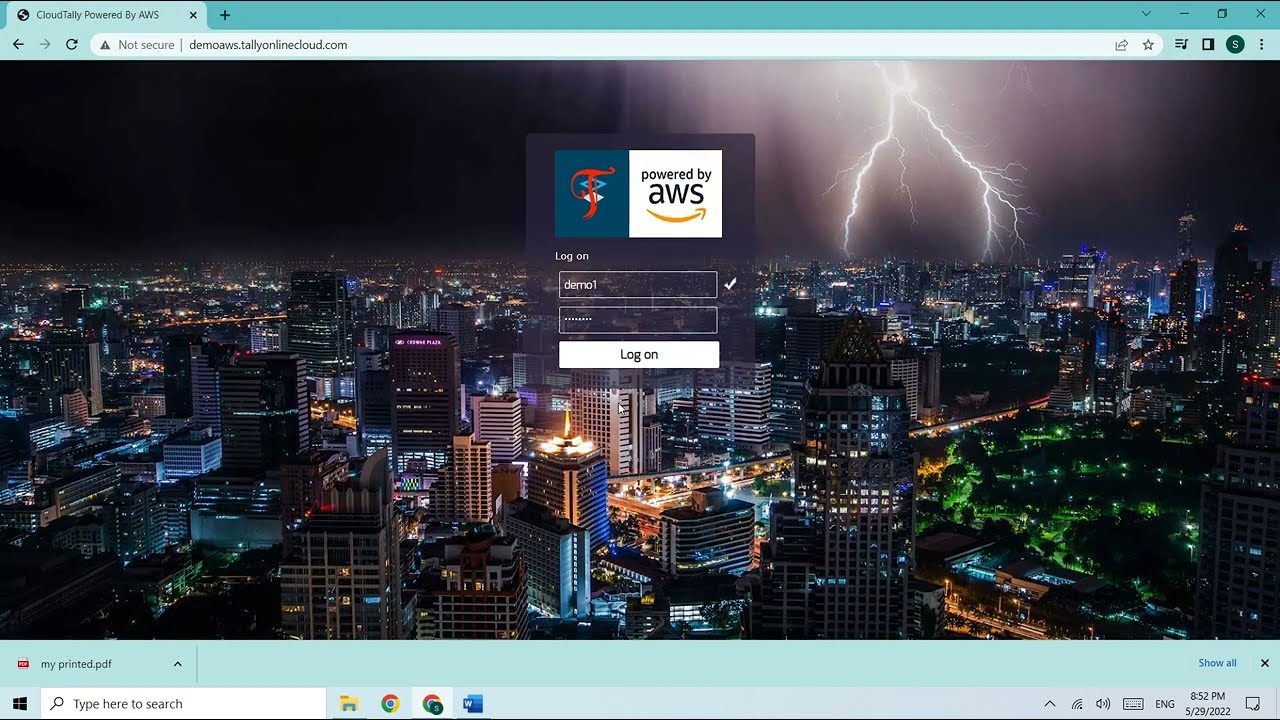
We start with opening the demo TallyOnlineCloud url of AWS
http://demoaws.TallyOnlineCloud.com
Then we login using credentials provided by sales team of TallyOnlineCloud.com. If you don't have credentials feel free to ask TallyOnlineCloud.com team to provide them to you. you can call or whatsapp them on +91 85 85 950 238 to get the login id and password for trying live demo of running Tally on AWS Cloud using browsers.
After login we get application panel to perform various tasks in our online cloud tally account.
We can:-
1) Change Password
2) See our Data Folder - that contains all our companies that are created in or uploaded to cloud tally on aws servers.
3) see our Export Folder - that contains all files that are exported from Tally including pdf/ xml / excel / json reports and files..
4) Then we see Tally icon which can be clicked to launch open Tally on the cloud of AWS.
https://TallyOnlineCloud.com provides us all versions of Tally Prime and Tally Erp 9 to be run on AWS Cloud so you can get installed whichever version you are using offline to get seamless experience on cloud. Also, whenever you ask TallyOnlineCloud.com team to upgrade your tally, they do so with a smile within few minutes of request.
5) Finally We see log off button which can be used to log off from Cloud. We should always quit our tally before log off. This keep Tally data safe and not corrupt it
Hope you enjoyed this video. If you have any queries then you may visit us on Https://TallyOnlineCloud.com and contact using contact form. Or you may call or whatsapp at +918585950238
Повторяем попытку...
Доступные форматы для скачивания:
Скачать видео
-
Информация по загрузке: