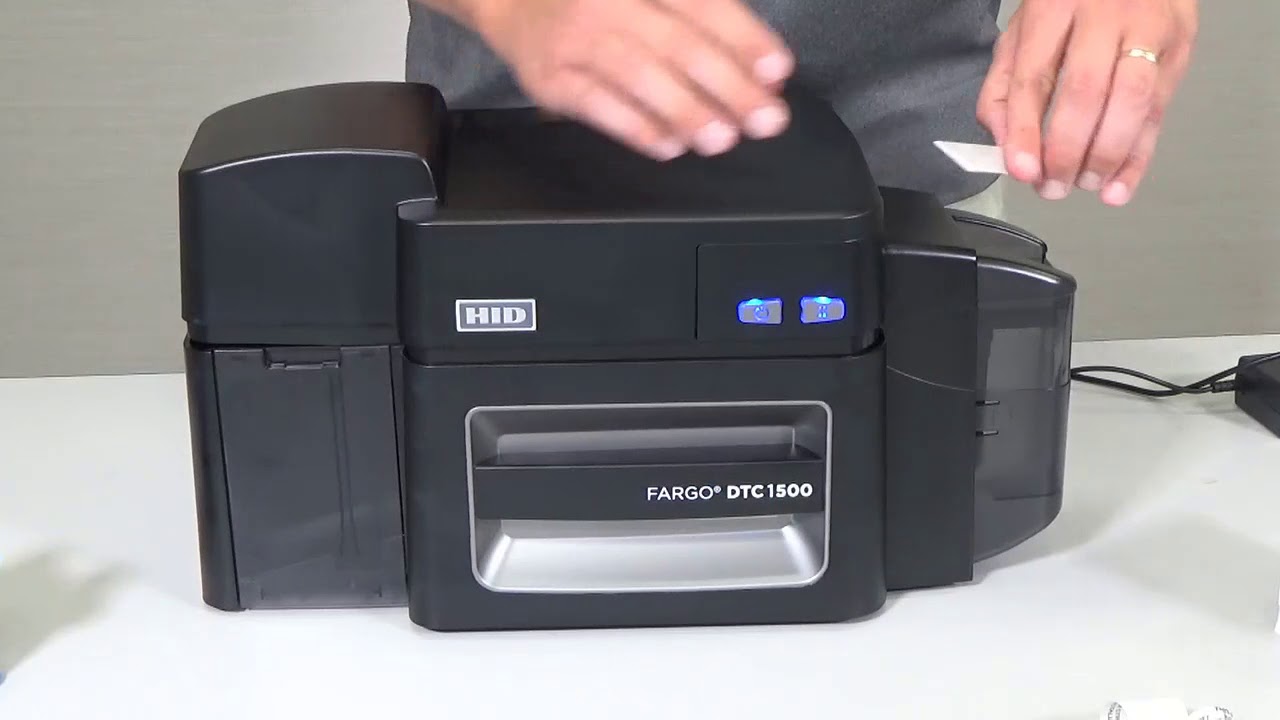
Fargo DTC1500 - How to load the DTC1500 print ribbon - [email protected]
Автор: Easy Badges.com
Загружено: 2017-11-14
Просмотров: 1900
Описание:
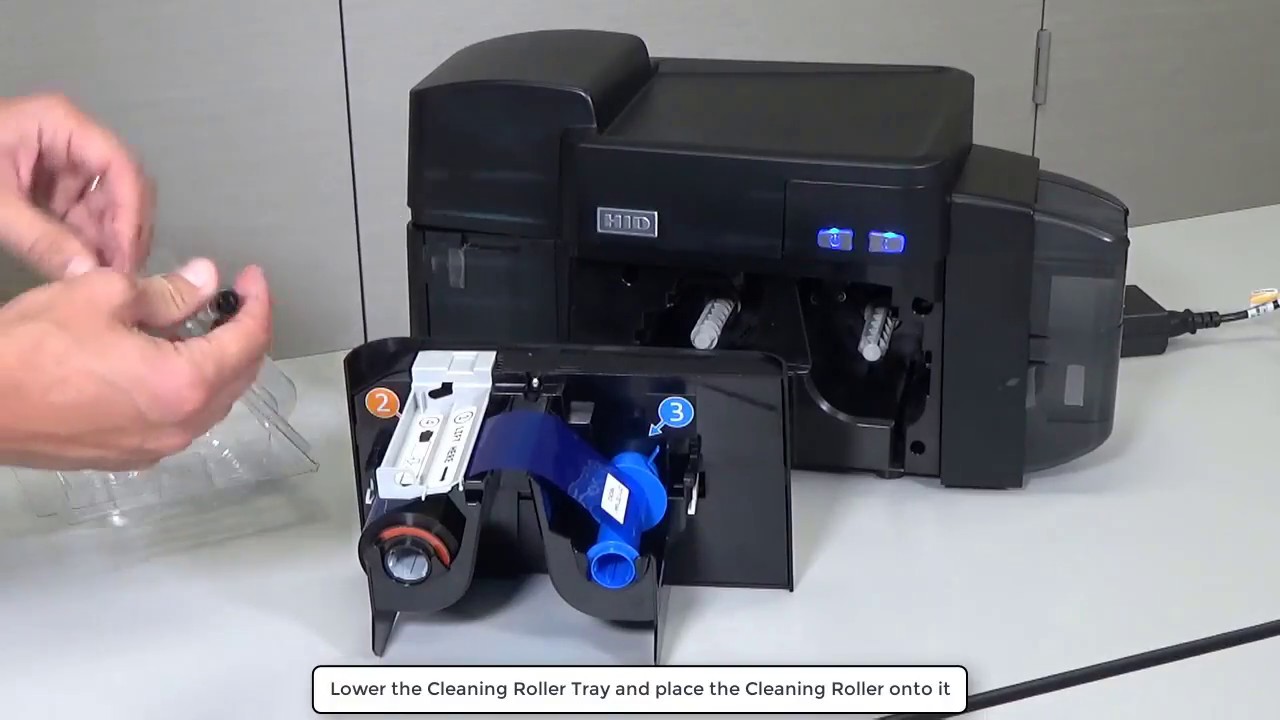
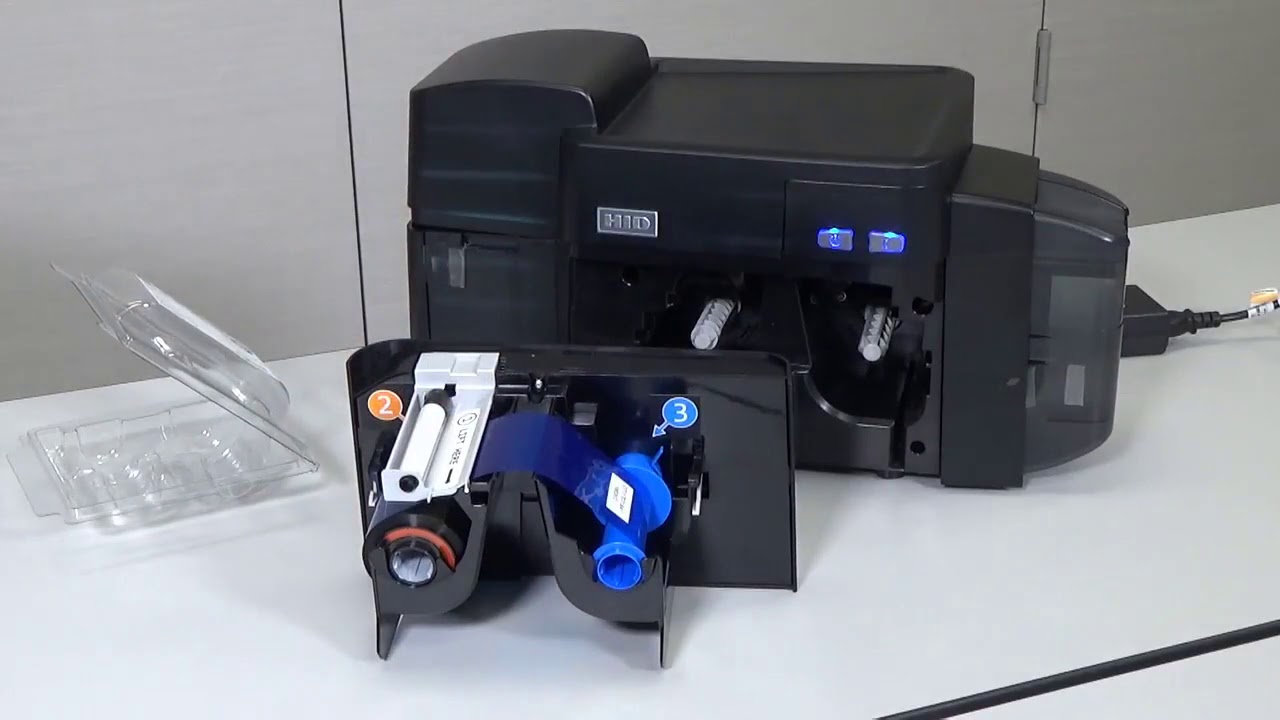
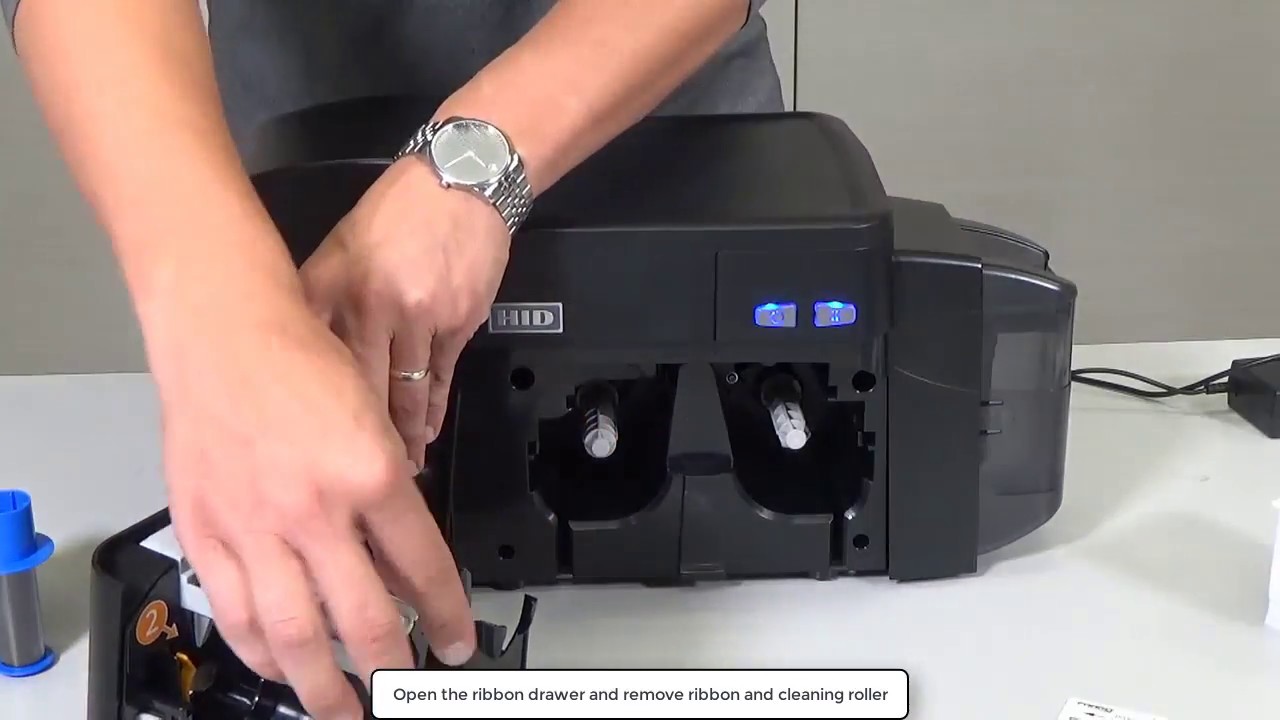
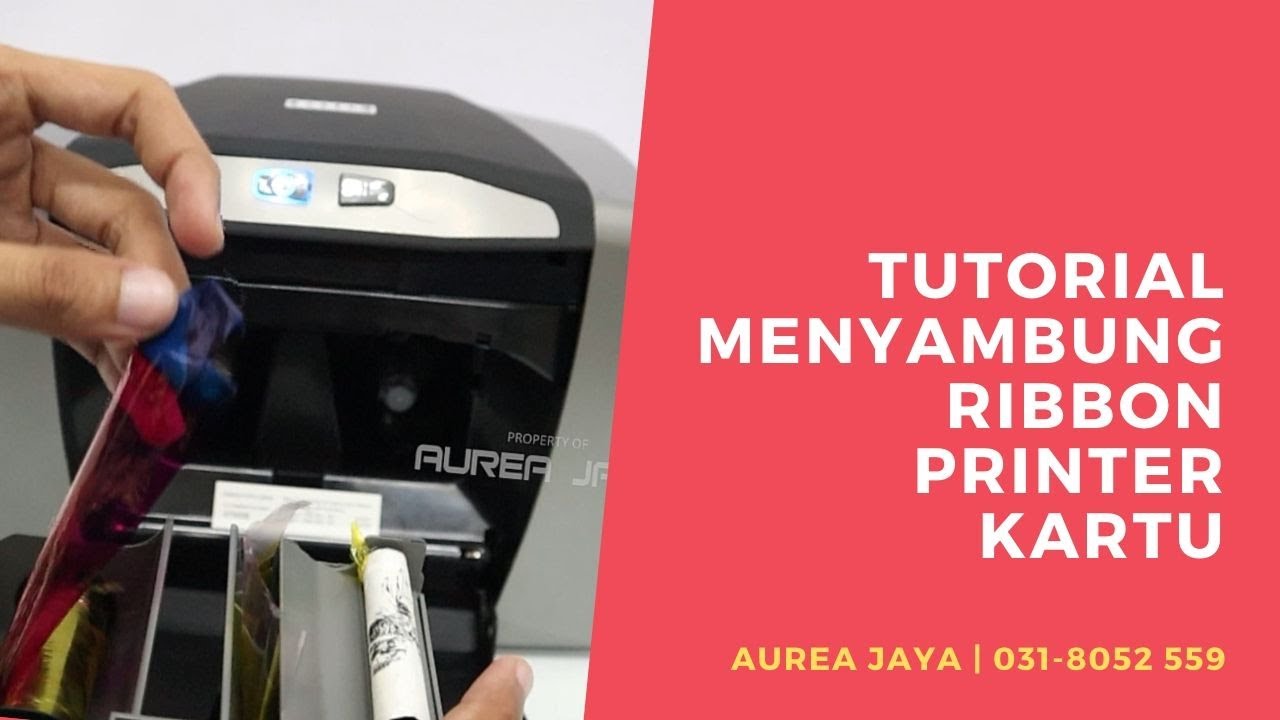
Video Transcription: This video on the DTC1500 Printer will you show how to load consumables. Remove the ribbon from its plastic cover. Open the printer ribbon drawer. Lift the cleaning roller tray. Install the ribbon supply and take up spools as shown. The supply spool is colored orange and the take up spool blue. Next lower the cleaning roller tray and place the cleaning roller on to it. Remember to remove the protective paper cover from the cleaning roller. Replace the ribbon drawer. Open the card input hopper door, Load the blank cards in to the input hopper after lowering the card tray. For more technical videos please visit HID Global channel on YouTube.
Visit Easy Badges at www.easybadges.com for the lowest pricing on the Fargo DTC1500 or call 1-855-436-0527.
Повторяем попытку...
Доступные форматы для скачивания:
Скачать видео
-
Информация по загрузке:





![Best of Driving Deep House [2026] | Chill Vocal Mix to Boost Focus, Maximize Concentration #7](https://imager.clipsaver.ru/CDnUiT9PNWc/max.jpg)