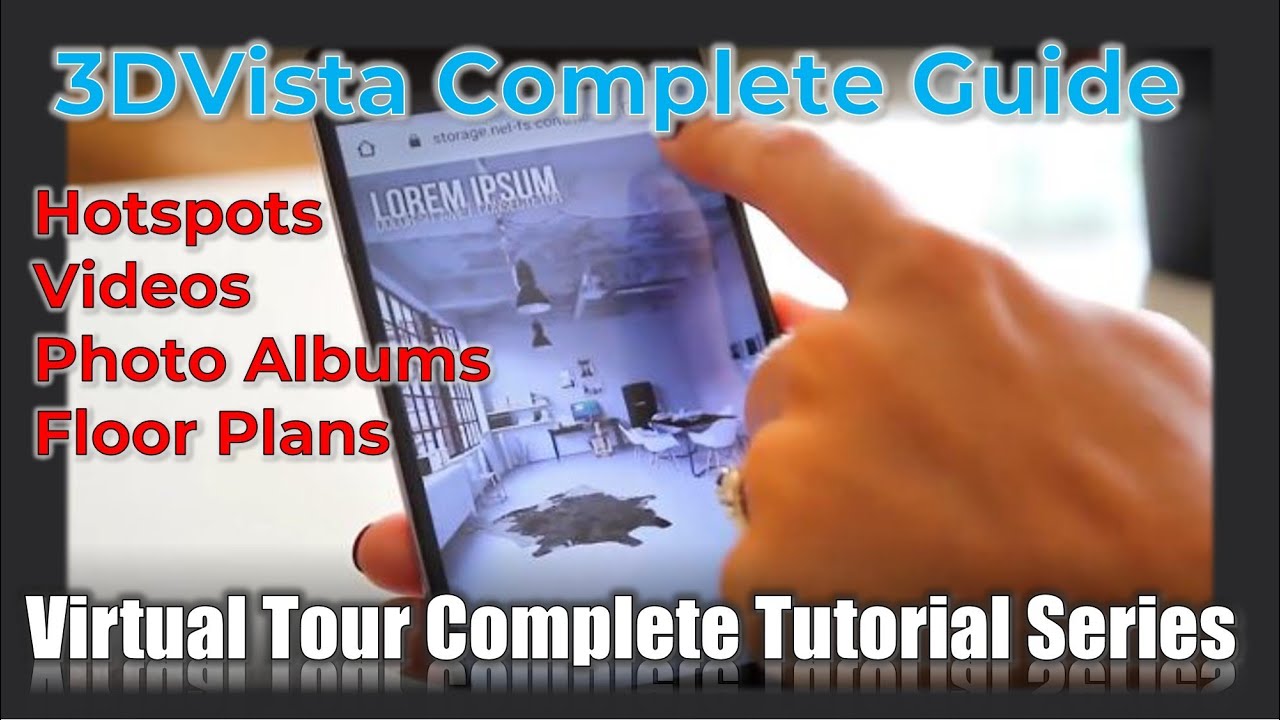
3DVista Complete Guide to Hotspots, Videos, Photo Albums & Floor Plans | 3D Virtual Tour Creation
Автор: Rock Bench
Загружено: 2025-07-18
Просмотров: 1049
Описание:
Welcome to the second part of our comprehensive 3DVista tutorial series! In this detailed session, we dive deep into the advanced features of 3DVista software for creating professional 360° virtual tours.
🎯 What You'll Learn:
Hotspot Creation & Management: Learn to connect panoramas with interactive hotspots, customize their appearance, and configure smart entry views
Video Integration: Add regular videos and 360° videos to your virtual tours with proper settings and controls
Photo Album Creation: Build stunning 2D photo galleries within your 360° environment with custom scaling and transitions
Floor Plan Design: Create interactive floor plans with radar positioning and hotspot navigation
Publishing Options: Export your tours for web, desktop, and mobile platforms with optimization settings
🔧 Key Features Covered:
Hotspot properties and actions (click, rollover, smart entry)
Video playback controls and looping options
Photo album scaling modes and Ken Burns effects
Floor plan radar systems and navigation
Publishing for multiple platforms (Windows, Mac, iOS, Android)
Image optimization and compression techniques
⚙️ Technical Tips:
Best practices for hotspot positioning
Optimal settings for different devices
File size optimization strategies
Cross-platform compatibility considerations
📋 Timestamps:
00:00 - Introduction and Overview
02:30 - Hotspot Creation and Settings
15:45 - Video Integration
28:20 - Photo Album Setup
42:15 - Floor Plan Design
58:30 - Publishing Options
This tutorial is perfect for photographers, real estate professionals, architects, and anyone looking to create immersive virtual experiences. Whether you're a beginner or intermediate user, you'll find valuable insights to enhance your 3DVista skills.
Повторяем попытку...
Доступные форматы для скачивания:
Скачать видео
-
Информация по загрузке: