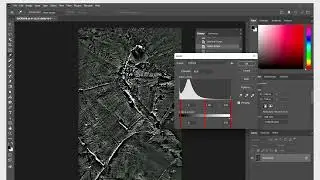
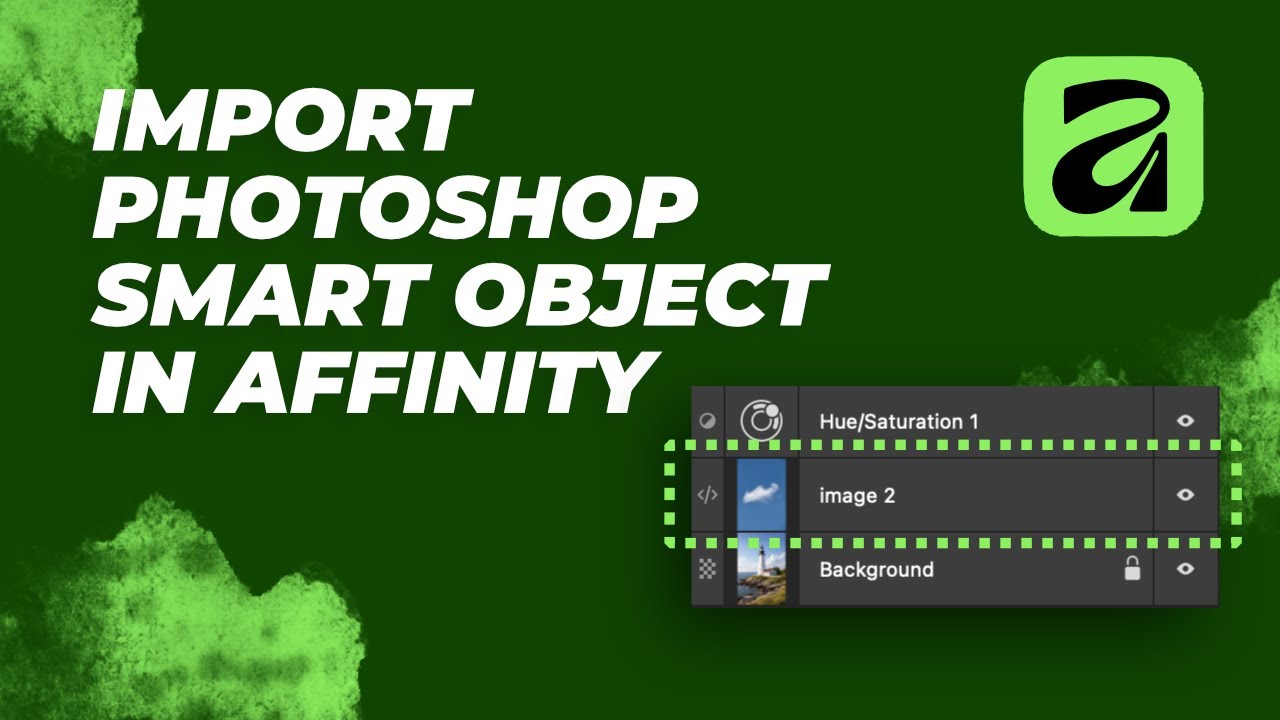
Enable AMAZING Photoshop Smart Object Import in Affinity
Автор: Affinity Tilde
Загружено: 2026-01-15
Просмотров: 358
Описание:
Learn how to enable amazing Photoshop smart object import in Affinity, a powerful alternative to Adobe Photoshop. This tutorial will guide you through the process of importing smart objects from Photoshop into Affinity, allowing you to work seamlessly with your existing files. Discover the capabilities of Affinity and how it can enhance your graphic design and photo editing workflow. By enabling smart object import, you'll be able to take advantage of Affinity's advanced features and tools while still utilizing your existing Photoshop files. Whether you're a professional designer or photographer, or just starting out, this tutorial will show you how to unlock the full potential of Affinity and take your creative work to the next level.
🎨 My Recommended Tools for Affinity Designer:
🟢 BEST BUDGET TABLET (Beginner Friendly)
👉 XP-Pen Deco 01 V2 (Affordable & Accurate)
https://amzn.to/4qAMZwn
🟢 DRAW DIRECTLY ON SCREEN (Best Value)
👉 XP-Pen Artist 12 (Screen Tablet)
https://amzn.to/4q9Tw1q
🟢 PROFESSIONAL OPTION (What Pros Use)
👉 Wacom Tablet (Premium Choice)
https://amzn.to/4jvtiUs
🟢 Must-Have Accessory
👉 Drawing Glove (Prevents Smudging)
https://amzn.to/3Yis7OF
🟢 Must-Have Accessory
👉 Wacom Pen
https://amzn.to/4aMIf2f
As an Amazon Associate, I earn from qualifying purchases. This helps support the channel at no extra cost to you.
Повторяем попытку...
Доступные форматы для скачивания:
Скачать видео
-
Информация по загрузке: