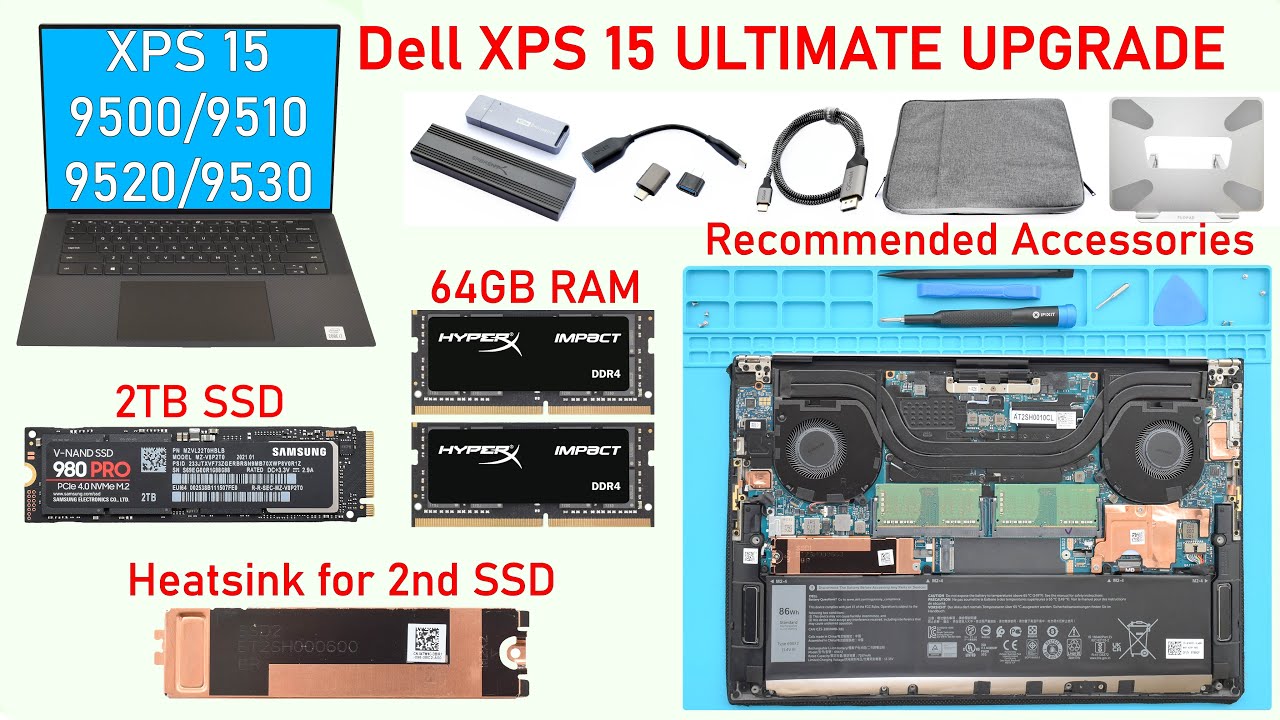
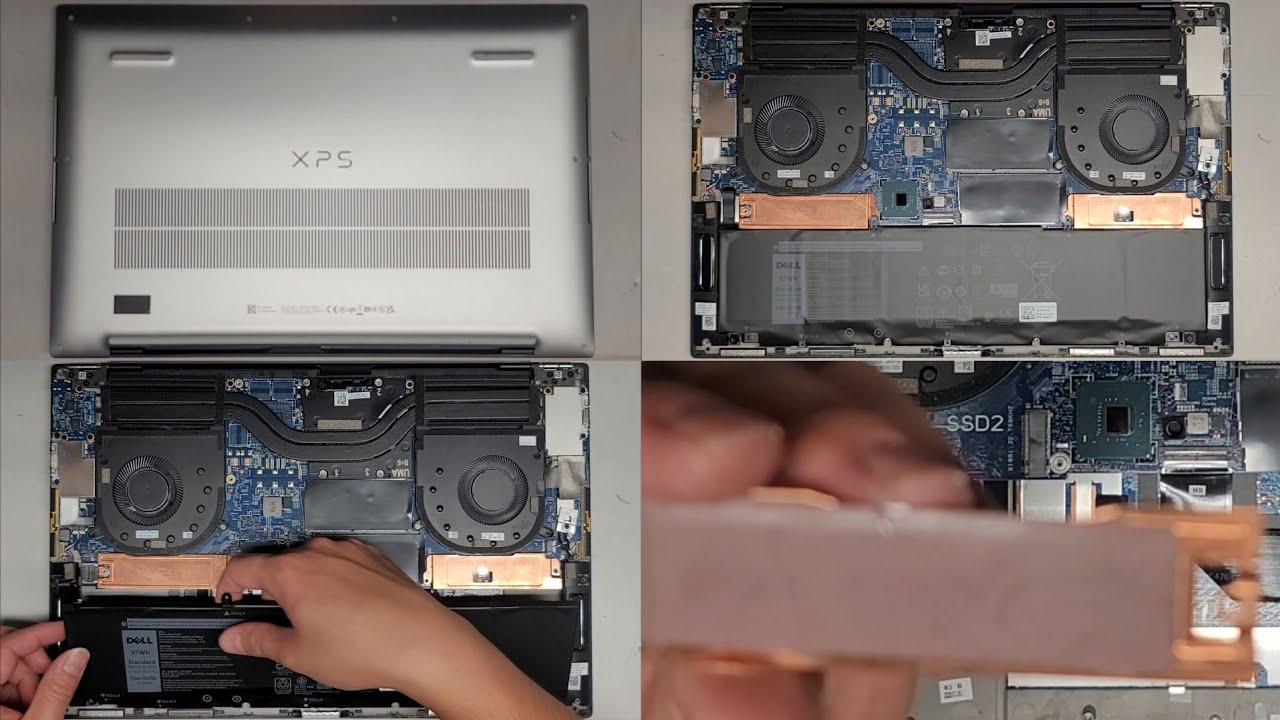
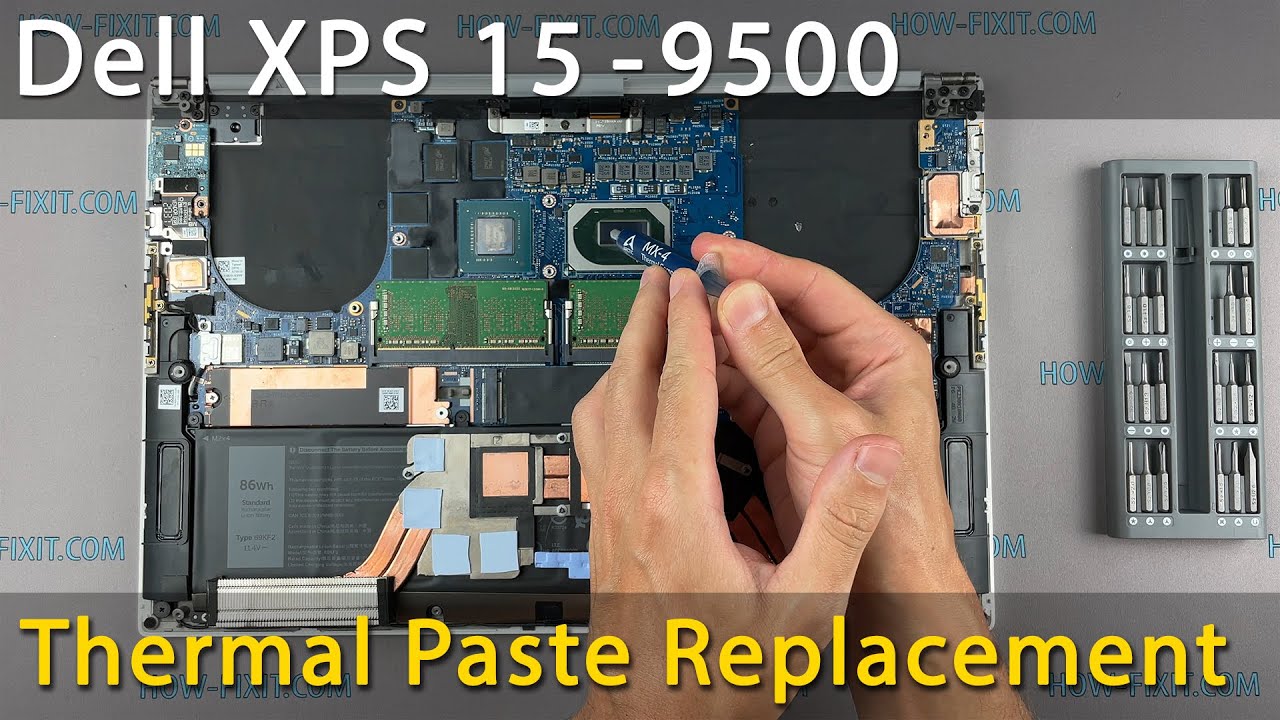
Dell XPS 15 9500 RAM Upgrade and Install - Your Step-by-Step DIY Guide!
Автор: How-FixIT
Загружено: 2021-12-10
Просмотров: 5775
Описание:
Welcome to our comprehensive guide on upgrading and installing RAM in your Dell XPS 9500 laptop.
Buy tools and parts on AMAZON:
Screwdriver Set: https://hfixt.com/spro
Opening Tool Set: https://hfixt.com/pryt
Magnetic Mat: https://hfixt.com/mat
Tweezers: https://hfixt.com/tzrs
DDR4 RAM: https://hfixt.com/ddr4
Global AliExpress:
DDR4 RAM: https://hfixt.com/alid4
Screwdriver set: https://hfixt.com/alis
Opening tool set: https://hfixt.com/alit
Tweezers set: https://hfixt.com/altz
Magnetic Mat: https://hfixt.com/amat
🚀✨ Useful links
How to fix laptop overheating: • How to Fix Laptop Overheating: 8 Solutions...
The best thermal paste for laptop: • The Best Thermal Paste for PC CPU, GPU and...
Laptop Cooling Pad Efficiency: • Laptop Cooling Pad Efficiency Test Reveale...
More DIY repair guides: https://how-fixit.com
Follow us for more tech tutorials:
Instagram: / howfixit
Facebook: / howfixit
Twitter: / howfixit
💻 DESCRIPTION
Welcome to our DIY guide on upgrading and installing RAM in your Dell XPS 9500 laptop! Upgrading your RAM is one of the most effective ways to boost your laptop's performance without breaking the bank. In this video, we'll cover everything you need to know, from selecting the right RAM to safely installing it on your laptop. Our step-by-step guide walks you through the process, making it accessible to beginners and seasoned tech enthusiasts alike.
If you found this video helpful, don't forget to give it a thumbs up and subscribe to our channel for more in-depth tech guides and tutorials. Share this video with friends who might benefit from a laptop RAM upgrade, and let us know in the comments if you have any questions or suggestions for future videos.
Key Takeaways:
Understand the tools required for laptop RAM upgrade.
Precautions to take before starting the upgrade process.
Step-by-step guide to disassembling your laptop and removing the old RAM module.
Tips for successfully reassembling your device after the upgrade.
Bonus content on laptop maintenance and CPU overheating in the description.
💡 Frequently Asked Questions:
Q: Is it safe to upgrade my laptop's RAM myself?
A: Yes, upgrading your laptop's RAM is a relatively straightforward process as long as you follow proper precautions and handle the components with care.
Q: Will upgrading my laptop's RAM void the warranty?
A: In most cases, upgrading your laptop's RAM yourself will not void the warranty. However, it's always a good idea to check with the manufacturer to confirm.
Q: Can I mix different brands or speeds of RAM modules?
A: Yes, it's possible. But generally recommended to use identical speeds RAM modules to ensure optimal performance.
Q: How do I know if my laptop needs a RAM upgrade?
A: If your laptop is experiencing slow performance, frequent freezing, or struggles to run multiple programs simultaneously, it may benefit from a RAM upgrade.
Q: How much RAM do I need for gaming or video editing?
A: The amount of RAM needed for gaming or video editing depends on the specific requirements of the games or editing software you use. Generally, 16GB or more is recommended for smooth performance.
Q: How can I check the maximum RAM that my laptop supports?
A: First, you need to check on the Intel website the maximum RAM your processor supports. Next, check the number of RAM slots your laptop has. Knowing the number of slots and the amount of RAM supported by your laptop CPU, you can purchase the maximum RAM module for your laptop.
AFFILIATE PROGRAM
We are a participant in the Amazon Services LLC Associates Program, an affiliate advertising program designed to provide a means for us to earn fees by linking to Amazon and affiliated sites.
#howfixit #laptopupgrade #diy #guide #techtutorial
Повторяем попытку...

Доступные форматы для скачивания:
Скачать видео
-
Информация по загрузке: