iPhone Virus Warning: How to Get Rid of Fake Apple Security Alerts in iOS 16
Автор: iPhone Life
Загружено: 2021-11-04
Просмотров: 22539
Описание:
Whatever you do, don't tap on any fake iPhone virus links or pop-ups! We'll teach you how to handle it instead.
To read a step-by-step tutorial visit: https://www.iphonelife.com/content/ip...
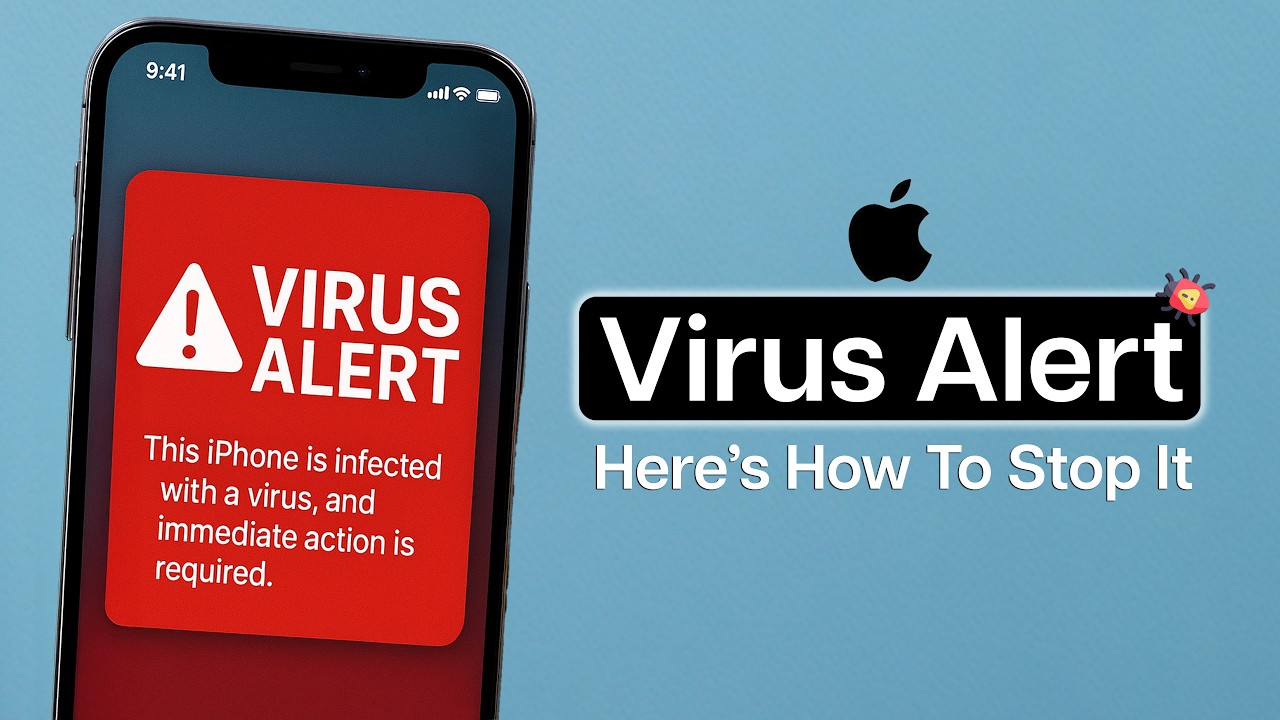
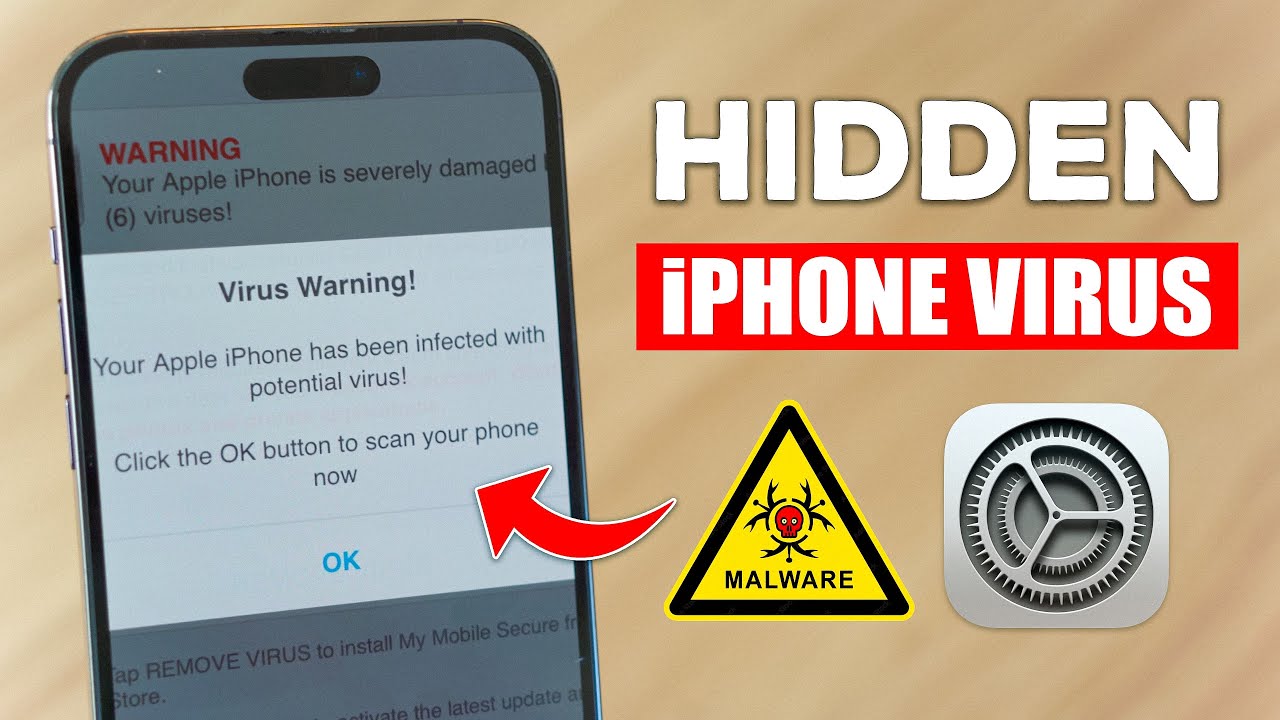
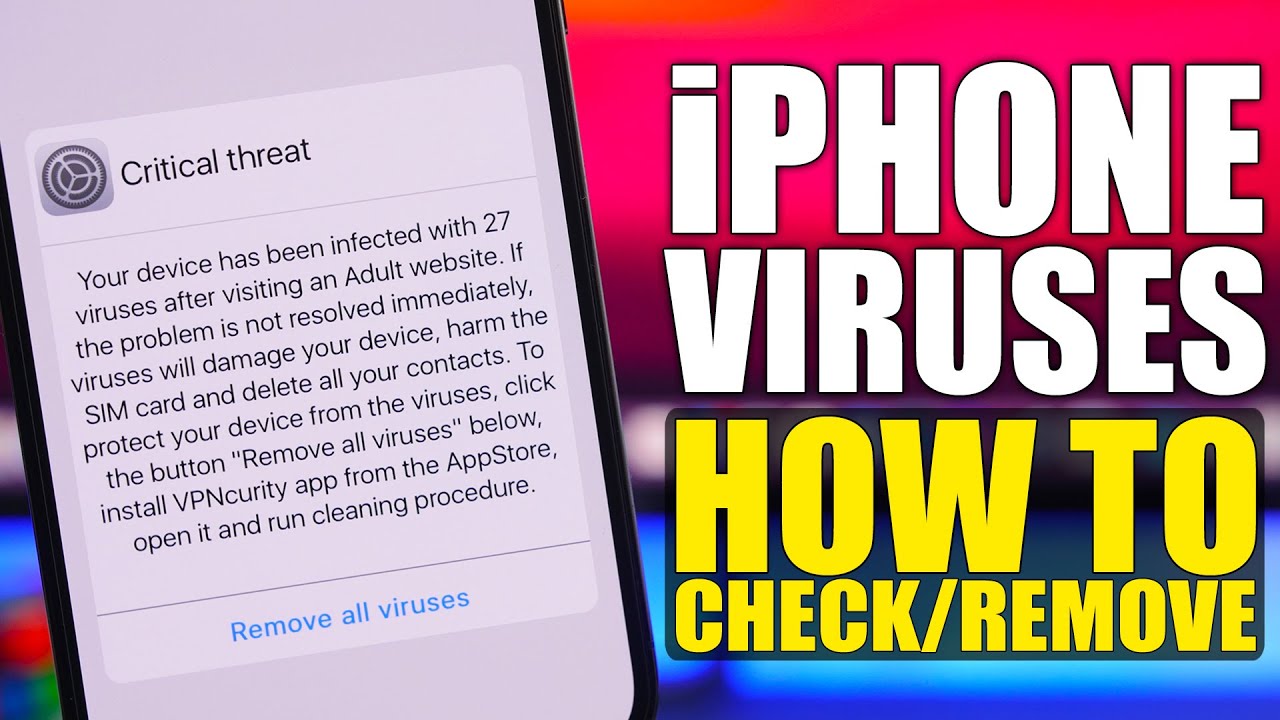
It can be alarming when you're browsing a website and a pop-up appears warning you of an iPhone virus! Virus warnings and Apple security alerts like these are scams designed to get you to call or tap on a link. Read on to learn how to safely stop these scams by turning on pop-up blocker settings.
Why You’ll Love This Tip
Protect yourself from fraudulent virus warnings and phishing sites that can infect your iPhone with malware or trick you into giving away personal data.
Block annoying pop-ups that interrupt your web browsing on Safari.
How to Get Rid of Fake iPhone Virus Warnings
If you get a virus warning in a pop-up, the first thing to remember is that Apple doesn't send out messages like these; don't tap on it or call any numbers listed on the fake alert. Don't even tap on the pop-up to close it! Some scam alerts seem to have an X or Close option that only resembles a close button but will actually direct you to the phishing site. Instead, follow the steps below:
1. Do NOT tap anywhere on the pop-up. Instead, tap the tab icon.
2. Tap the X button on the tab or swipe up to safely close it.
3. Open the Settings app.
4. Toggle on Airplane Mode; this temporarily disconnects your phone from the internet so you can reset Safari while blocking unwanted access to your iPhone.
To read the full article visit: https://www.iphonelife.com/content/ip...
Повторяем попытку...

Доступные форматы для скачивания:
Скачать видео
-
Информация по загрузке: