ycliper

Популярное

Музыка Кино и Анимация Автомобили Животные Спорт Путешествия Игры Юмор

Интересные видео

2025 Сериалы Трейлеры Новости Как сделать Видеоуроки Diy своими руками

Топ запросов

смотреть а4 schoolboy runaway турецкий сериал смотреть мультфильмы эдисон
Скачать

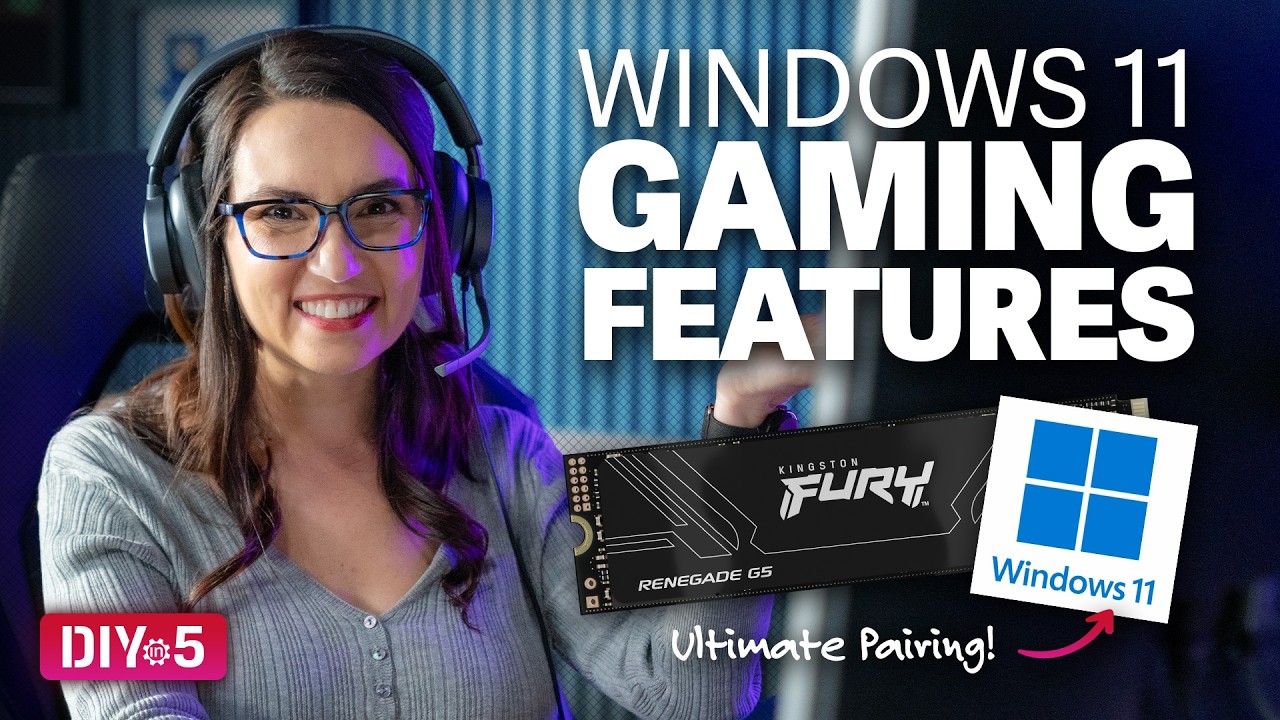
Windows 11 Gaming Features – DIY in 5 Ep 270

Автор: Kingston Technology

Загружено: 2026-03-08

Просмотров: 2764

Описание: Windows 11’s strict hardware requirements and buggy updates earn it a fair amount of criticism, but for those using it, its gaming-focused features can offer significant advantages in terms of gaming performance.
This video looks at five Windows 11 features that make your games faster, prettier, and generally better.

DirectStorage
One of the biggest upgrades for Windows 11 gamers is DirectStorage. It lets your NVMe SSD send game data direct to your GPU, skipping the CPU stage. This results in faster load times and smoother world rendering, particularly in giant open-world games. Partner Windows 11 with a PCIe 5.0 SSD like the Kingston FURY Renegade G5 (https://www.kingston.com/en/ssd/gamin...) and DirectX 12 for a gaming dream team.

Game Mode
In Settings → Gaming, you can switch on Game Mode, which reallocates system resources to the CPU and GPU, quiets background tasks, and keeps things smooth. Especially useful for those on mid-range machines! The Game Bar is also a useful gaming resource: a quick-access hub for stats, recording, audio mixing etc.

Auto HDR
Windows 11’s Auto HDR is like giving your old games a surprise makeover. A display that supports HDR will yield brighter brights, darker darks, and richer colors. It’s a simple toggle on/off setting for instant glow-up. To really kick features like this into overdrive, upgrade your hardware with things like faster NVMe SSDs, higher capacity RAM and faster memory modules. The reduction in load times and smoother frame pacing will improve general performance, especially with demanding titles.

DirectX 12
Windows 11 is built to work hand-in-hand with DirectX 12, delivering higher frame rates, lower CPU overhead, and better visuals overall, especially for certain titles.
One last tip: improved hardware-accelerated GPU scheduling means your CPU workload is spread more intelligently. This means tasks are offloaded to the GPU. With this, memory optimizations, and DirectStorage, your PC becomes a much more efficient gaming machine.
Hopefully these tips helped Windows 11 users familiarize themselves with their operating system’s top gaming features and power up their playtime. Happy gaming!
Got questions about the video or Kingston products? COMMENT or contact us on SOCIAL MEDIA:
Twitter:   / kingstontech  
Instagram:   / kingstontechnology  
Facebook:   / kingstontechnology  
LinkedIn:   / kingston  
SUBSCRIBE for more DIY in 5 videos, and receive updates on the latest in Kingston’s memory & storage development, plus guides on getting peak performance from your hardware:
   / @kingston  

0:00 Intro
0:27 DirectStorage
1:03 Game Mode
1:29 Auto HDR
2:04 DirectX 12

Не удается загрузить Youtube-плеер. Проверьте блокировку Youtube в вашей сети.
Повторяем попытку...
Windows 11 Gaming Features – DIY in 5 Ep 270

Поделиться в:

Доступные форматы для скачивания:

Скачать видео

  • Информация по загрузке:

Скачать аудио

Похожие видео

Как Windows работает с ОЗУ или почему вам НЕ НУЖНЫ гигабайты памяти

Как Windows работает с ОЗУ или почему вам НЕ НУЖНЫ гигабайты памяти

Как взламывают любой Wi-Fi без пароля?

Как взламывают любой Wi-Fi без пароля?

Чем ОПАСЕН МАХ? Разбор приложения специалистом по кибер безопасности

Чем ОПАСЕН МАХ? Разбор приложения специалистом по кибер безопасности

Я полностью перешел на Linux и больше НИКОГДА не установлю Windows

Я полностью перешел на Linux и больше НИКОГДА не установлю Windows

Я удалил ВЕСЬ ВЕБ в Windows 11. Что из этого вышло?

Я удалил ВЕСЬ ВЕБ в Windows 11. Что из этого вышло?

Myths and Misinformation About SSDs – DIY in 5 Ep 269

Myths and Misinformation About SSDs – DIY in 5 Ep 269

Upgrade Your MSI Claw’s SSD – DIY in 5 Ep 263

Upgrade Your MSI Claw’s SSD – DIY in 5 Ep 263

Как восстановить файлы и флешку одной командой  Реквием

Как восстановить файлы и флешку одной командой Реквием

Что НА САМОМ ДЕЛЕ происходит, когда нажимаешь

Что НА САМОМ ДЕЛЕ происходит, когда нажимаешь "ПРИНЯТЬ ВСЕ КУКИ"?

США бьют тревогу, Израиль на нервах: что происходит вокруг Ирана

США бьют тревогу, Израиль на нервах: что происходит вокруг Ирана

Выбираем Linux для дома 🐧 За что влюбляются в Bazzite и почему бегут от Windows 11.

Выбираем Linux для дома 🐧 За что влюбляются в Bazzite и почему бегут от Windows 11.

Билл Гейтс В ЯРОСТИ: Lenovo заменяет Windows на Linux!

Билл Гейтс В ЯРОСТИ: Lenovo заменяет Windows на Linux!

Установка ИДЕАЛЬНОЙ Windows 11

Установка ИДЕАЛЬНОЙ Windows 11

Как вредит смартфону беспроводная зарядка? + НОВОСТИ!

Как вредит смартфону беспроводная зарядка? + НОВОСТИ!

External SSD Tips - DIY in 6 Ep 266

External SSD Tips - DIY in 6 Ep 266

Как ускорить работу Windows за 10 минут

Как ускорить работу Windows за 10 минут

Настоящая причина роста ненависти к Windows: дело не только в пользовательском интерфейсе — это к...

Настоящая причина роста ненависти к Windows: дело не только в пользовательском интерфейсе — это к...

РОУТЕР С VPN за 1200₽ | OpenWRT + Podkop + Amnezia | Полный Гайд на Xiaomi 4С

РОУТЕР С VPN за 1200₽ | OpenWRT + Podkop + Amnezia | Полный Гайд на Xiaomi 4С

⚡️ПЛАН БУНТА УЖЕ РЕАЛИЗУЕТСЯ? КТО ШАТАЕТ РЕЖИМ? Михаил Делягин

⚡️ПЛАН БУНТА УЖЕ РЕАЛИЗУЕТСЯ? КТО ШАТАЕТ РЕЖИМ? Михаил Делягин

Не устанавливай WINDOWS, пока не посмотришь это!

Не устанавливай WINDOWS, пока не посмотришь это!

© 2025 ycliper. Все права защищены.


  • Контакты
  • О нас
  • Политика конфиденциальности


Контакты для правообладателей: [email protected]