Hakko FX-888D Password Reset Procedure
Автор: Tek Tech
Загружено: 2025-01-04
Просмотров: 1143
Описание:
The password reset procedure in Hakko 888D soldering station is not included in the original Instruction Manual. This reset is different from the "factory settings reset" - which will not reset the password.
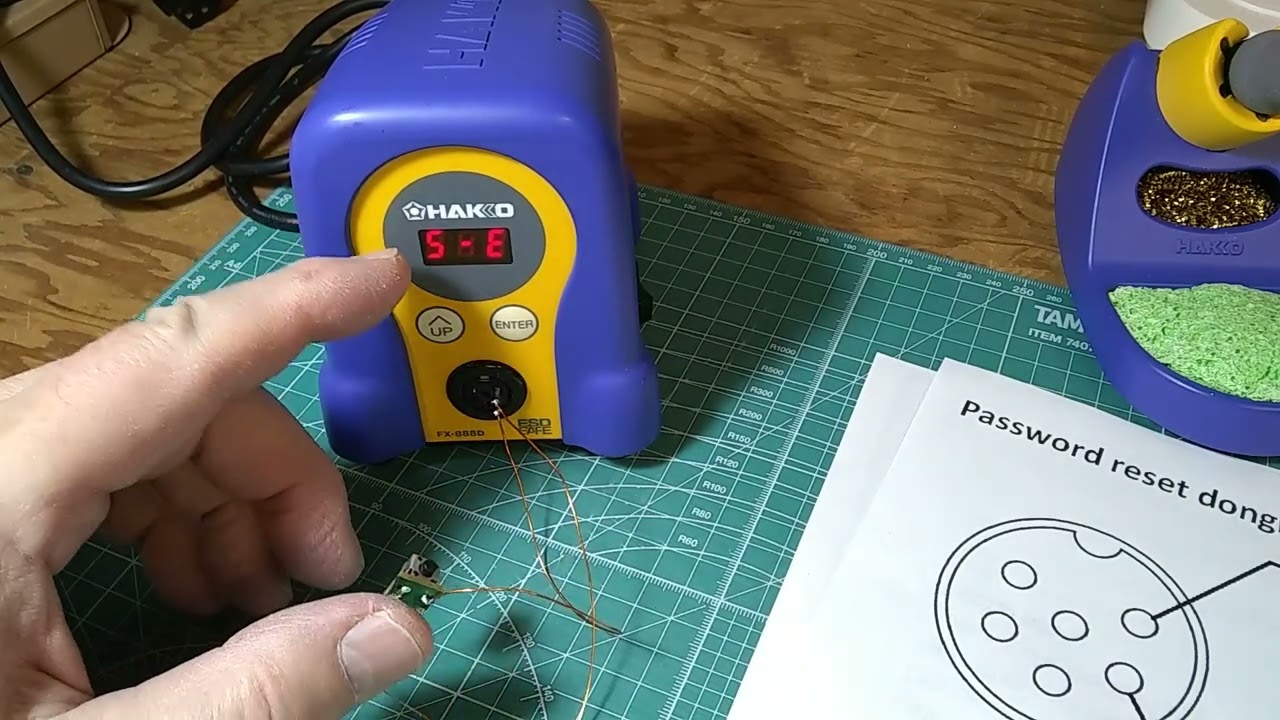
For Password reset you will need a special dongle to plug in in place of the iron pencil, or make you own device using 56 Ohm resistor (any Wattage) and a momentary switch. The two pins on the right hand side of the soldering iron's socket need to be bridged with the 56 Ohm resistor for the password reset.
1. Turn off the station.
2. Plug in the resistor and switch into the station (as seen in video).
3. Holding down the ENTER button, turn on the station.
4. When "S-E" is displayed release the ENTER button.
5. Press the resistor switch button. First the set temperature is displayed, then the sensor temperature is displayed.
6. As soon as the sensor temperature is displayed, release the push button switch.
7. "S-E" will show on the display.
8. Quickly press the switch and hold.
9. First the set temperature will be displayed, then the sensor temperature, then "rSt".
10. Turn off the station.
If "rSt" is not displayed, keep repeating the same procedure
Повторяем попытку...
Доступные форматы для скачивания:
Скачать видео
-
Информация по загрузке: