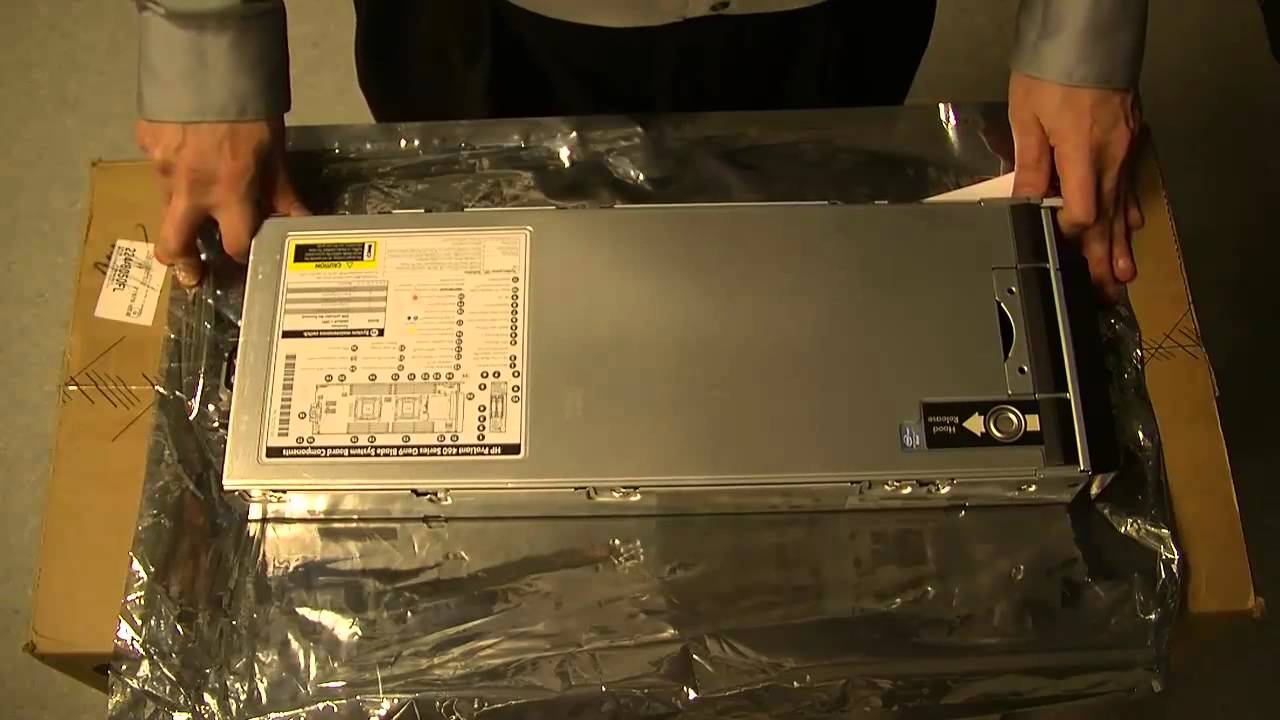
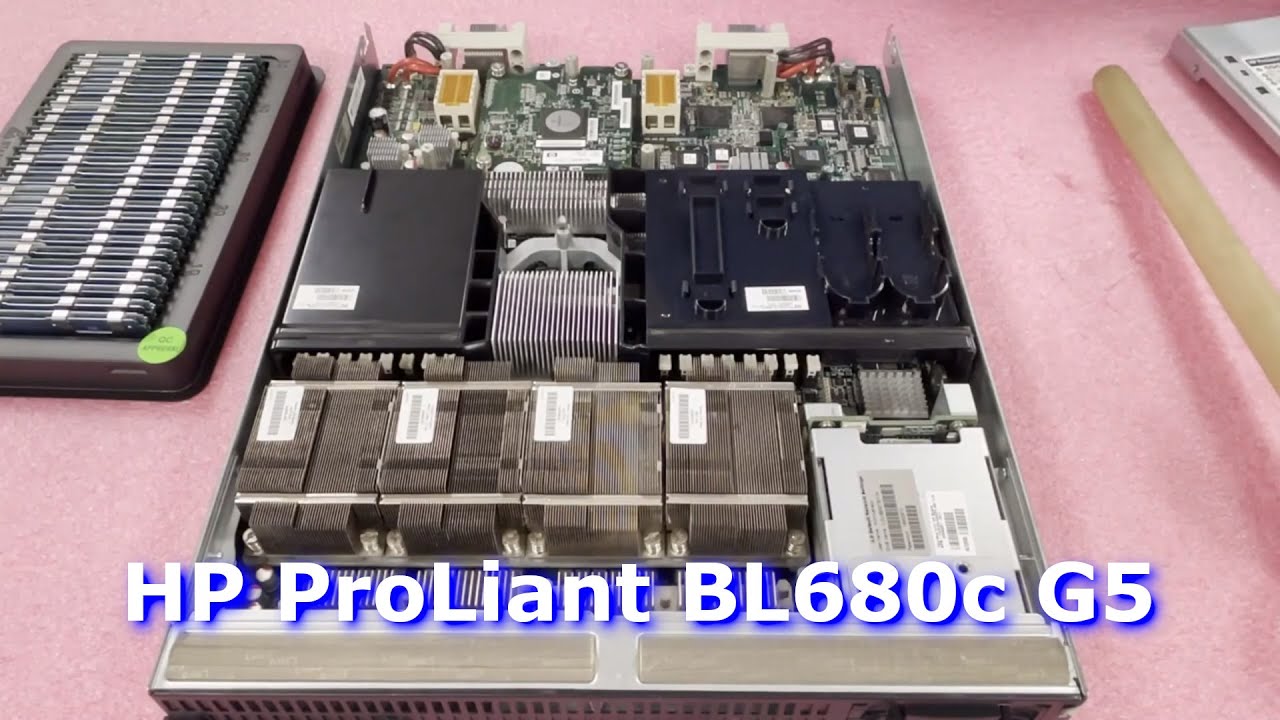
HP ProLiant BL680c G5 Blade Server Memory Overview | How to Install RAM | DDR2 Fully Buffered FBDIMM
Автор: Cloud Ninjas
Загружено: 2021-09-01
Просмотров: 882
Описание:
HP ProLiant BL680c G5 - In our video, we will review the different sizes, speeds and types of memory compatible with the HP BL680c G5 blade server. We will demonstrate how to properly upgrade, install and configure your memory. Learn some tips and tricks before you install your memory. Leanlen how to utilize the memory channels to maximize performance. Sit back and enjoy. Thanks for watching!
Let's get started. The HP ProLiant BL680c G5 blade server has 8 DIMM slots based on DDR2 memory. There are a couple of options as far as speed: 667MHz or 800MHz. 667 is predominate and most common. There are a few sizes you can use: 512MB 1GB 2GB 4GB or 8GB. The HP ProLiant BL680C G5 only supports 1 type of memory and that is DDR2 Fully Buffered also known as FBDIMM. The max configuration is 64GB via 8 x 8GB 667MHz DDR2 PC2-5300F Fully Buffered Server Memory.
If you are looking to upgrade your BL680c G5 Blade Server, then please email [email protected].
Buy HP ProLiant BL680c G5 Blade Server Memory Upgrades -
https://cloudninjas.com/collections/p...
Buy HP ProLiant BL680c G5 Blade Server Solid State Drive Upgrades - https://cloudninjas.com/collections/h...
Appreciate you stopping by. Do us a favor and click the like and smash the subscribe.
Follow us
/ realcloudninjas
/ realcloudninjas
Повторяем попытку...
Доступные форматы для скачивания:
Скачать видео
-
Информация по загрузке: