Скачать
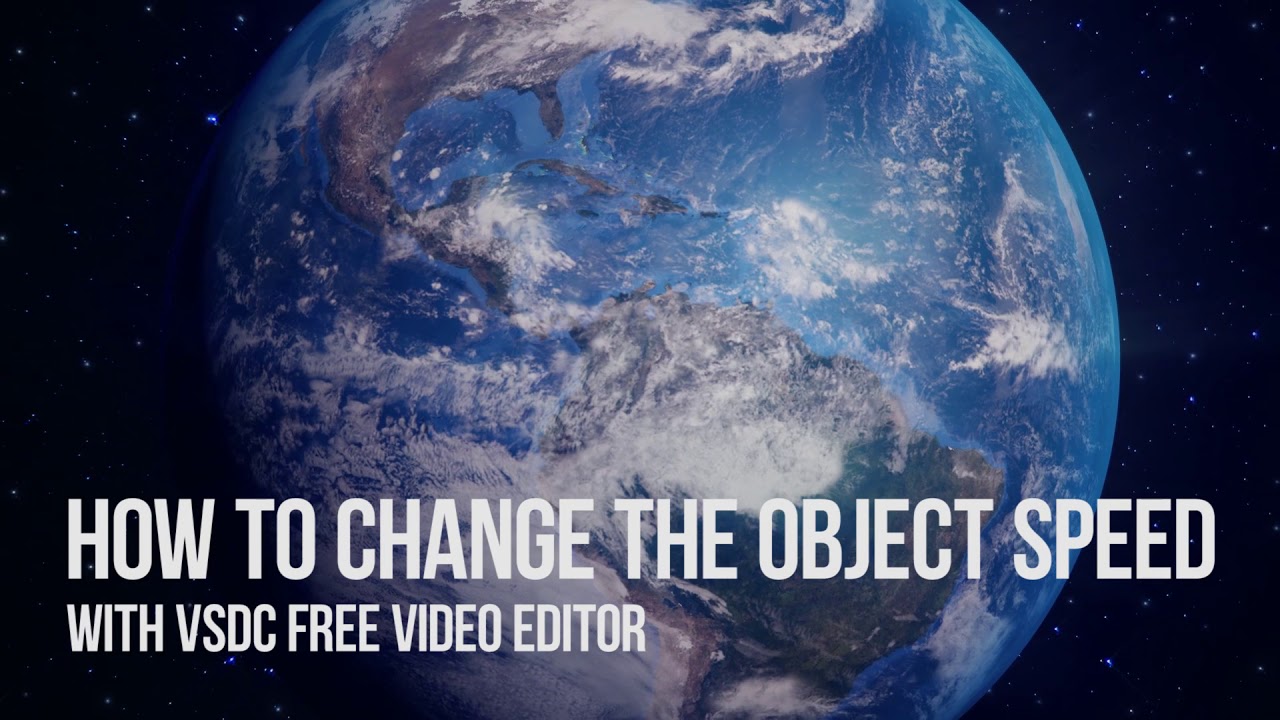
Lifehack: change the effect/object/filter's speed in VSDC Free Video Editor
Автор: VSDC Free Video Editor
Загружено: 2017-08-22
Просмотров: 3772
Описание:
This video tutorial will show you a small trick how you can change a required object or effect's speed. As an example we take the Zoom filter.
The principle is as follows: the less the object's duration on the layer is, the higher its speed will be. As simple as that!
Other lifehacks:
Motion with interruptions - • Lifehack: add motion with stops and interr...
Smooth zooming transitions - • Lifehack: making smooth zoom transitions
Download Free Video Editor at https://goo.gl/GozxR7
Не удается загрузить Youtube-плеер. Проверьте блокировку Youtube в вашей сети.
Повторяем попытку...
Повторяем попытку...
Доступные форматы для скачивания:
Скачать видео
-
Информация по загрузке:



![[VSDC Pro] How to apply MASKING in VSDC Video Editor](https://imager.clipsaver.ru/XYtppndYoqQ/max.jpg)