Solving the Common Webpack Error: Currently No Loaders Are Configured to Process This File
Автор: vlogize
Загружено: 2025-10-02
Просмотров: 2
Описание:
How to resolve the Webpack error in a TypeScript and React project by configuring loaders correctly.
---
This video is based on the question https://stackoverflow.com/q/62711364/ asked by the user 'Damian Jacobs' ( https://stackoverflow.com/u/11848391/ ) and on the answer https://stackoverflow.com/a/62714156/ provided by the user 'Damian Jacobs' ( https://stackoverflow.com/u/11848391/ ) at 'Stack Overflow' website. Thanks to these great users and Stackexchange community for their contributions.
Visit these links for original content and any more details, such as alternate solutions, latest updates/developments on topic, comments, revision history etc. For example, the original title of the Question was: Currently no loaders are configured to process this file
Also, Content (except music) licensed under CC BY-SA https://meta.stackexchange.com/help/l...
The original Question post is licensed under the 'CC BY-SA 4.0' ( https://creativecommons.org/licenses/... ) license, and the original Answer post is licensed under the 'CC BY-SA 4.0' ( https://creativecommons.org/licenses/... ) license.
If anything seems off to you, please feel free to write me at vlogize [AT] gmail [DOT] com.
---
Solving the Common Webpack Error: Currently No Loaders Are Configured to Process This File
If you're working with a TypeScript (TS) and React project, you might encounter an error message like this: "Currently no loaders are configured to process this file." This can be frustrating, especially when you're trying to bundle your project using Webpack and ensure that your components, styles, and assets are all properly managed. In this post, we'll walk through the problem and provide a step-by-step guide to fixing it.
Understanding the Problem
When bundling your TypeScript React application with Webpack, it’s crucial that Webpack knows how to handle various file types, including TypeScript files, CSS files, and images. The error generally indicates that Webpack couldn’t find a specified loader for the file type that was being processed.
Common Loaders You May Need
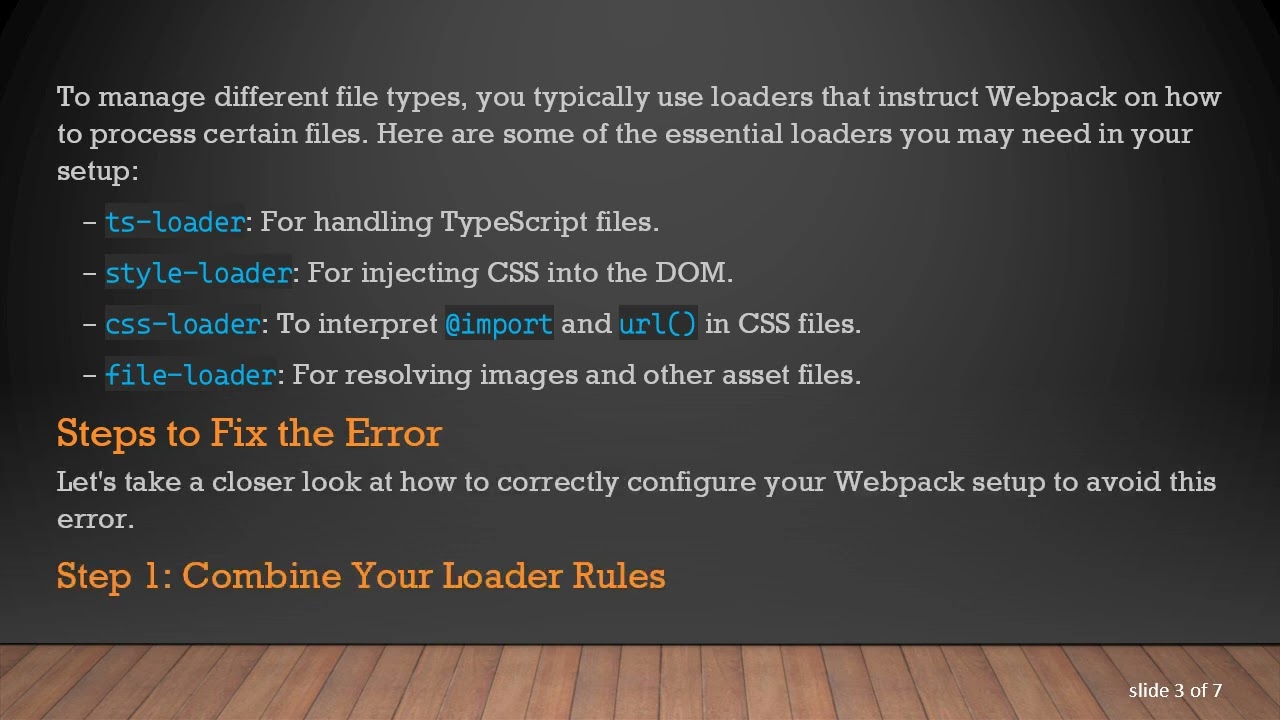
To manage different file types, you typically use loaders that instruct Webpack on how to process certain files. Here are some of the essential loaders you may need in your setup:
ts-loader: For handling TypeScript files.
style-loader: For injecting CSS into the DOM.
css-loader: To interpret @ import and url() in CSS files.
file-loader: For resolving images and other asset files.
Steps to Fix the Error
Let's take a closer look at how to correctly configure your Webpack setup to avoid this error.
Step 1: Combine Your Loader Rules
One of the common pitfalls is having multiple module section definitions in your Webpack configuration file (webpack.config.js). Make sure all your loader rules are inside one module object. Here’s the corrected configuration:
[[See Video to Reveal this Text or Code Snippet]]
Step 2: Double Check Your Installations
Ensure that you have installed all necessary loaders. You can use npm or yarn to verify and install them:
[[See Video to Reveal this Text or Code Snippet]]
Step 3: Check Your Project Files
Verify that your project is configured correctly in package.json, tsconfig.json, and your React components are structured properly. This includes ensuring file extensions and paths are correct.
Conclusion
Resolving the Currently no loaders are configured to process this file error is about ensuring your Webpack configuration is properly set up and that all necessary loaders are included in a single module rule set.
By following the steps above, you should be able to successfully bundle your TypeScript and React project without any issues. Happy coding!
Повторяем попытку...
Доступные форматы для скачивания:
Скачать видео
-
Информация по загрузке:


![🎅 [LIVE] Jak prowadzić samodzielnie rozliczenia BEZ popełniania błędów? Przepisy na 2026!](https://ricktube.ru/thumbnail/a_5YmfG7QqI/mqdefault.jpg)


