How to Make a 3D Striped Globe in Illustrator (Easy Logo Trick) + Free Download
Автор: CreativeAlys
Загружено: 2019-11-13
Просмотров: 7488
Описание:
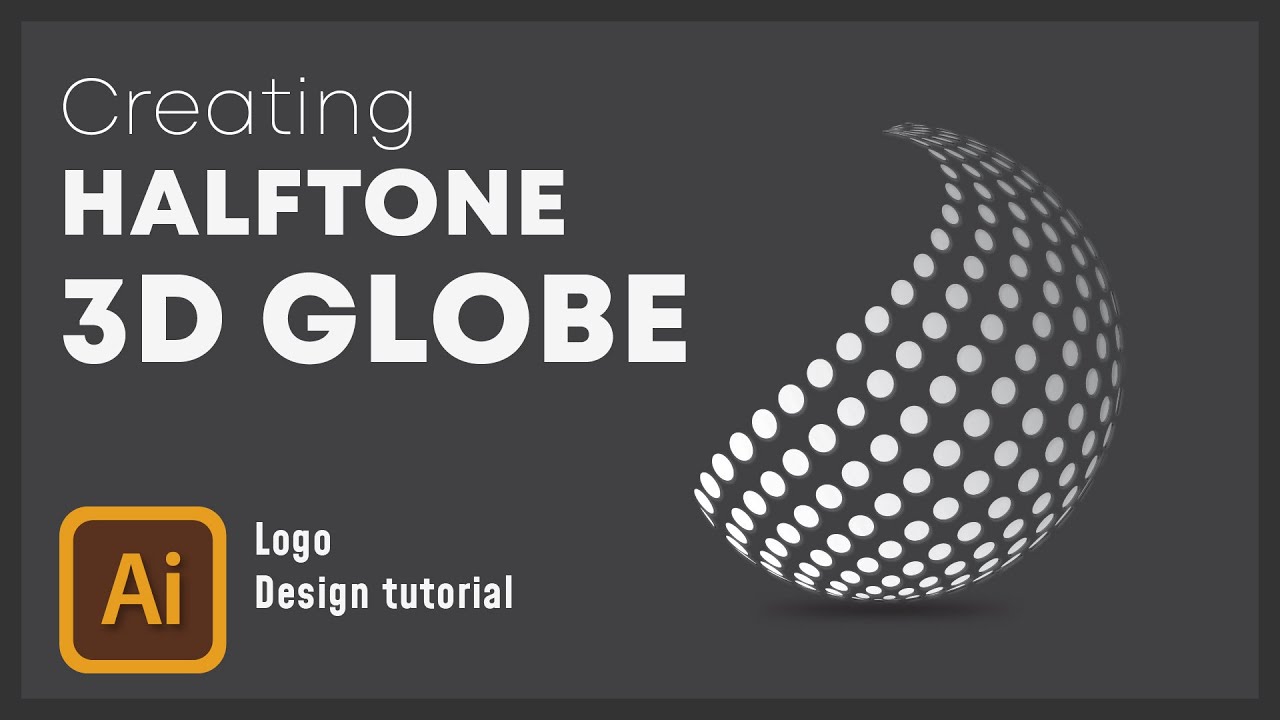
Learn how to create a 3D Striped Globe in Adobe Illustrator using the Revolve effect. This easy tutorial covers how to map symbols onto 3D spheres to create abstract logo designs.
⬇️ DOWNLOAD THE FREE VECTOR FILES:
https://creativealys.com/how-to-desig...
⏱️ Video Chapters:
0:00 - Intro & Preview of 3D Globes
0:20 - Setting up the Stripes & Symbols
2:34 - Using the 3D Revolve Effect
3:49 - Mapping Art to the 3D Sphere
5:16 - Expanding Appearance (Convert to Vector)
6:14 - Final Adjustments & Coloring
8:00 - How to Download the Source Files
About This Tutorial:
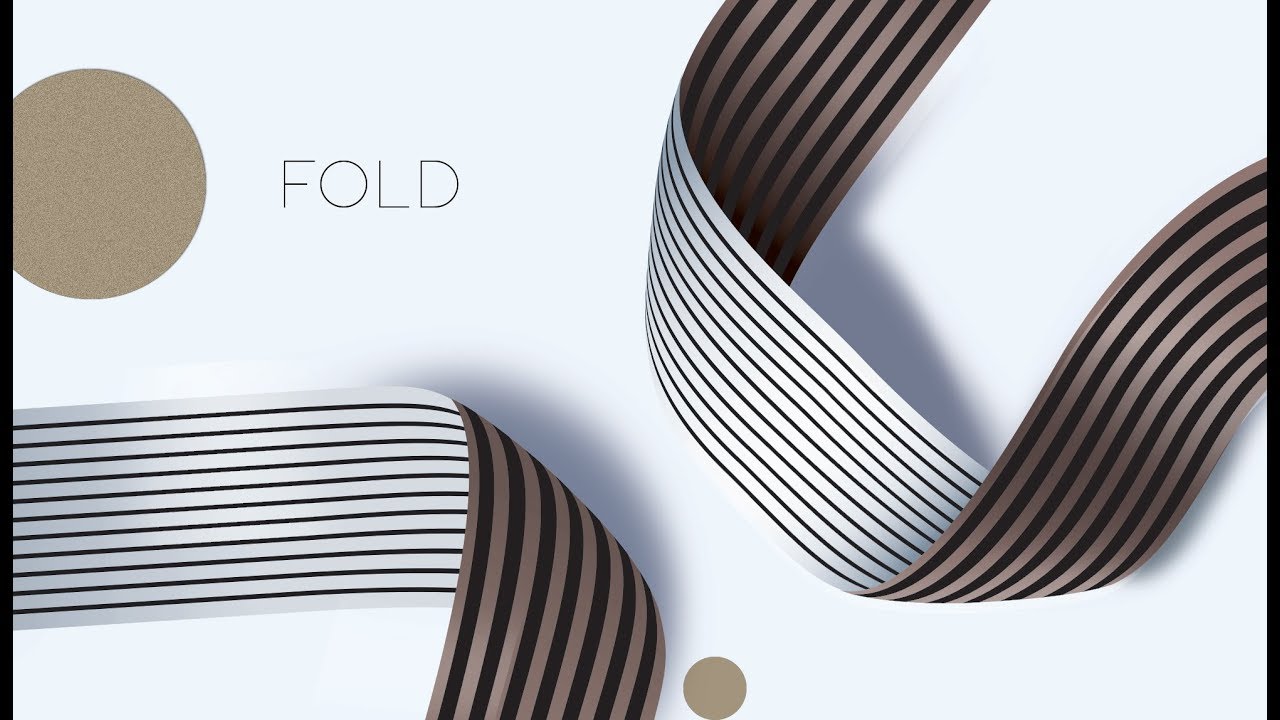
In this video, we explore the power of Adobe Illustrator 3D tools. By creating a simple pattern and saving it as a Symbol, we can wrap it around a sphere to create a "ribbon globe" effect. This technique is essential for creating modern, abstract logos.
Subscribe to CreativeAlys for more Adobe Illustrator and graphic design tutorials.
Повторяем попытку...

Доступные форматы для скачивания:
Скачать видео
-
Информация по загрузке: