Скачать
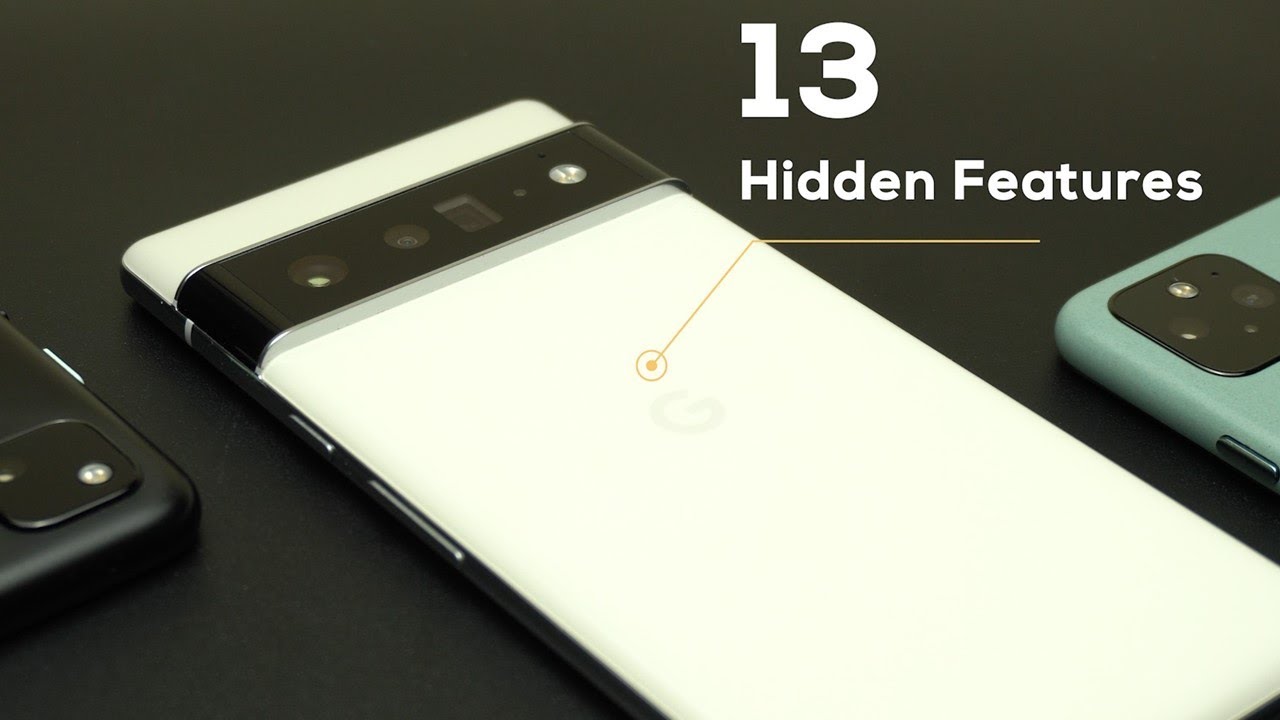
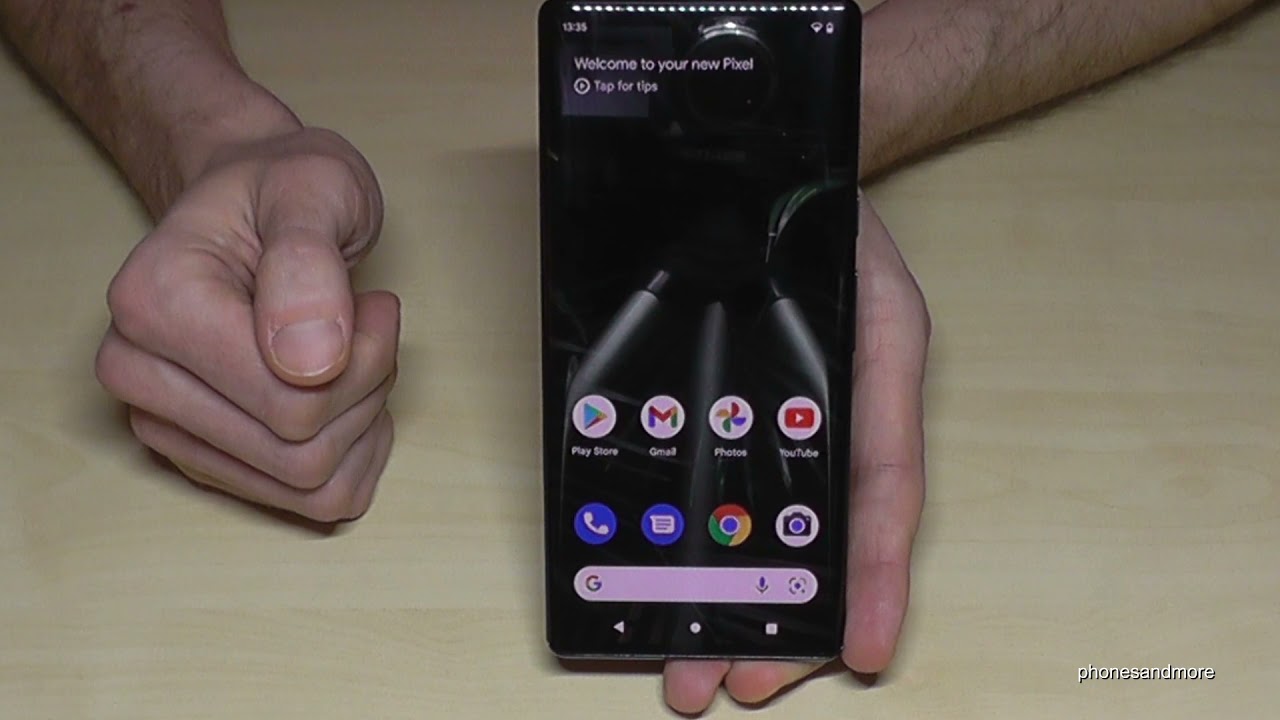
Google Pixel 6 (Pro): How to turn off the phone? And how to set up the Power Button?
Автор: phonesandmore
Загружено: 2021-10-30
Просмотров: 69927
Описание:
With this video, I will show you, how you can shut down the Google Pixel 6 and Google Pixel Pro. I will show you also, how you can set up the Side-Button as a real Power-Button
There are 2 ways to turn the phone off:
Way 1:
Use the "Side"-Button (former "Power"-Button) in combination with the "Volume Up"-Button and press it at the same time. After you can tap "Power off" or Restart the phone.
Way2:
Swipe down twice from the top to have the full shortcuts and at the centre of the screen you will find the "Power Off"-Symbol.
Thanks for watching for phonesandmore :-)
Не удается загрузить Youtube-плеер. Проверьте блокировку Youtube в вашей сети.
Повторяем попытку...
Повторяем попытку...
Доступные форматы для скачивания:
Скачать видео
-
Информация по загрузке: