ycliper

Популярное

Музыка Кино и Анимация Автомобили Животные Спорт Путешествия Игры Юмор

Интересные видео

2025 Сериалы Трейлеры Новости Как сделать Видеоуроки Diy своими руками

Топ запросов

смотреть а4 schoolboy runaway турецкий сериал смотреть мультфильмы эдисон
Скачать

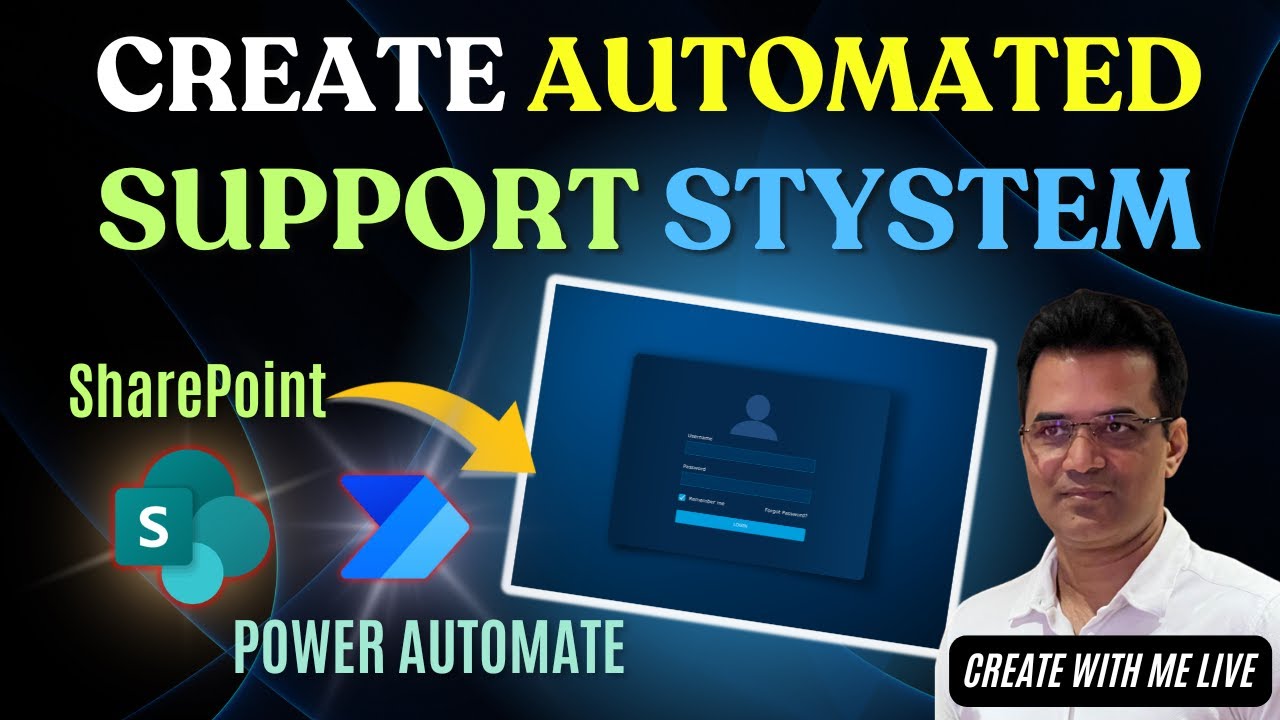
Create Automated Support System Using SharePoint & Power Automate | Microsoft 365

Автор: Sandeep Mishra

Загружено: 2023-08-18

Просмотров: 582

Описание: Welcome to our latest tutorial Support System Using SharePoint, where we'll show you how to build a automated support system using SharePoint and Power Automate. If you're looking to streamline your customer support, enhance employee productivity, and deliver a seamless user experience, you've come to the right place!

In this comprehensive guide, we'll walk you through the entire process step by step. You'll learn how to leverage the capabilities of SharePoint and Microsoft 365 to set up a robust support system that automates various aspects of your organization's support operations.

Here's what you can expect to learn in this video:

Introduction to SharePoint and Microsoft 365: We'll provide a brief overview of these essential tools and highlight their benefits for creating an automated support system.

Designing Your Support System: Learn how to plan and design a support system that meets your specific needs, whether it's for external customers or internal employees.

Setting Up SharePoint: We'll guide you through the process of creating a SharePoint site that will serve as the foundation for your support system.

Customizing Lists and Libraries: Discover how to tailor SharePoint lists and libraries to manage support tickets, knowledge bases, and more efficiently.

Automation with Power Automate: Dive into the world of Power Automate, a powerful automation tool, and see how it can be used to streamline support processes.

Integration with Microsoft 365 Apps: Explore how to integrate Microsoft 365 apps like Teams, Outlook, and more to enhance communication and collaboration within your support system.

User Access and Permissions: Learn how to configure user access and permissions to ensure data security and compliance.

Testing and Optimization: We'll show you how to thoroughly test your automated support system and provide tips for ongoing optimization.

By the end of this tutorial, you'll have the knowledge and skills to create an efficient, automated support system that can save you time and resources while providing an exceptional support experience.

Don't forget to like this video if you find it helpful, subscribe to our channel for more exciting tutorials, and hit the notification bell to stay updated with our latest content. If you have any questions or need further assistance, please leave a comment below, and we'll be happy to help!

Business Automation
   • Business Automation  

Marketing Ideas
   • Learn Marketing  

Linked In
  / sandeep-mishra-178786b  

Instagram
  / sandeepmishrastw  

Facebook
  / stwbusinessautomation  

Join Group
  / business6xgrowth  

#SharePoint #Microsoft365 #powerautomate #SupportSystem #Tutorial

Не удается загрузить Youtube-плеер. Проверьте блокировку Youtube в вашей сети.
Повторяем попытку...
Create Automated Support System Using SharePoint & Power Automate | Microsoft 365

Поделиться в:

Доступные форматы для скачивания:

Скачать видео

  • Информация по загрузке:

Скачать аудио

Похожие видео

PowerPoint Tips and Tricks in 5 Minutes - AI features in Power Point - 10X Your PowerPoint Skills

PowerPoint Tips and Tricks in 5 Minutes - AI features in Power Point - 10X Your PowerPoint Skills

Microsoft 365 Copilot – Chapter 8 | How to Use Microsoft Copilot with Work Account

Microsoft 365 Copilot – Chapter 8 | How to Use Microsoft Copilot with Work Account

Facebook Ads Manager Tutorial | From Setup to Launch #facebookads

Facebook Ads Manager Tutorial | From Setup to Launch #facebookads

Microsoft 365 Copilot – Chapter 10 | How to Create Custom AI Agent (Step-by-Step Guide)

Microsoft 365 Copilot – Chapter 10 | How to Create Custom AI Agent (Step-by-Step Guide)

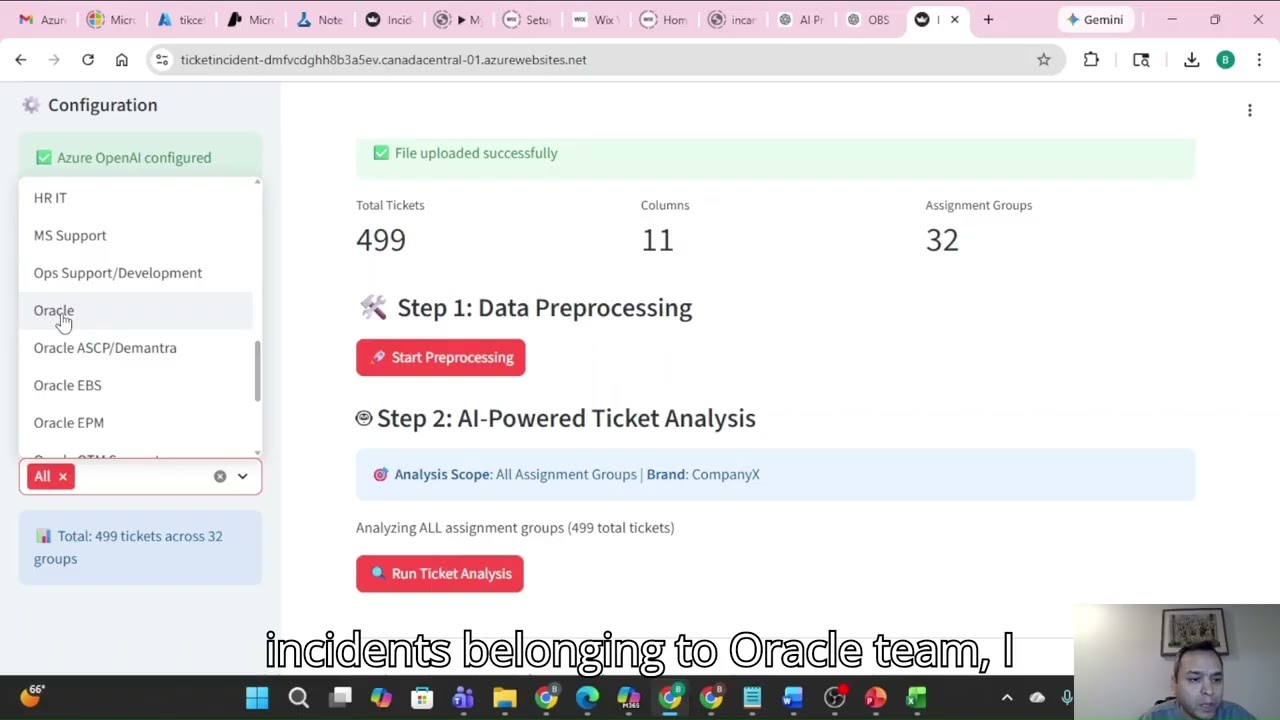
Production Support Incident Analysis Using Generative AI

Production Support Incident Analysis Using Generative AI

How to Launch a Facebook Ads Campaign Step-by-Step (Beginner to Pro Guide)

How to Launch a Facebook Ads Campaign Step-by-Step (Beginner to Pro Guide)

Чем ОПАСЕН МАХ? Разбор приложения специалистом по кибер безопасности

Чем ОПАСЕН МАХ? Разбор приложения специалистом по кибер безопасности

Редакция Live: Москва без интернета, aмериканский AI против Ирана, «Возьми телефон, детка»

Редакция Live: Москва без интернета, aмериканский AI против Ирана, «Возьми телефон, детка»

«Сыграй На Пианино — Я Женюсь!» — Смеялся Миллиардер… Пока Еврейка Не Показала Свой Дар

«Сыграй На Пианино — Я Женюсь!» — Смеялся Миллиардер… Пока Еврейка Не Показала Свой Дар

Я разобрал всю ИИ-экосистему Google — 7 ключевых инструментов

Я разобрал всю ИИ-экосистему Google — 7 ключевых инструментов

Как написать картину профессионально. Мастер-класс

Как написать картину профессионально. Мастер-класс

КАК УСТРОЕН TCP/IP?

КАК УСТРОЕН TCP/IP?

Фильм Алексея Семихатова «ГРАВИТАЦИЯ»

Фильм Алексея Семихатова «ГРАВИТАЦИЯ»

Как я автоматизировал NotebookLM с помощью Claude Code и Telegram

Как я автоматизировал NotebookLM с помощью Claude Code и Telegram

НЕВООБРАЗИМОЕ в ИРАНЕ! Такого ПОВОРОТА никто не ждал. ПОРТНИКОВ, ФЕЙГИН объяснили, что ДАЛЬШЕ

НЕВООБРАЗИМОЕ в ИРАНЕ! Такого ПОВОРОТА никто не ждал. ПОРТНИКОВ, ФЕЙГИН объяснили, что ДАЛЬШЕ

Промпты УМЕРЛИ. Вот что пришло на замену

Промпты УМЕРЛИ. Вот что пришло на замену

Save Microsoft Forms Attachments to SharePoint with Power Automate

Save Microsoft Forms Attachments to SharePoint with Power Automate

Потоки Power Automate: лицензирование, право собственности и ограничения API

Потоки Power Automate: лицензирование, право собственности и ограничения API

Azure Backup

Azure Backup

Automate Everything: Build Your First Copilot Agent

Automate Everything: Build Your First Copilot Agent

© 2025 ycliper. Все права защищены.


  • Контакты
  • О нас
  • Политика конфиденциальности


Контакты для правообладателей: [email protected]