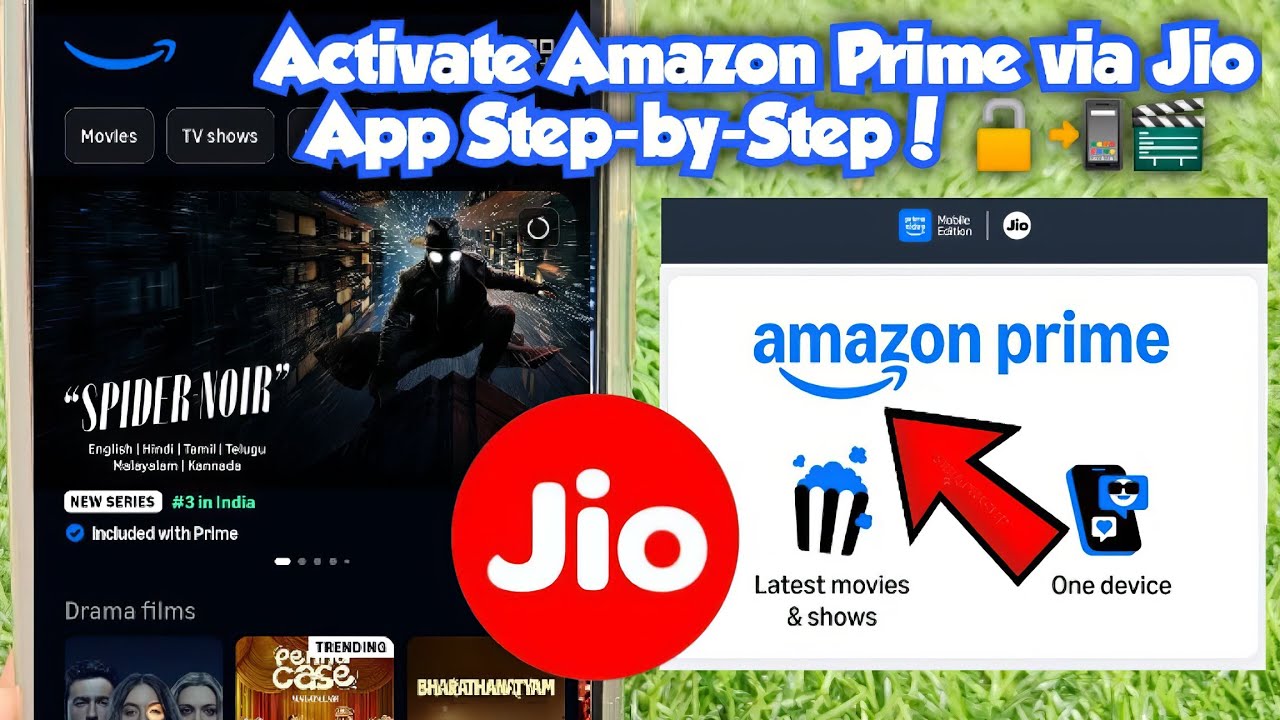
𝗔𝗰𝘁𝗶𝘃𝗮𝘁𝗲 𝗔𝗺𝗮𝘇𝗼𝗻 𝗣𝗿𝗶𝗺𝗲 𝘃𝗶𝗮 𝗝𝗶𝗼 𝗔𝗽𝗽 — 𝗦𝘁𝗲𝗽-𝗯𝘆-𝗦𝘁𝗲𝗽! 🔓📲🎬
Загружено: 2026-06-03
Просмотров: 1699
Описание:
Activate Amazon Prime via Jio App — Step-by-Step! 🔓📲🎬
In video I will show how to activate the Amazon Prime (Mobile/Prime Video) subscription that comes with the Jio ₹200 OTT add-on. Many users recharge but don’t know where to enable the Prime subscription — I walk you through the exact screens and steps so you can claim it easily.
What I cover:
Pre-reqs: active base recharge + active Jio ₹200 OTT add-on.
Where to find it: Jio app → Menu → My Plans / View Plan → scroll to My Subscriptions.
How to claim: tap Amazon Prime, follow the redirect to your browser, sign in with your mobile number or email, and confirm the activation.
Common issues and fixes: voucher not visible (force close app, update Jio app, clear cache), OTP problems, or redirected page errors.
Tips: check subscription status in Amazon account, and keep screenshots of confirmation for reference.
Step-by-step overlay checklist (short text you can show on-screen)
1. Open Jio App → Menu → My Plans.
2. Tap View Plan under your active base recharge.
3. Scroll down → My Subscriptions → Tap Amazon Prime.
4. Follow browser redirect → Sign in with mobile/email → Confirm subscription.
5. Verify on Amazon Account → Enjoy Prime features.
Quick notes
This is tied to the ₹200 OTT add-on — it won’t appear without it.
Offers and flows change; follow on-screen instructions and terms.
If activation fails, try updating the Jio app or contact Jio/Amazon support.
#Jio #AmazonPrime #Jio200 #OTT #HowTo #JioApp #PrimeVideo #RechargeTutorial #MobileTips #TechHelp #azarchannel
Повторяем попытку...
Доступные форматы для скачивания:
Скачать видео
-
Информация по загрузке: