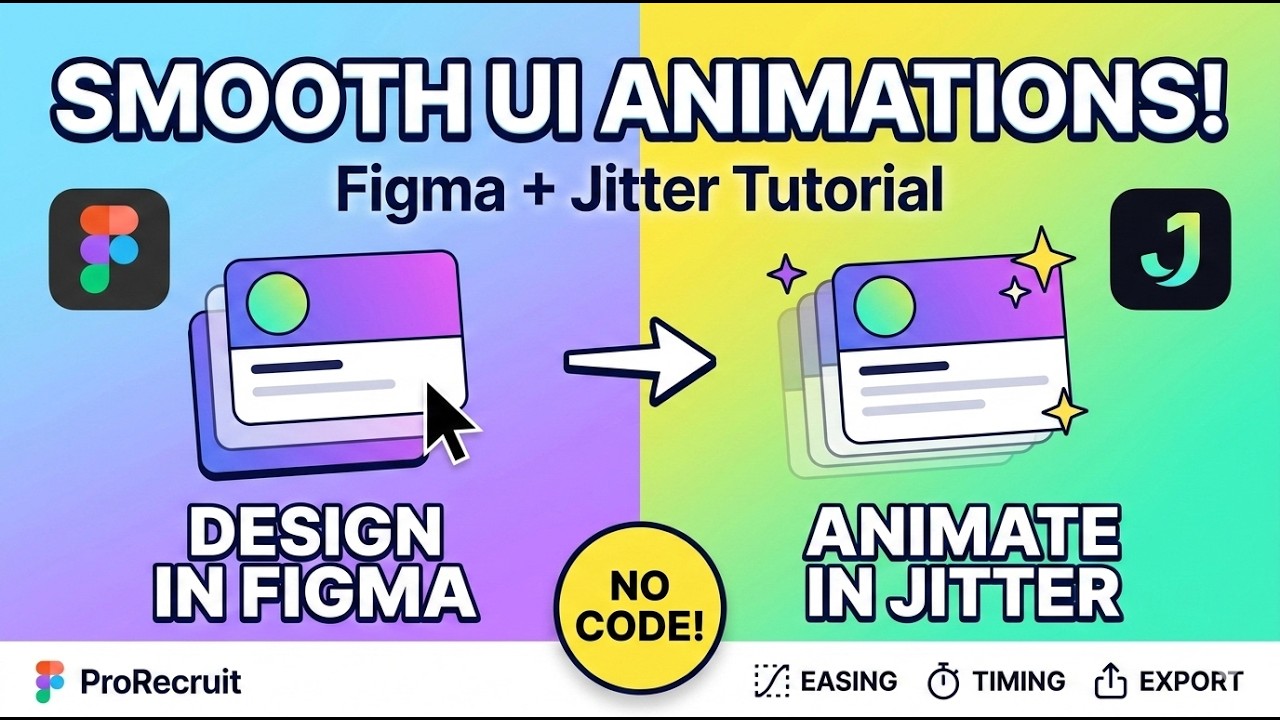
Figma to Jitter Animation Tutorial | Create Smooth UI Animations Step by Step
Автор: Prorecruit Learning Society
Загружено: 2026-01-17
Просмотров: 400
Описание:
Learn how to create smooth UI animations using Figma and Jitter step by step.
In this beginner-friendly tutorial, you’ll discover how to design cards in Figma, import them into Jitter, apply animations, control timing, frames, easing, and export high-quality animated videos for social media and marketing.
This video is perfect for:
UI/UX Designers
Product Designers
Beginners learning animation
Freelancers & marketers
📌 What you’ll learn:
Designing cards in Figma
Importing Figma designs into Jitter
Creating smooth animations & transitions
Frame control, timing & easing
Export settings (720p, watermark, formats)
Animation tips for fast workflow
👉 Subscribe to ProRecruit for more design, tech & skill-based tutorials.
Timestamps:
00:00–00:30 Introduction to Figma & Jitter
00:30–01:15 Designing cards in Figma
01:15–02:10 Importing Figma design into Jitter
02:10–02:57 Frames, perspective & layout
02:57–03:35 Animation timing & duration
03:35–04:52 Alignment & positioning tips
04:52–05:37 Using animations effectively
05:37–06:23 Speed, easing & smoothness
06:23–07:05 Export settings explained
07:05–08:01 Watermark & preview options
08:01–08:59 Copying & reusing animations
08:59–09:42 Transition & motion effects
09:42–10:14 Advanced animation options
10:14–11:25 Final tips & conclusion
#figma #jitter #uianimation #uxdesign #productdesign
#figmatutorial #animationdesign #designtools
#uiux #motiondesign #prorecruit
Повторяем попытку...
Доступные форматы для скачивания:
Скачать видео
-
Информация по загрузке:
![FIGMA С НУЛЯ ЗА 1 ЧАС: Полный курс для новичков [2025]](https://image.4k-video.ru/id-video/QxstLdREVYY)










![Почему работает теория шести рукопожатий? [Veritasium]](https://image.4k-video.ru/id-video/ggI1xKzoANs)


