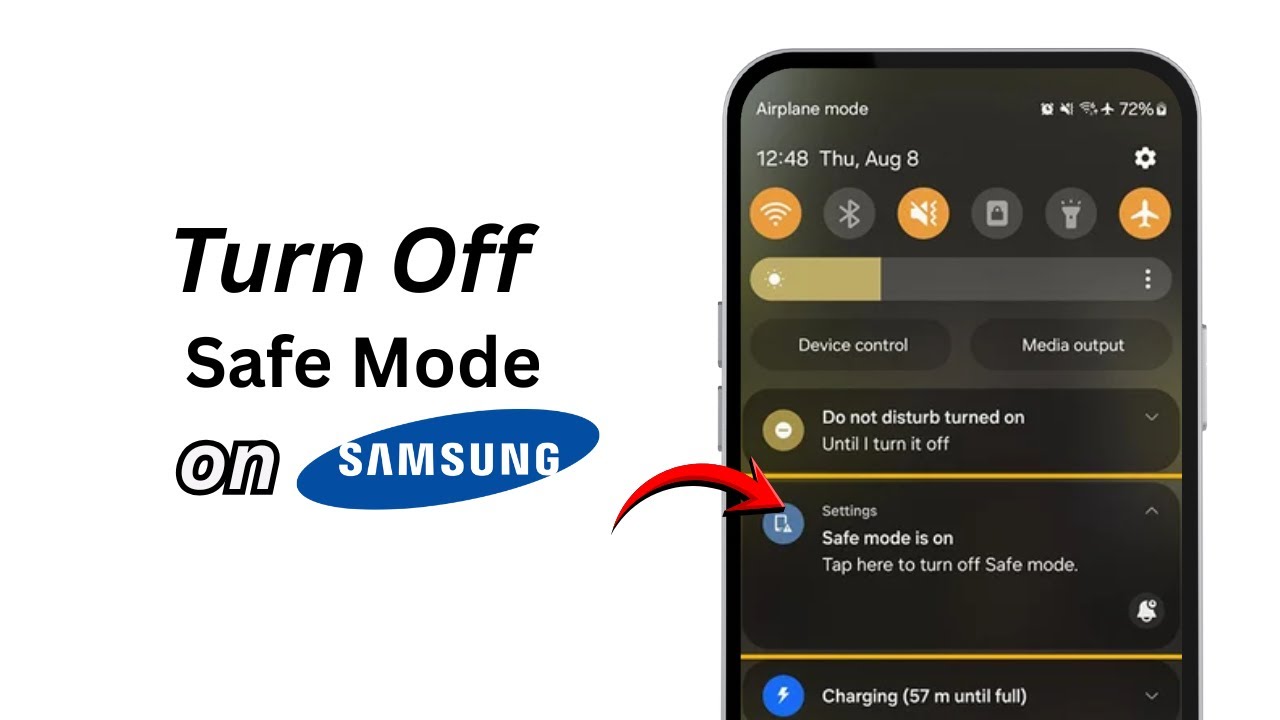
How To Turn Off Safe Mode on Samsung Android Phone (2026)
Автор: Official Help Desk
Загружено: 2026-02-01
Просмотров: 4
Описание:
How To Turn Off Safe Mode on Samsung Android Phone (2026)
If your Samsung phone is stuck in Safe Mode and you want to turn it off, follow this simple step-by-step guide to exit Safe Mode easily.
Timestamps:
0:00 – Introduction
0:10 – How to Turn Off Safe Mode on Samsung
1. Open the Settings app on your Samsung phone.
2. Scroll down and tap on Accessibility.
3. Select interaction and Dexterity.
4. Toggle Assistant Menu ON.
5. A floating menu will appear on your screen—tap on it.
6. Swipe left and select the Power Off Menu option.
7. Tap and long-press Power Off.
8. You’ll now see the option to turn off Safe Mode. Confirm it.
9. Your phone will restart and exit Safe Mode.
10. Go back to Settings Accessibility and toggle Assistant Menu OFF once you’re done.
That’s it! Your Samsung phone should now be out of Safe Mode.
If this video helped you, don’t forget to like, share, and subscribe to the channel!
Повторяем попытку...
Доступные форматы для скачивания:
Скачать видео
-
Информация по загрузке: