Скачать
D-Tect X - Quick Facts - Image Calibration
Автор: DÜRR NDT
Загружено: 2022-06-27
Просмотров: 465
Описание:
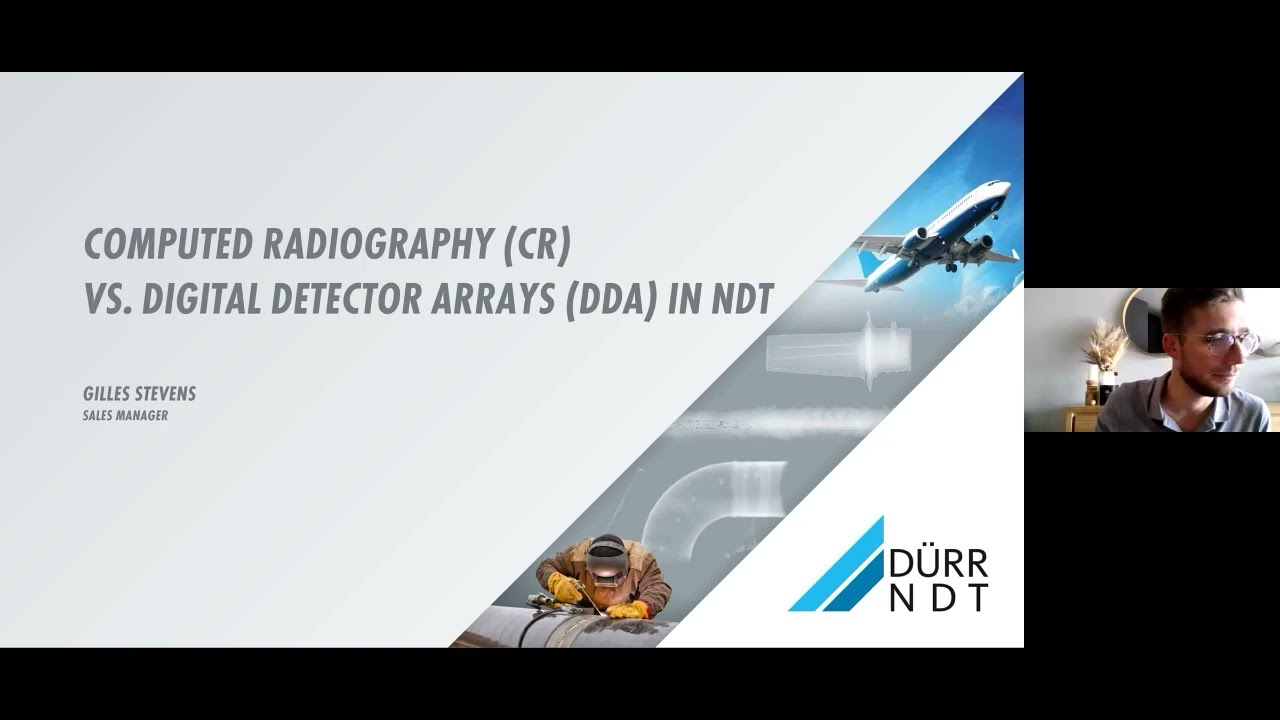
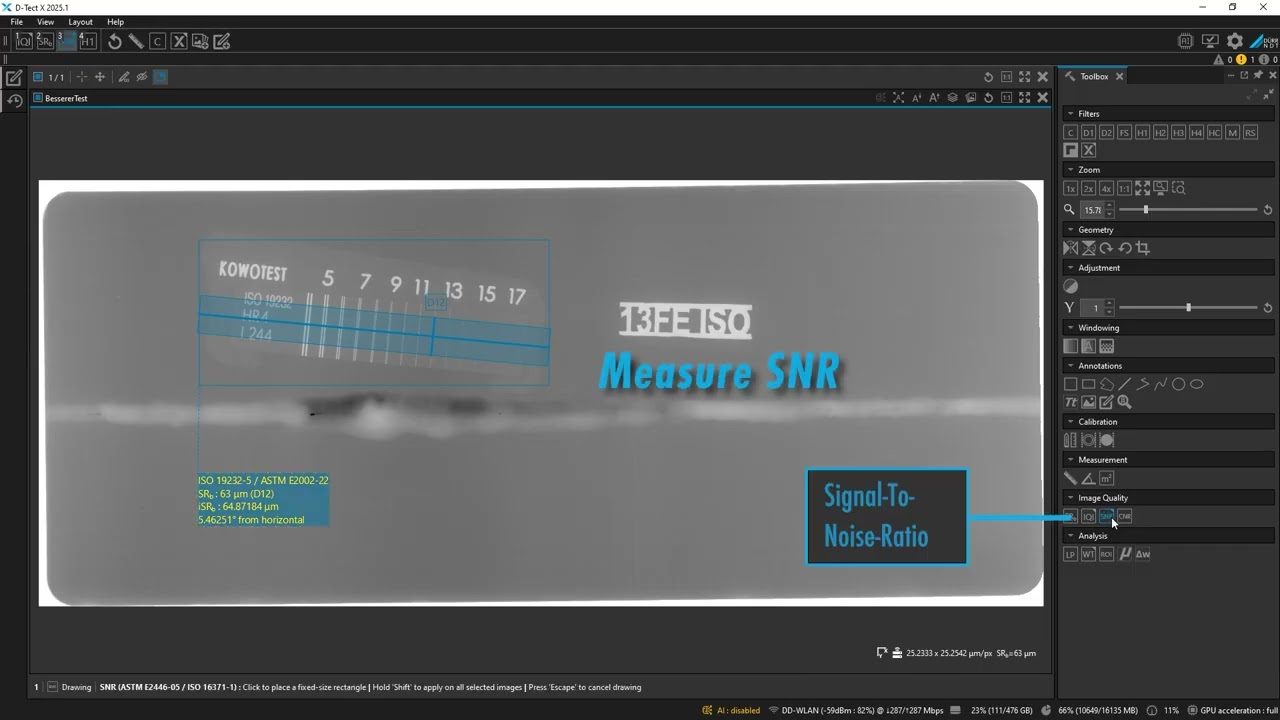
Gilles will show you how fast and easy it is to calibrate an image in DTX. We have already prepared an image and loaded it into the workspace. Next, we click on the calibration line tool in the toolbox and draw a measurement line on an object in the image with a known size. By double-clicking on the label, we can then enter the real size of the object which in our case is 15 mm. After doing this, the corrected pixel spacing is set for the image. We are now ready to perform accurate measurements on our image!
D-Tect X – industrial X-ray inspection software: https://www.duerr-ndt.com/products/nd...
Не удается загрузить Youtube-плеер. Проверьте блокировку Youtube в вашей сети.
Повторяем попытку...
Повторяем попытку...

Доступные форматы для скачивания:
Скачать видео
-
Информация по загрузке: