6 PHP LARAVEL Framework Tutorial For Beginners | Build Layouts with Blade Templates
Автор: LifeBeyondCode
Загружено: 2024-11-01
Просмотров: 323
Описание:
#tech #technology #laravelframework #laravel11 #php #html #css #csshtml #mysql #composer #laravelcourse #laravel_tutorial #laravelphp #windows10 #tutorial #tutorialforbeginner #laravelframework #MVC #laravelproject #programming #coding #codingtutorial #software #softwaredevelopment #tech #technology
Hey everyone!
🔥 PHP Laravel Framework Tutorial for Beginners | Build Layouts with Blade Templates 🔥
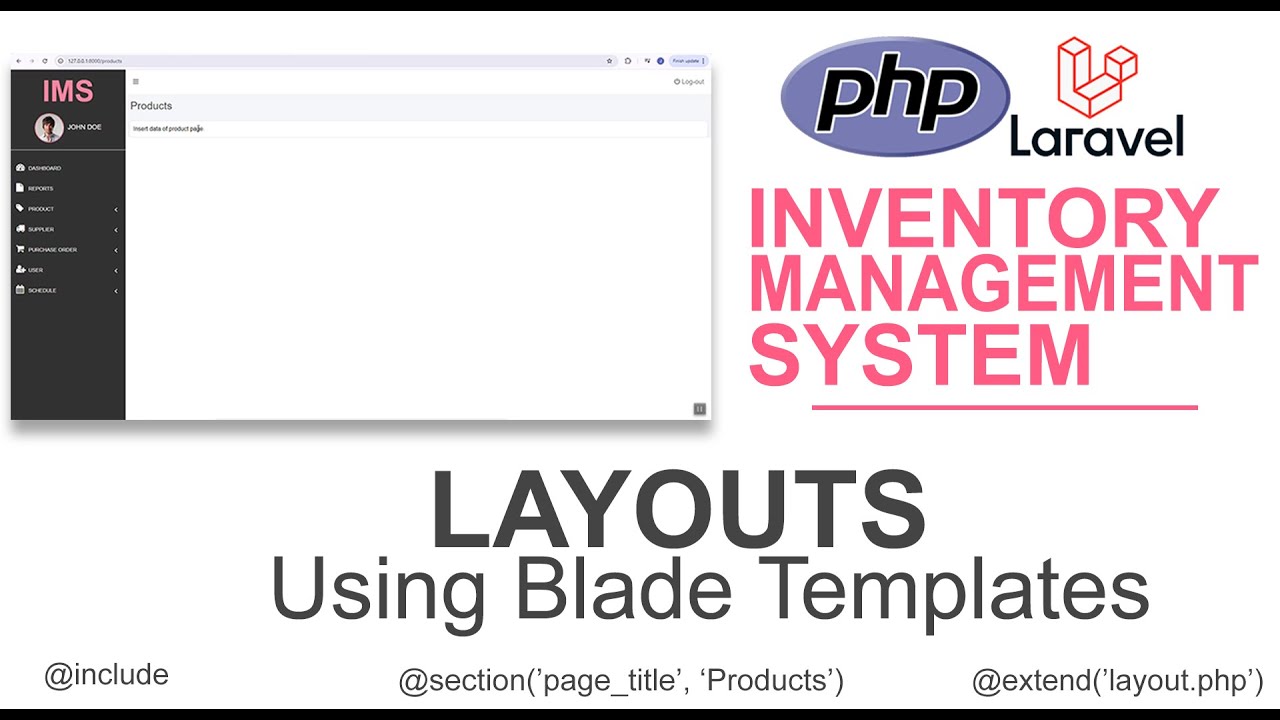
Want to create dynamic and reusable layouts in Laravel? In this tutorial, you’ll learn how to build layouts using Laravel Blade templates, the powerful templating engine that makes front-end development in Laravel easy and efficient! 🚀
📌 What You'll Learn in This Video:
✅ Understanding Blade templating engine in Laravel
✅ How to create a master layout with Blade
✅ Using @yield, @section, and @include for reusable components
✅ Best practices for structuring Blade templates
🏆 Who is this tutorial for?
✔️ Beginners learning Laravel templating
✔️ Developers building dynamic and modular layouts
✔️ Anyone looking to optimize front-end development in Laravel
👉 Don't forget to LIKE 👍, COMMENT 💬, and SUBSCRIBE 🔔 for more Laravel tutorials!
In this video, we will learn how to build layouts using blade templates.
Welcome to our project: an Inventory Management System using the PHP Laravel Framework for beginners. We’ve already built the system using plain PHP, but now we’ll convert it into a more secure website with Laravel.
Here is the link to Inventory Management Playlist using plain PHP:
• PHP PROJECT: Inventory Management System u...
WHAT IS LARAVEL?
Laravel is a PHP web framework designed to make web development faster and more efficient. It follows the MVC (Model-View-Controller) pattern, helping developers organize their code and separate concerns. Laravel offers features like routing, database management, and built-in authentication, simplifying complex tasks.
---------------------
Blade is the simple, yet powerful templating engine that is included with Laravel. Unlike some PHP templating engines, Blade does not restrict you from using plain PHP code in your templates. In fact, all Blade templates are compiled into plain PHP code and cached until they are modified, meaning Blade adds essentially zero overhead to your application. Blade template files use the .blade.php file extension and are typically stored in the resources/views directory.
Blade views may be returned from routes or controllers using the global view helper. Of course, as mentioned in the documentation on views, data may be passed to the Blade view using the view helper's second argument:
Most web applications maintain the same general layout across various pages. It would be incredibly cumbersome and hard to maintain our application if we had to repeat the entire layout HTML in every view we create. Thankfully, it's convenient to define this layout as a single Blade component and then use it throughout our application.
--------------------
Looking to learn the basics of inventory management systems using HTML, CSS, JavaScript, PHP, and MySQL? Look no further! Our beginner-friendly tutorial will guide you step-by-step in building an inventory management system from scratch.
With our easy-to-follow instructions, you'll learn how to create a sleek and user-friendly interface with HTML and CSS, implement dynamic functionality with JavaScript, set up a database using MySQL, and connect it all together with PHP.
By the end of this tutorial, you'll have a fully functional inventory management system that you can customize and expand to suit your needs. Plus, you'll gain valuable experience in front-end and back-end web development. Don't miss out on this opportunity to level up your skills and create something amazing!
Повторяем попытку...
Доступные форматы для скачивания:
Скачать видео
-
Информация по загрузке:


