How To Withdraw - JustPark
Автор: JustPark
Загружено: 2015-08-13
Просмотров: 2048
Описание:
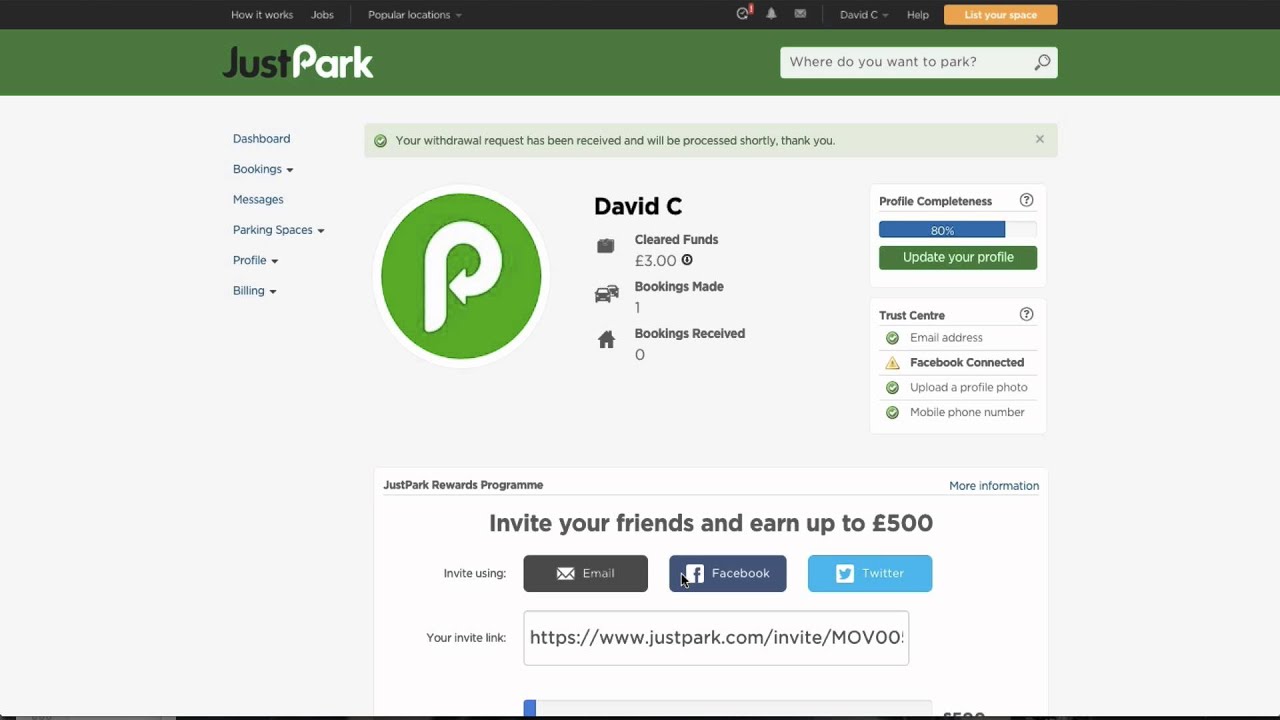
There are few things you need to do in order to withdraw your earnings. You'll be up and running very soon!
1. Enter your withdrawal method.
We can pay you by PayPal or bank transfer. Add your bank account or PayPal details on the Withdrawal methods page of your JustPark account.
2. Verify your bank account.
If you're using a bank account, we need to check we're sending money to the right place. We'll send a small payment to your bank account within 2-3 working days (between £0.01 - £0.99). Once you see this payment, enter the amount shown on your bank statement in your Withdrawal methods.
3. Verify your mobile number.
Enter your mobile number on your Profile settings and we'll send you a 6-digit code via text - please enter this code on the same page. If you haven't received the text or have lost it, you can request another by clicking the link on the same page.
4. Choose automatic withdrawals.
You can manually request a withdrawal at any time. If you want us to transfer your earnings automatically, visit your Profile settings and select either weekly, monthly or quarterly automatic withdrawals. (This isn't currently possible for PayPal accounts.) Please note we'll only make the transfer if your earnings are over £25, as there's a 50p fee for anything less.
Повторяем попытку...
Доступные форматы для скачивания:
Скачать видео
-
Информация по загрузке: