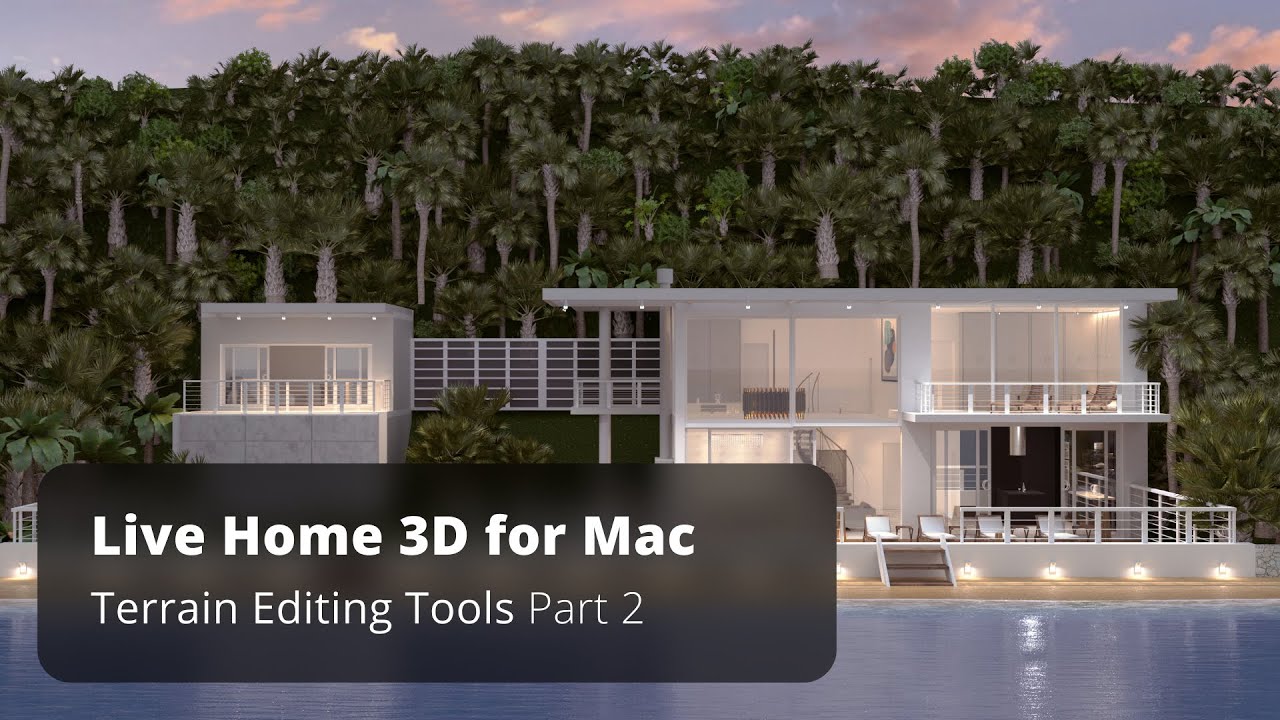
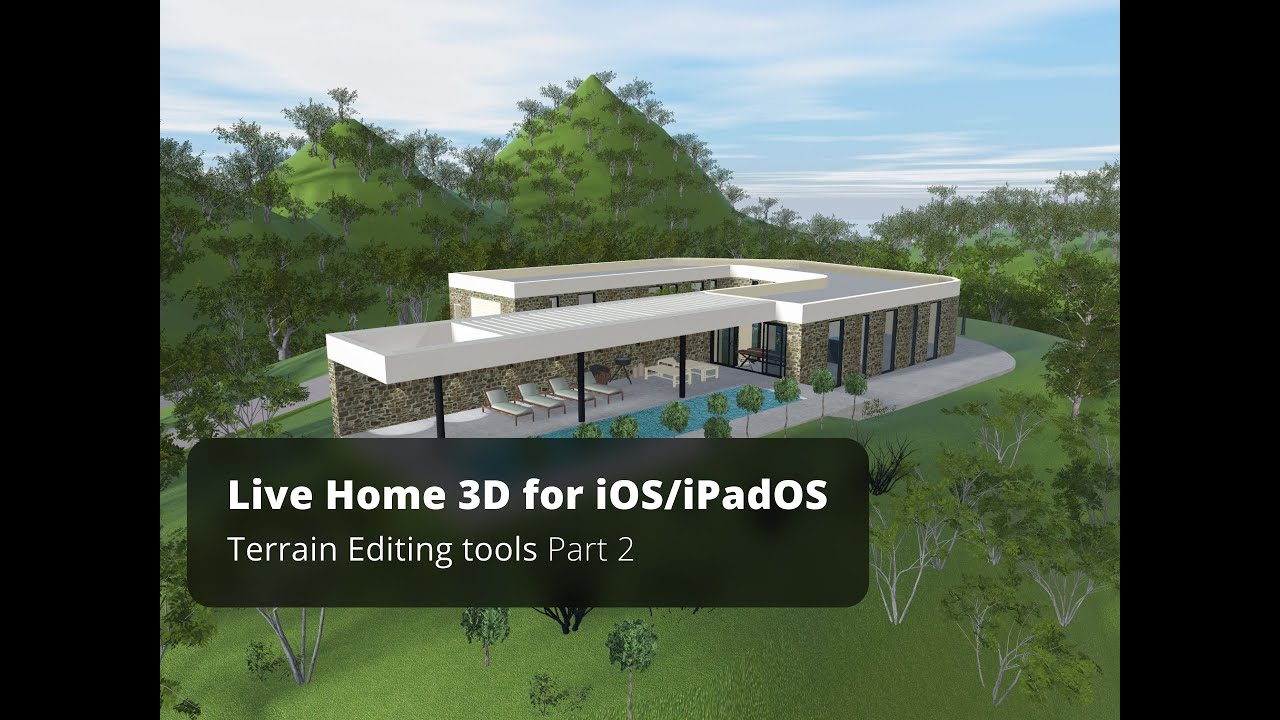
Terrain Editing Tools Part 2 - Live Home 3D for iOS/iPadOS Tutorial
Автор: Live Home 3D
Загружено: 2021-04-19
Просмотров: 6234
Описание:
In the first part of the terrain editing video, creation of a simple slope around the house was explained. Now it’s time to learn how to add bumps, depressions, cutouts, and paths to customize the landscape in a house design project.
The landscape around your house can be presented as a number of isolines, which, in the essence, are lines drawn on a map connecting the same hight points. Depending on the isolines proximity and their values, we get a clear picture of what the terrain around the house looks like. Should we have a steep slope, or flat ground, all of that can be achieved with the isolines representation. To draw such lines, and to facilitate terrain editing, we created three special tools: Elevation Line, Elevation Spline, and Elevation Point.
The Elevation Line tool allows to create straight isolines.
Using the Elevation Line tool I click several times to create an enclosed contour and press Escape or double-click in the end. This is what I get.
Isoline elevation can be controlled via the Object Properties tab of the Inspector.
The font size for the isoline value on the 2D floor plan can be changed using the 2D Properties tab of the Inspector.
Same as with other enclosed contours in Live Home 3D, by double-clicking on the isoline we enter the editing mode to adjust corner points and segments roundness.
The Elevation Spline tool provides more freedom when it comes to isoline drawing. It can be compared with the freehand drawing tool and is ideal for tracing isolines from an imported terrain map. This way you can achieve an identical copy of the landscape around your house.
Of course, you can edit isoline contour and value at any time.
It is recommended to avoid isoline crossing, to create smooth and correct terrains.
Finally, we come to the Elevation Point tool which is mostly used for adding peaks or depressions to terrain models.
Here is an example of what can be achieved by using these terrain tools.
Well, that’s basically all about the terrain editing tools.
To learn more about Live Home 3D, go to:
livehome3d.com
Timecodes:
0:00 - Intro
0:19 - Isolines definition and functions
0:41 - Tools to draw isolines - Elevation Line, Elevation Spline, and Elevation Point
0:51 - The Elevation Line tool highlights
1:30 - The Elevation Spline tool highlights
1:57 - The Elevation Point tool highlights
2:16 - Three tips for creating complex terrain models
3:07 - Pit tool use
3:40 - Pathway tool use
Повторяем попытку...
Доступные форматы для скачивания:
Скачать видео
-
Информация по загрузке:







![Best of Deep House [2026] | Melodic House & Progressive Flow](https://imager.clipsaver.ru/Il-ZpBuC8tA/max.jpg)