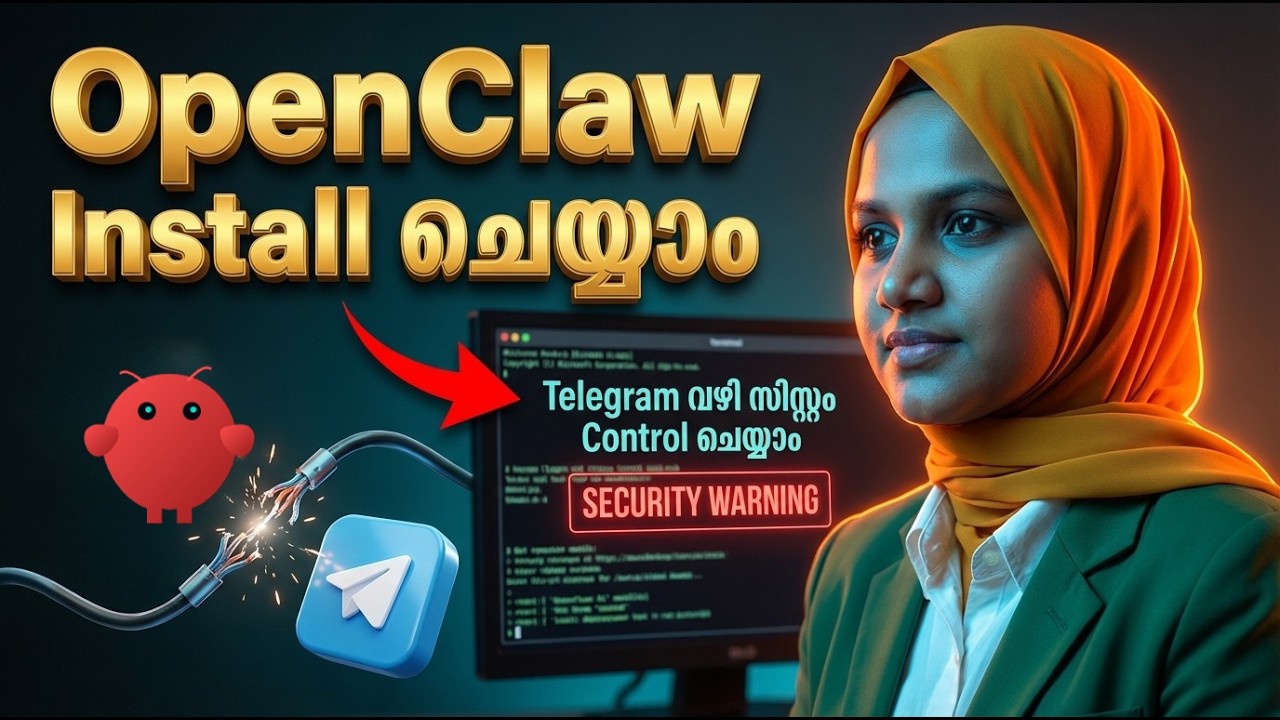
🔥 OpenClaw Install Tutorial മലയാളത്തിൽ! Telegram Connect Step-by-Step Guide
Автор: GALTech Learning Hub
Загружено: 2026-02-17
Просмотров: 3422
Описание:
Want to learn more about n8n Automation ? Join our No Code AI Automation Course : https://www.galtechlearning.com/cours...
വൈറൽ ആയിട്ടുള്ള OpenClaw Bot എങ്ങനെ നിങ്ങളുടെ സിസ്റ്റത്തിൽ ഇൻസ്റ്റാൾ ചെയ്യാം? നിങ്ങളുടെ കമ്പ്യൂട്ടറിനെ എവിടെ ഇരുന്നും കണ്ട്രോൾ ചെയ്യാൻ സഹായിക്കുന്ന ഈ AI Agent സെറ്റപ്പ് ചെയ്യുന്നത് എങ്ങനെ എന്ന് പഠിക്കാം. 🤖🔥
ഇന്നത്തെ വീഡിയോയിൽ നമ്മൾ പരിചയപ്പെടുത്തുന്നത് OpenClaw എന്ന പവർഫുൾ ആയ AI Tool-നെ കുറിച്ചാണ്. ഈ ടൂൾ ഉപയോഗിച്ച് നിങ്ങൾക്ക് സ്വന്തമായി ഒരു Personal AI Assistant-നെ സെറ്റ് ചെയ്യാൻ സാധിക്കും. നമ്മൾ വീട്ടിലില്ലാത്ത സമയത്തും നമ്മുടെ കമ്പ്യൂട്ടറിലെ കാര്യങ്ങൾ ആക്സസ് ചെയ്യാനും പ്രവർത്തിപ്പിക്കാനും Telegram വഴി സാധിക്കും എന്നതാണ് ഇതിന്റെ ഏറ്റവും വലിയ പ്രത്യേകത.
---
For more Project Details, Tech Career Guidance, Job Tips, നമ്മുടെ WhatsApp Channel-ൽ Join ചെയ്യൂ!
🔗https://whatsapp.com/channel/0029VbAM...
Reach Us
📞 0480 273 0123 / +917012716483
🌐 www.galtechlearning.com
📧 [email protected]
WhatsApp: https://api.whatsapp.com/send?phone=9...
Facebook: / galtech.school
Instagram: / galtech.school
---
ഈ വീഡിയോയിൽ നമ്മൾ താഴെ പറയുന്ന കാര്യങ്ങൾ വിശദമായി നോക്കുന്നു:
1. OpenClod വെബ്സൈറ്റിൽ നിന്നും ആവശ്യമായ കമാൻഡുകൾ എടുക്കുന്ന രീതി.
2. Node.js ഉപയോഗിച്ച് നിങ്ങളുടെ സിസ്റ്റത്തിൽ എങ്ങനെ ഇൻസ്റ്റലേഷൻ നടത്താം.
3. Zed AI, Anthropic പോലുള്ള LLM Models എങ്ങനെ ഇതിലേക്ക് കണക്ട് ചെയ്യാം.
4. Telegram-ൽ BotFather ഉപയോഗിച്ച് പുതിയൊരു ബോട്ട് ക്രിയേറ്റ് ചെയ്യുന്ന വിധം.
5. API Keys, Token എന്നിവ ഉപയോഗിച്ച് OpenClod-നെ Telegram-മായി പെയർ ചെയ്യുന്നത്.
6. ലുട്ടാപ്പി (Luttappi) എന്ന പേരിൽ നമ്മൾ സെറ്റ് ചെയ്ത ബോട്ടിന്റെ ലൈവ് ടെസ്റ്റിംഗ്.
നിങ്ങളുടെ വർക്ക് എളുപ്പമാക്കാനും ടെക്നോളജി ഉപയോഗിച്ച് പുതിയ കാര്യങ്ങൾ പഠിക്കാനും ഈ വീഡിയോ തീർച്ചയായും സഹായിക്കും. വീഡിയോ മുഴുവനായി കണ്ട് നിങ്ങളുടെ അഭിപ്രായങ്ങൾ അറിയിക്കുക.
⏱️ TIMESTAMPS:
00:00 - Introduction to OpenClaw Bot
00:35 - How to find installation commands
01:06 - Checking Node.js version & Updating
01:38 - Security Warning & Permission
02:18 - Choosing LLM Model (Zed AI / GLM 4.7)
03:36 - Selecting Communication Channel
04:00 - Creating Telegram Bot using BotFather
05:15 - Configuring Bot Skills & Personality
06:20 - Setting Bot Name (Luttappi) & Details
07:05 - Pairing Code & Final Connection
07:50 - Testing the AI Bot via Telegram
08:26 - Conclusion & Future Use Cases
━━━━━━━━━━━━━━━━━━━━━━
👍 ENJOYED THIS VIDEO?
🔔 Subscribe for more Tech & AI content
💬 Comment your doubts below
📢 Share with your techie friends
━━━━━━━━━━━━━━━━━━━━━━
#OpenClod #AIagent #MalayalamTech #TelegramBot #ArtificialIntelligence #NodeJS #TechTutorial #OpenAI #LLM #Automation #Malayalam #AI #CodingMalayalam #SmartAssistant #TechTips
Повторяем попытку...
Доступные форматы для скачивания:
Скачать видео
-
Информация по загрузке: