How To Use Gemini On Lock Screen
Автор: WebPro Education
Загружено: 2025-05-26
Просмотров: 5036
Описание:
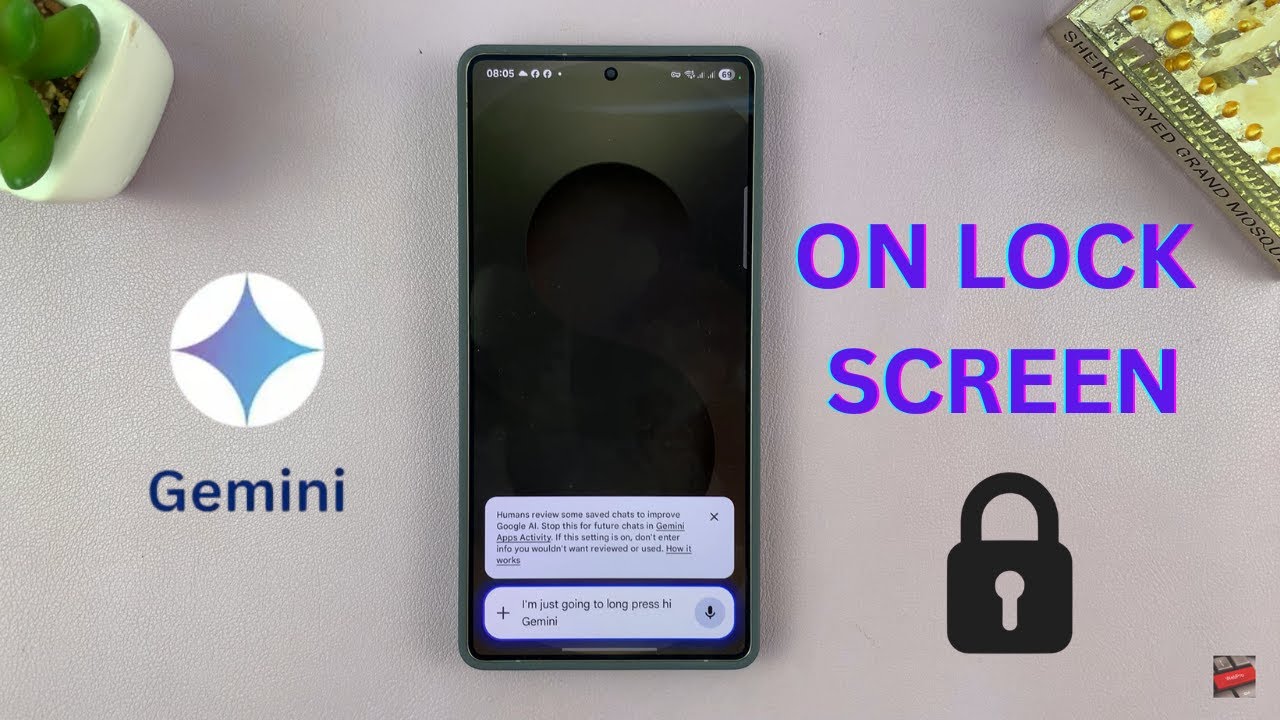
Want instant AI access without unlocking your phone? In this video, I’ll show you how to enable and use Google Gemini right from your lock screen.
First you need to enable the unlock screen feature on your Gemini App.
How To Enable The Gemini On lock Screen Feature:
Launch Gemini App.
Tap your profile icon at the Top-Right corner and tap Settings.
Under Setting click Gemini on Lock Screen and enable the on lock screen feature.
How To Use Gemini On Lock Screen:
When the feature is enabled, you can use Gemini when your phone is locked.
Trigger Gemini by long pressing the power button and start a conversation with Gemini.
Samsung Galaxy S25: https://amzn.to/3Ej66IM
Samsung Galaxy S25 Ultra: https://amzn.to/4heIcg9
#gemini #googlegemini
----My Gear for Youtube videos----
Main Camera (iPhone 13 pro): https://amzn.to/3GZztve
Tripod: https://amzn.to/35acqRa
Cell Phone Tripod Adapter: https://amzn.to/3v3wFuI
Lights: https://amzn.to/3vkoGK7
As full disclosure, I use affiliate links on this channel and purchasing through these links earns me a small commission. The price you pay will be the same!
Website: https://www.webproeducation.org
Facebook: / webproeducation.org
Twitter: / webpro_e
Instagram: / webproeducation
Повторяем попытку...
Доступные форматы для скачивания:
Скачать видео
-
Информация по загрузке: