Elite Dangerous VR Settings
Автор: Exploration Of Games
Загружено: 2020-07-24
Просмотров: 72406
Описание:
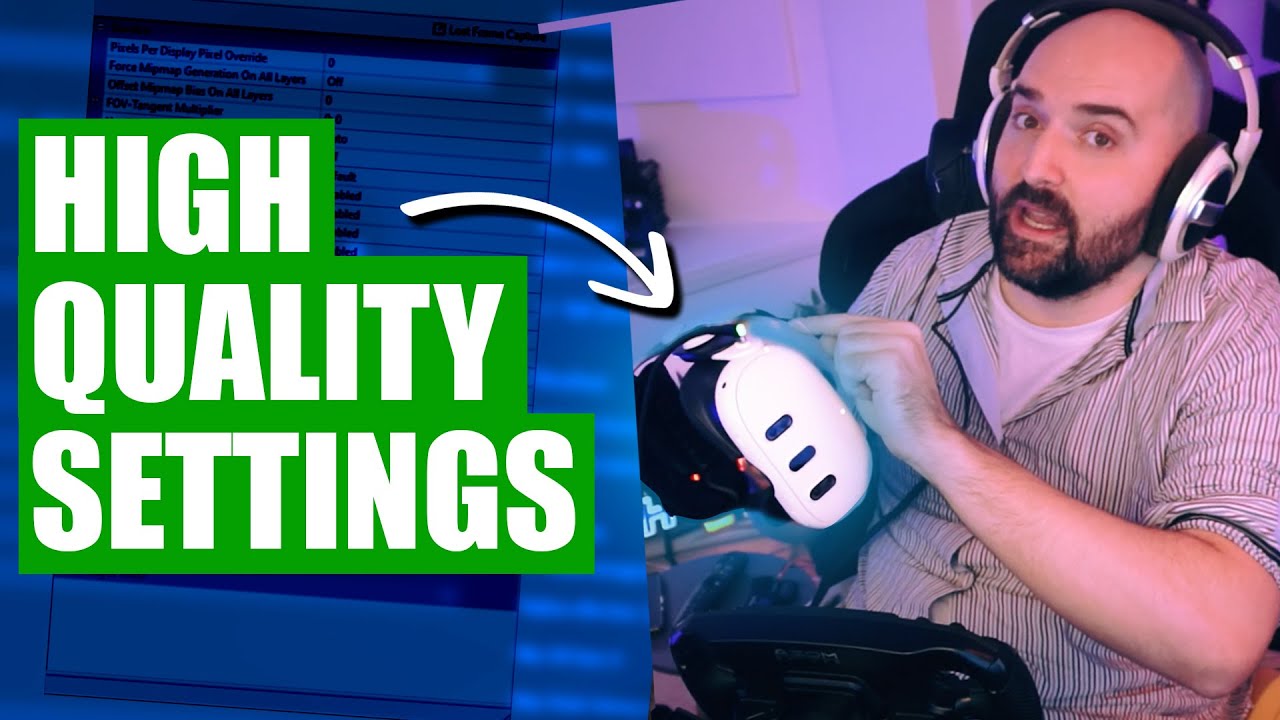
How to setup VR headset in Elite Dangerous, what settings to look out for as well as what programs to use to make your life easier. You'll find all the answers in this video. If you have any questions don't hesitate to ask in the comment section.
Graphic settings files location:
C:\Users\YourUsername\AppData\Local\Frontier Developments\Elite Dangerous\Options\Graphics
ED profiler link:
http://www.drkaii.com/tools/edprofiler/
Oculus Debug Tool location:
C:\Program Files\Oculus\Support\oculus-diagnostics
ASW key combination shortcuts:
CTRL + NUMPAD1 - Disable ASW and USE ATW
CTRL + NUMPAD2 - Force apps to 45hz, DISABLE ASW
CTRL + NUMPAD3 - Force apps to 45hz, ENABLE ASW
CTRL + NUMPAD4 - Enable ASW to operate automatically
Thank you for watching
Music used in the video by TeknoAXE / teknoaxe
Повторяем попытку...
Доступные форматы для скачивания:
Скачать видео
-
Информация по загрузке:







![Elite: Dangerous VR Tutorial - Where to go and what to do as a new player [Horizons Patch 2.1]](https://imager.clipsaver.ru/Ni5J8-KFTss/max.jpg)


