Dell XPS Power Supply Replacement (Install Guide)
Автор: Fix IT Ken
Загружено: 2026-03-02
Просмотров: 19
Описание:
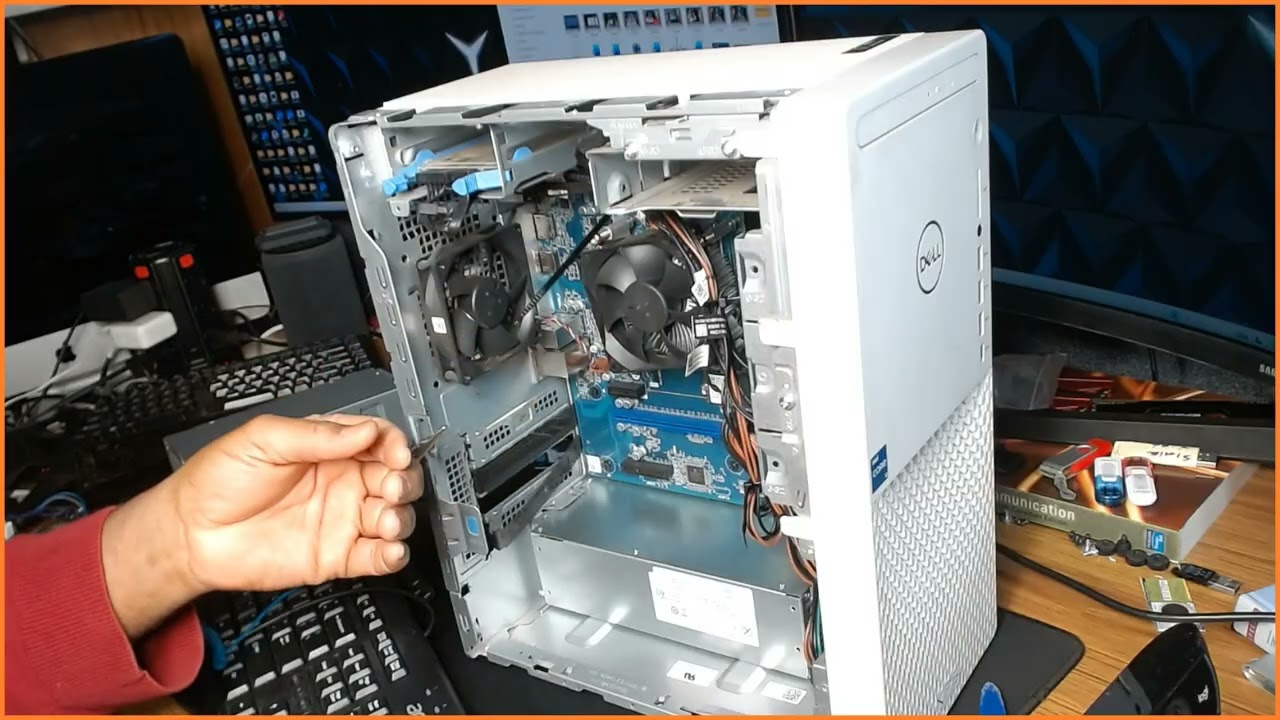
In this video, I walk through the full teardown and power supply replacement on a Dell XPS 8940 desktop.
This is NOT a troubleshooting video — this is a focused, step-by-step look at safely disassembling the system, removing the factory PSU, installing a proper replacement, and powering up to test.
⚠️ Important notes for anyone working on this model:
• The Dell XPS 8940 uses a proprietary 6-pin motherboard power connector — this is NOT compatible with a standard ATX 24-pin PSU.
• You must replace like-for-like unless you are using a proper Dell-specific adapter (not recommended for production repairs).
• If the system has a dedicated GPU, make sure the replacement PSU provides adequate wattage and correct PCIe connectors.
• This board uses two CPU 4-pin power connectors — verify both are properly seated before power-on.
I also cover:
– Safe teardown procedure
– Cable routing considerations
– Mounting and clearance checks
– Proper reconnection order
– First power-up verification
If you’re servicing Dell small-form or OEM systems, always verify connector standards before ordering parts. These systems are NOT standard ATX internally.
This is real-world service work — no shortcuts, no guessing.
If this helped you, consider subscribing for more field repair and IT service content.
— Ken
Повторяем попытку...
Доступные форматы для скачивания:
Скачать видео
-
Информация по загрузке: