Duracell Keyless Entry Programming Instructions - GM004D (Option #1)
Автор: My Key Counter
Загружено: 2015-07-28
Просмотров: 506
Описание:
GM004D
Programming Instructions for your Duracell Keyless Entry Remote:
*Option #1 instructions are for vehicles with a driver information center. The driver information center will be a button to the right of the steering wheel with a vehicle symbol and the letter”i”.
Step 1: Insert your key and turn the ignition to the “on” position.
Step 2: Press the “Vehicle Information” button until the display reads “Press to Relearn Remote Key”
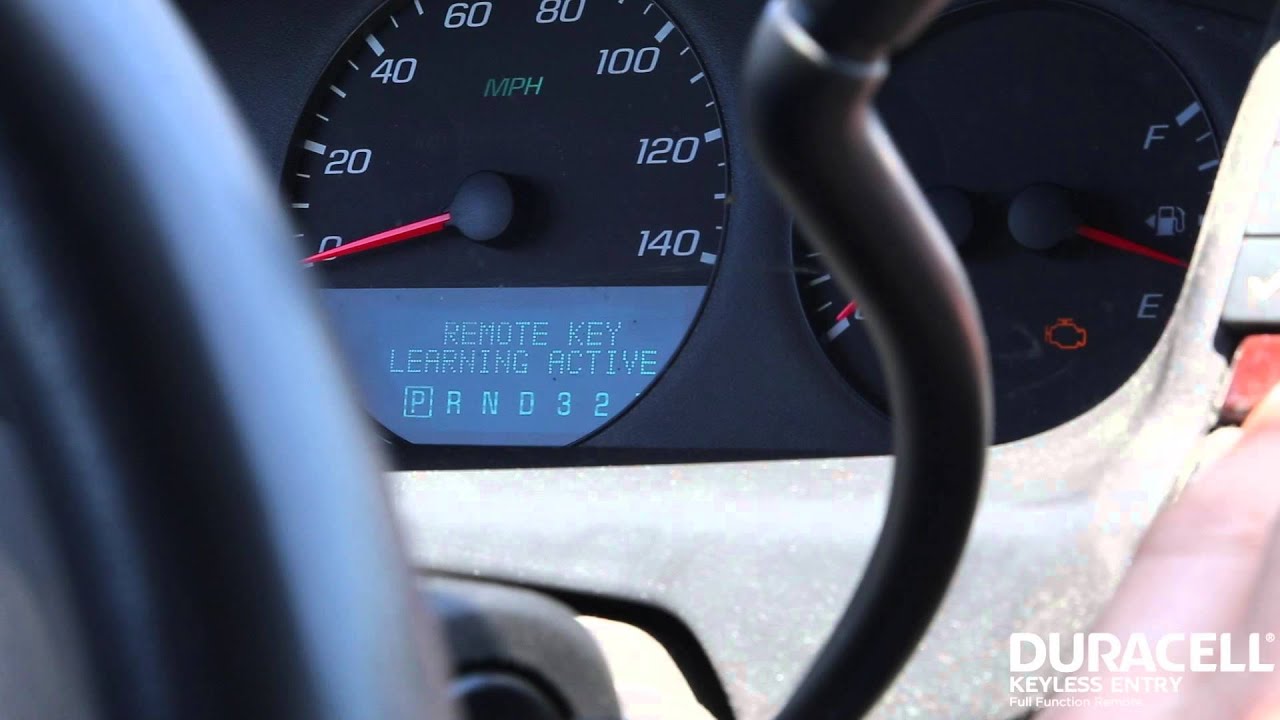
Step 3: Press the “Set/Reset” button (button will have a check mark) until the display reads “Remote Key Learning Active”. The vehicle is now in programming mode.
Step 4: On your first remote to be programmed, press and hold the “Lock” and “Unlock” buttons at the same time. Hold for approximately 15 seconds or until you hear an acoustic sound indicating that your remote has been successfully programmed.
Step 5: Repeat Step 4 for any remaining remotes to be programmed, including existing remotes!
Step 6: Turn the ignition to the “Off” position to exit programming mode. Press any button on each remote to confirm programming.
Your Duracell Keyless Entry Remote is now programmed!
*You can have up to 8 programmed remotes for this vehicle.
Vehicle Compatibility:
2006-2010 Buick Lucerne
2006-2008 Cadillac DTS
2006-2010 Chevrolet Impala
2006-2007 Chevrolet Monte Carlo
2007-2010 Chevrolet Tahoe
Повторяем попытку...
Доступные форматы для скачивания:
Скачать видео
-
Информация по загрузке: