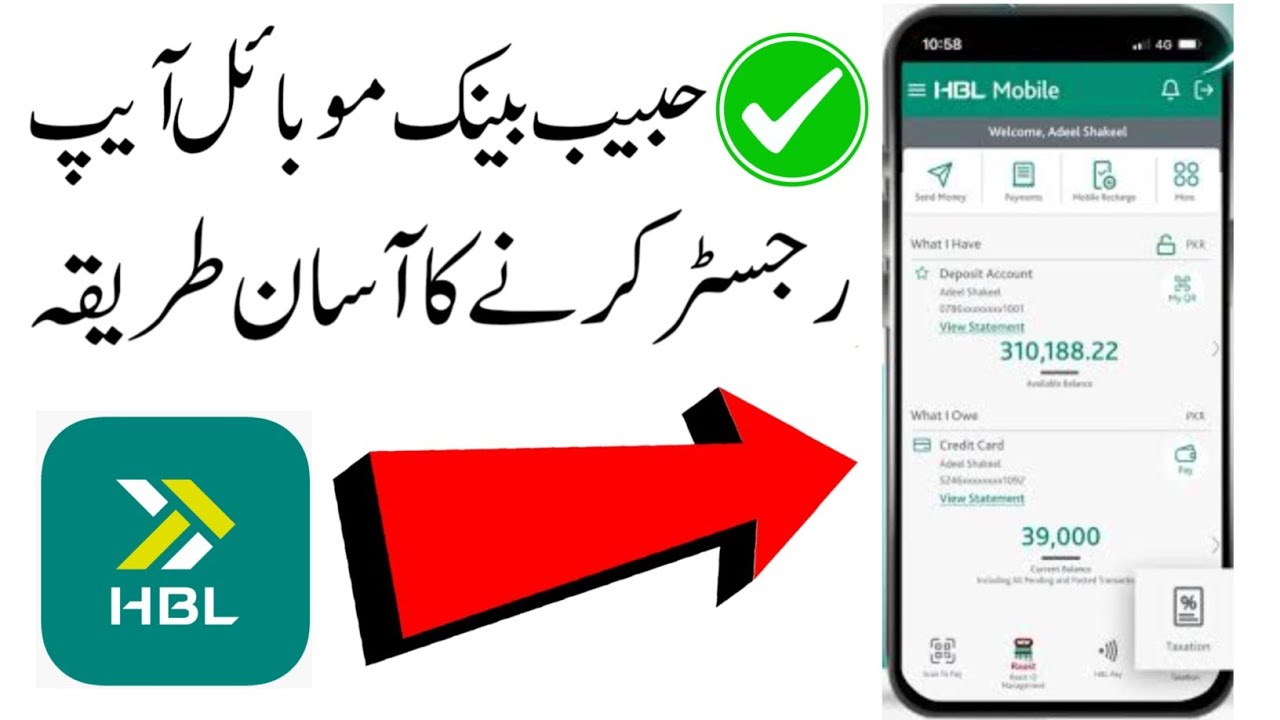
hbl bank mobile app register karney ka tarika | hbl app registration | Habib bank app singup
Автор: Learn WA
Загружено: 2026-02-22
Просмотров: 1607
Описание:
#hblappsingup#hblregister
Here’s a simple **step-by-step guide to register on the official HBL Mobile app (Habib Bank Limited Pakistan): �
HBL +1
📱 1. Download the Official App
Open the Google Play Store (Android) or Apple App Store (iPhone).
Search for “HBL Mobile” by Habib Bank Limited.
Install the app — avoid downloading from unknown links or ads (there are fake scam apps circulating online). �
Suno News
👤 2. Open the App & Choose Sign Up
Launch the HBL Mobile app on your phone.
Tap “Sign Up” or “Register” on the welcome screen.
📞 3. Enter Your Details
You’ll usually need to provide:
Your mobile number (must be the one registered with HBL bank records).
Your CNIC (13-digit Computerized National Identity Card).
Other basic info as prompted. �
anybanq.lk
🔐 4. Verify with OTP
You’ll receive a One-Time Password (OTP) on your registered mobile number.
Enter the OTP in the app to confirm and verify your mobile number.
🔑 5. Set Login Credentials
Create your Login ID / Username and Password / MPIN.
This will be used to securely access the app in future.
📍 6. Add Security & Finish Registration
You may be asked to set up biometric login (fingerprint/FaceID) if your phone supports it — for easier and secure access.
Complete any additional in-app prompts.
🛡️ Important safety tip: Only download the app from official app stores or the official HBL website (https://www.hbl.com/�). There are fake versions circulated on social media that can steal your details. �
Suno News
❓If You Don’t Have a Bank Account Yet
If you’re not yet an HBL account holder, you can open a Digital Account directly through the HBL Mobile app in just a few minutes — you’ll be guided through entering your CNIC + mobile number and completing verification.
Повторяем попытку...
Доступные форматы для скачивания:
Скачать видео
-
Информация по загрузке: