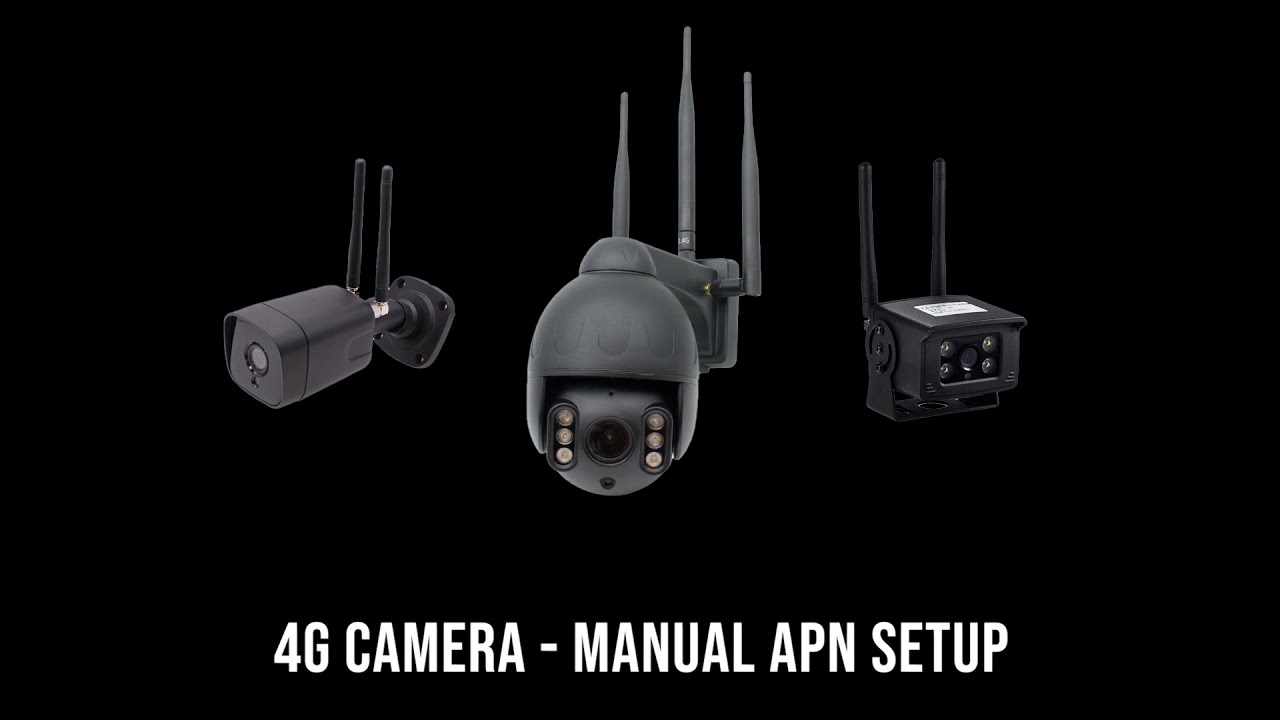
4G ULTRACAM - MANUALLY ADDING AN APN
Автор: ultrasecure direct
Загружено: 2021-04-07
Просмотров: 826
Описание:
This is a quick and easy video explaining how to manually an an APN to your ULTRACAM wireless router
*Please ensure you have your APN settings ready, these can usually be found on your providers website. *
Ultracam router setup: • 4G ULTRACAM - ROUTER SETUP
Our 4G Wireless UltraCAM can be used with Wireless IP Cameras, together with the added benefit of adding Internet in the building.
It Requires a 12v DC or 240v AC Power Supply. Ideal for remote buildings
Specifications:
Power Supply: 3-pin Plug in Transformer.
Transformer Output: 12v DC 2 amp.
Power Consumption: 2.5w.
SIM Card Type:
Size: 130 x 65 x 50 mm (not including aerials).
Aerials: 2.
4G: Yes.
Wireless Connectivity: Yes.
Waterproof: Yes.
SIM Card Type: Micro (Data Required).
Network Type: FDD-LTE, TDD-LTE, WCDMA/HSPA+, TD-SCDMA, GSM/GPRS/EDGE.
Operating Frequency: LTE B1/B3/B8/B38/B39/B40/B41, WCDMA 2100/900MHz.
Wi-fi Standards: 2412MHz - 2472MHz, 802.11b/g/n.
Available from Ultra Secure Direct, contact details:
Tel: 0044 (0) 1604 589414
Email: [email protected]
Website: www.ultrasecuredirect.com
https://www.ultrasecuredirect.com/wir...
Повторяем попытку...

Доступные форматы для скачивания:
Скачать видео
-
Информация по загрузке: