Disassemble Dell 17 Inch Dell Inspiron 5758 & Clean CPU Fan
Автор: URTechDotCa
Загружено: 2018-07-28
Просмотров: 16098
Описание:
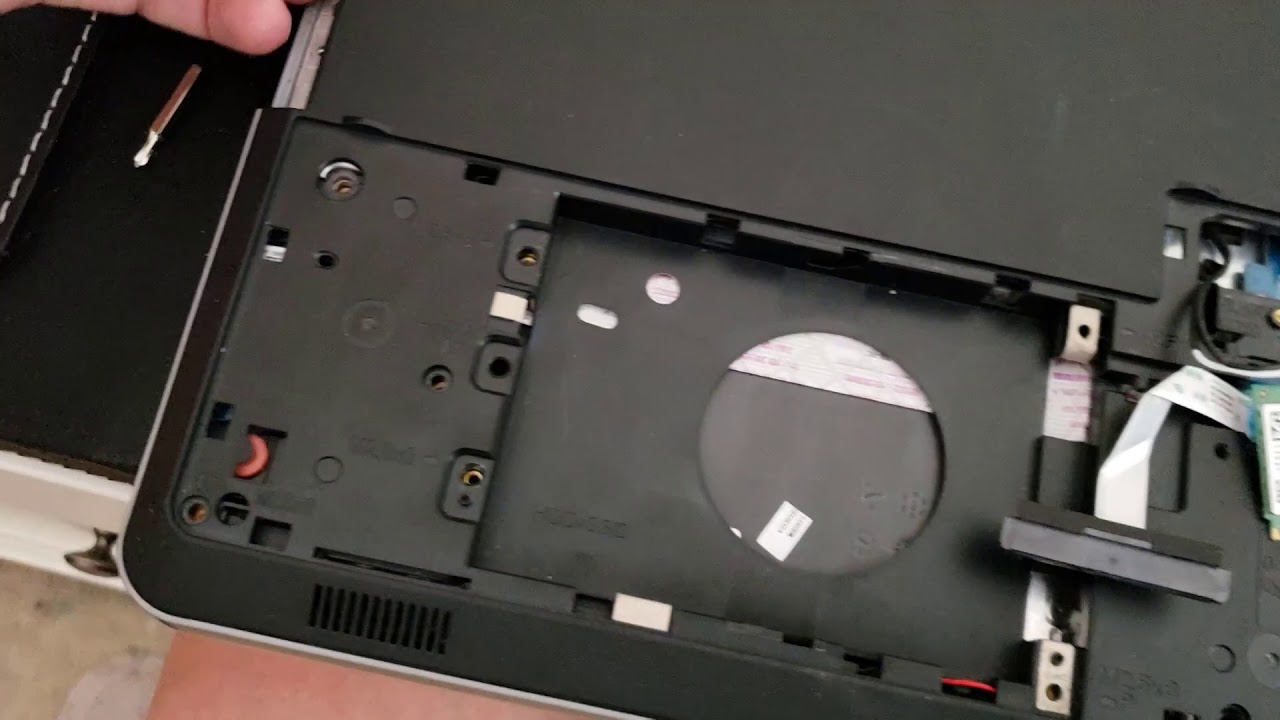
In this short disassembly video we show how to remove the keyboard, battery, backing cover, screwed, hard drive, DVD, WiFi card and back cover plate to gain access to the CPU fan. We then clean out the CPU fan with some compressed air to and reassemble the Dell Inspiron 17" 5758 Laptop.
NOTES:
At 1'03", you say "that one you don't need to pull out". That is not correct, it needs to be pulled out. Otherwise, the two sides of the frame remain tied, and the motherboard cannot be accessed.
At 2'07", between your counts of "3" and "4", you skip over one extra screw near the edge which also needs to be removed.
At 2'58" you say the screws behind the CD drive need to be removed. That is not necessary. The CD drive itself needs to be removed, and there is one screw for that, but the 3 screws under the CD only secure a piece of metal which is not linked to the motherboard. The whole section between 2'58" and 3'26" can be removed.
Повторяем попытку...
Доступные форматы для скачивания:
Скачать видео
-
Информация по загрузке: