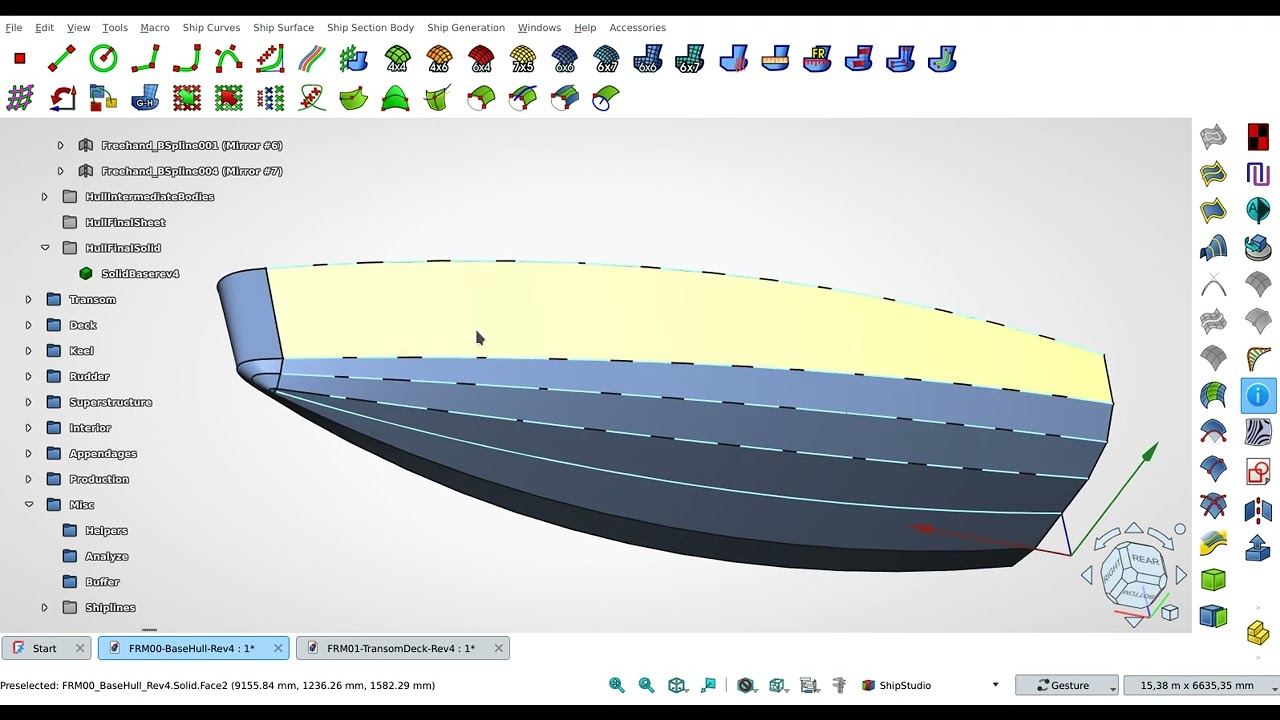
Tips no. 4: Yacht hull creation using standard FreeCAD Sketch and a bit programming
Автор: Jos M. Runarka
Загружено: 2025-02-21
Просмотров: 1224
Описание:
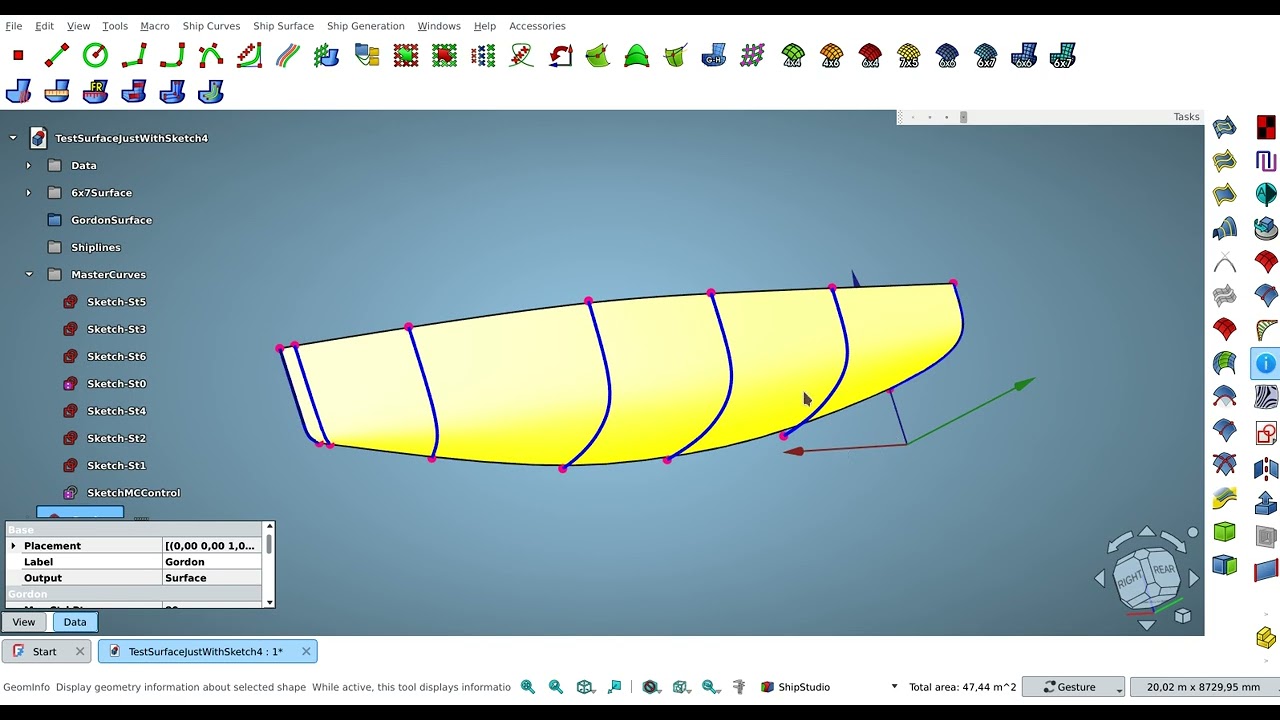
This time I show you that it is possible to use standard sketch feature and a little macro programming to create a fair yacht hull.
This is for hobbyist and kids who do want to build their own RC yacht model.
If I can achieve this with standard features, you might ask why on earth did I all those push and pull functions and other functions. Well first just out of curiosity and second there are a lot of cases, where I might need those features. But okay this might be a start.
1. The red sketches (in X-Y) are those edges to control the inclination of the blue cross section sketches or stations (in Y-Z). Using VarSet it make easier to control all those angles and see if the hull is fair enough or not. Each stations are placed perpendicular to the red edges.
2. Always create the cross section in the same direction, from e.g centerline to outboard. Always use the same amount of poles for the bspline sketch.
3. There is a code at the end of the video how to create a bspline by selecting or picking the points and use those points as poles for the bspline. I'll come later about selecting. Make points always big so it is easier to pick.
4. Watch carefully the order how I selected the curves for the Gordon surface.
5. Getting a fair curve and later a surface is a matter of a good eye on how to distribute the poles.
6. Have fun with experimenting!
Edit:
Surface should be produced on the fly! If it tooks a lot time, then something is not correct with the input data. Re-evaluate those inputs.
If at the end of a long calculation a surface is produced, it is garbage. Throw it, it will cause more sorrow in the next process!
Повторяем попытку...
Доступные форматы для скачивания:
Скачать видео
-
Информация по загрузке: