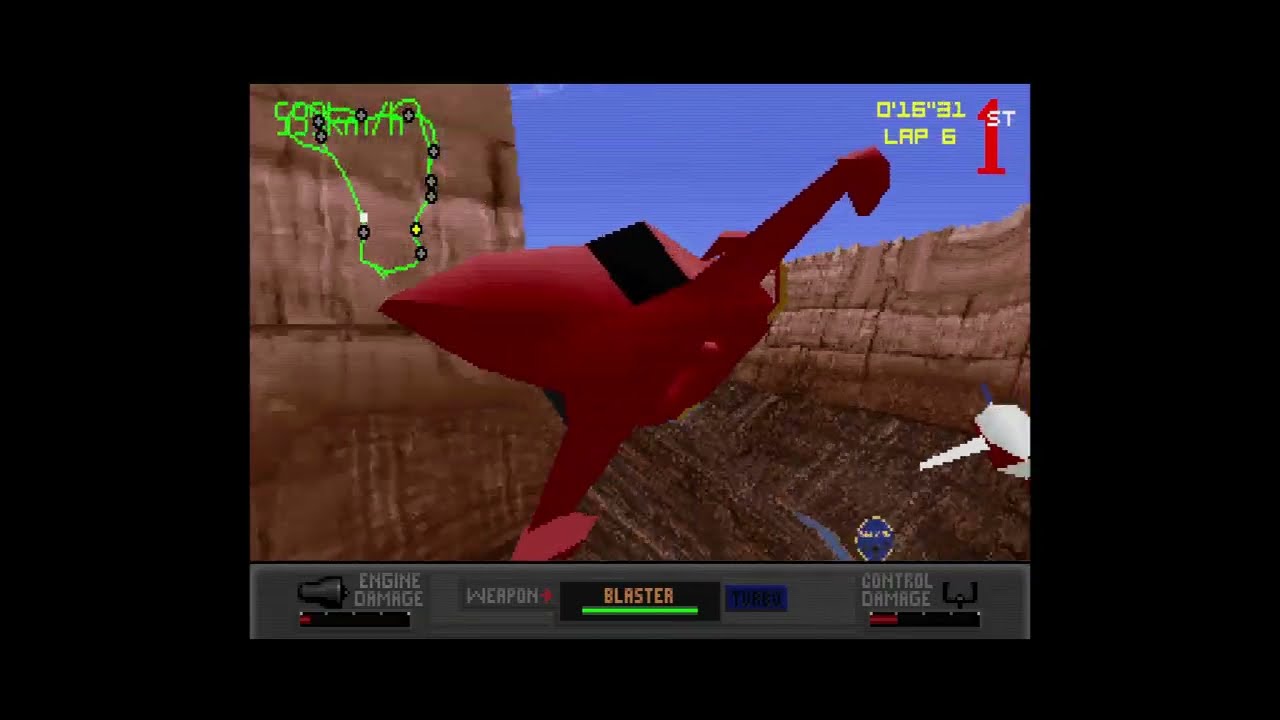
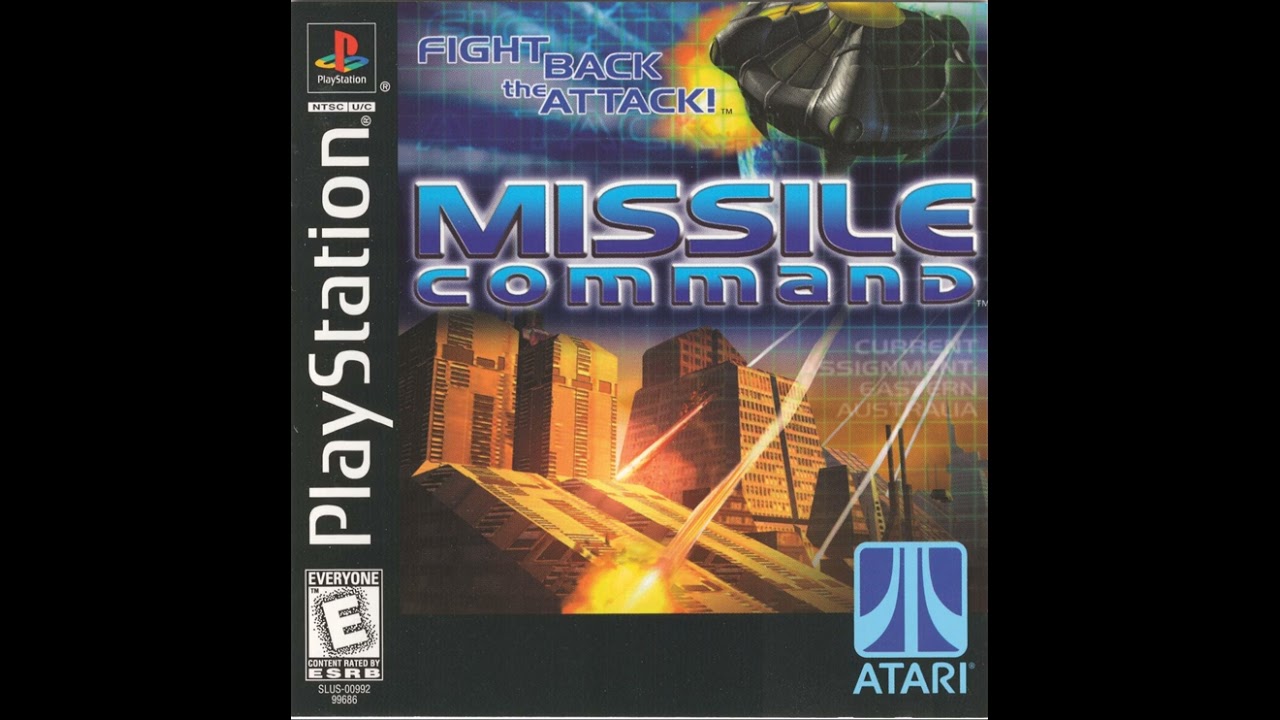
Missile Command PC (1999) - Full Ultimate Campaign - HARD
Автор: SlasherTheMod
Загружено: 2025-07-20
Просмотров: 337
Описание:
VVVVVVV READ DESCRIPTION PLEASE! VVVVVVV
Woah, an old game being played at this year? Wowzers! So this is an old game I used to play a TON back when I was but a wee smol child. Despite its semi short campaign and little replay-ability, it was still a ton of fun for me to play. This video I'll be going through the Ultimate Campaign which is what the game is mostly about, an Alien attack of all things, strange but still pretty cool. The bosses themselves were also cool to go against, and were tough for me as a kid, now they're kind of easy if you know what to do lmao.
------------ [HOW TO PLAY THE GAME] ---------------
1. Either you got an old installation disk or you can find it on AbandonWare here: https://www.myabandonware.com/game/mi...
You can mount this ISO file on windows 10+ I believe.
2. Get this program called DxWnd, you can get it here. https://sourceforge.net/projects/dxwnd/
3. After installing Missile Command, and downloading DxWnd, follow this tutorial video to run a game. • Run Any Game in Windowed Mode using DXWND
4. You may need to adjust the 3D Options file in the directory, just head to the directory where you installed the game. You'll look for a file named: 3DOptions.ini and change the setting for Fog and Blitting.
5. Tweak whatever settings on DxWnd to enjoy the game, but try not to mess with how big you want the window, it seems it can't play bigger than the resolution the game can do, which is 640x480 or so. The game MAY freeze but just let the pop up go and select: Wait for program.
------
COMMENT FROM ABANDONWARE:
TimRockIt:
To force this old game to run on Windows 11, I had to use the DxWnd hook, default settings worked right away. Any other tweaking would be your own preferences. I did NOT use any Windows compatibility settings on the game executable at all. In fact, attempting to use Windows compatibility seemed to make things worse, not better. Also, in the game path you'll find a '3DOptions.ini', and in there you might have to turn OFF the fog and turn ON the Blitting.
-----
Follow my socials here!
Twitch: / slasherthemod (not active)
Twitter: https://twitter.com/Twitch_Slasher?s=20
Discord Server: / discord
Повторяем попытку...

Доступные форматы для скачивания:
Скачать видео
-
Информация по загрузке: