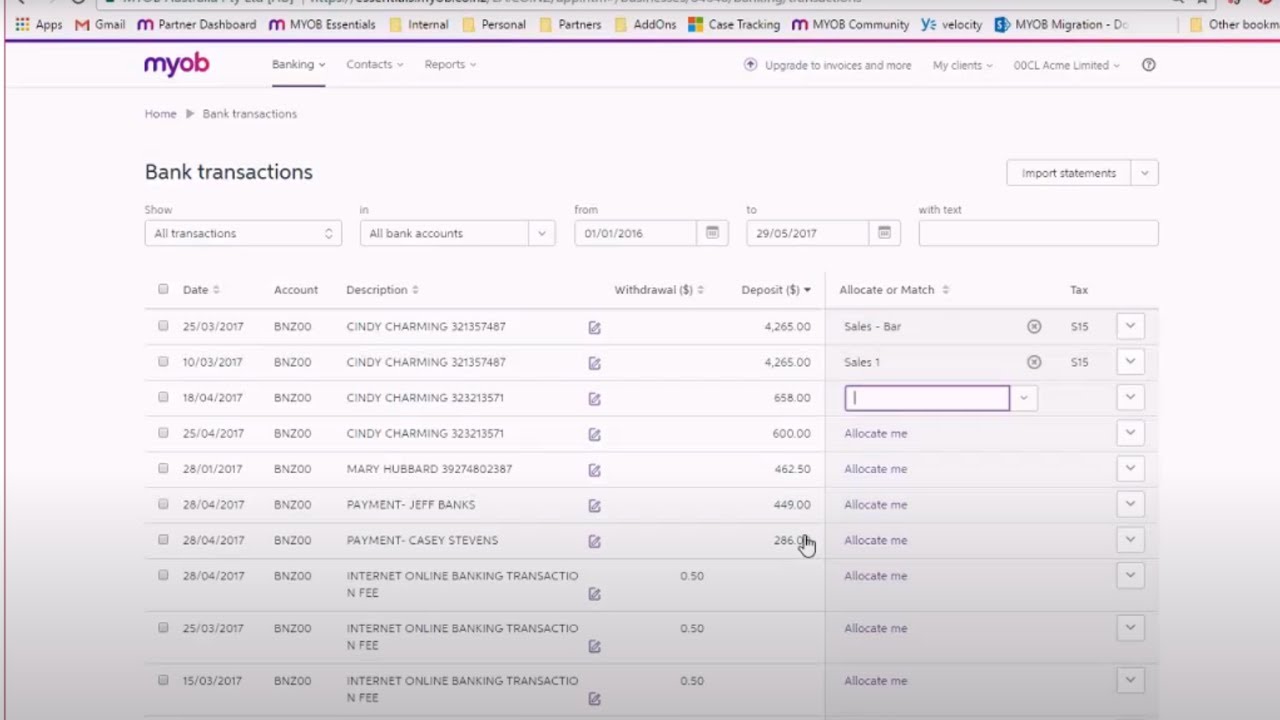
Bank Reconciliation - MYOB & AccountRight
Автор: MYOB & Learning much
Загружено: 2024-12-28
Просмотров: 431
Описание:
Bank Reconciliation - MYOB & AccountEdge AccountRight
Not using bank feeds? Then let's look at how to reconcile the manual way
What's covered?
How to reconcile your bank accounts using a paper bank statement
How to prepare a bank reconciliation report
/ @myob-pk get all from this about Trading, Manufacturing, Retailer and Wholesaler along with HOMEOPATHY & ALLOPATHIC PRESCRIPTION SOFTWARE
Learn Accounting for all types of Student
I.Com, D.Com, B.Com, BBA, MBA, M.Com, ACCA, CIMA, IBP (Banking), ICMA, ACMA
Actual Accounting Urdu, Arabic & English Language
Sales Tax Accounting
Sales Tax Audit Account
Medical Doctor Prescription Software (Urdu & English
Homeopathy Software
Homeopathy Store Software
Wholesale Business,
TAX Accounting & Actual Accounting.
Bank reconciliation in MYOB AccountRight is an essential process to ensure that your accounting records match your bank statements. Here’s a step-by-step guide on how to perform bank reconciliation in MYOB AccountRight:
Step 1: Prepare for Reconciliation
Gather Bank Statements: Obtain your bank statement for the period you want to reconcile.
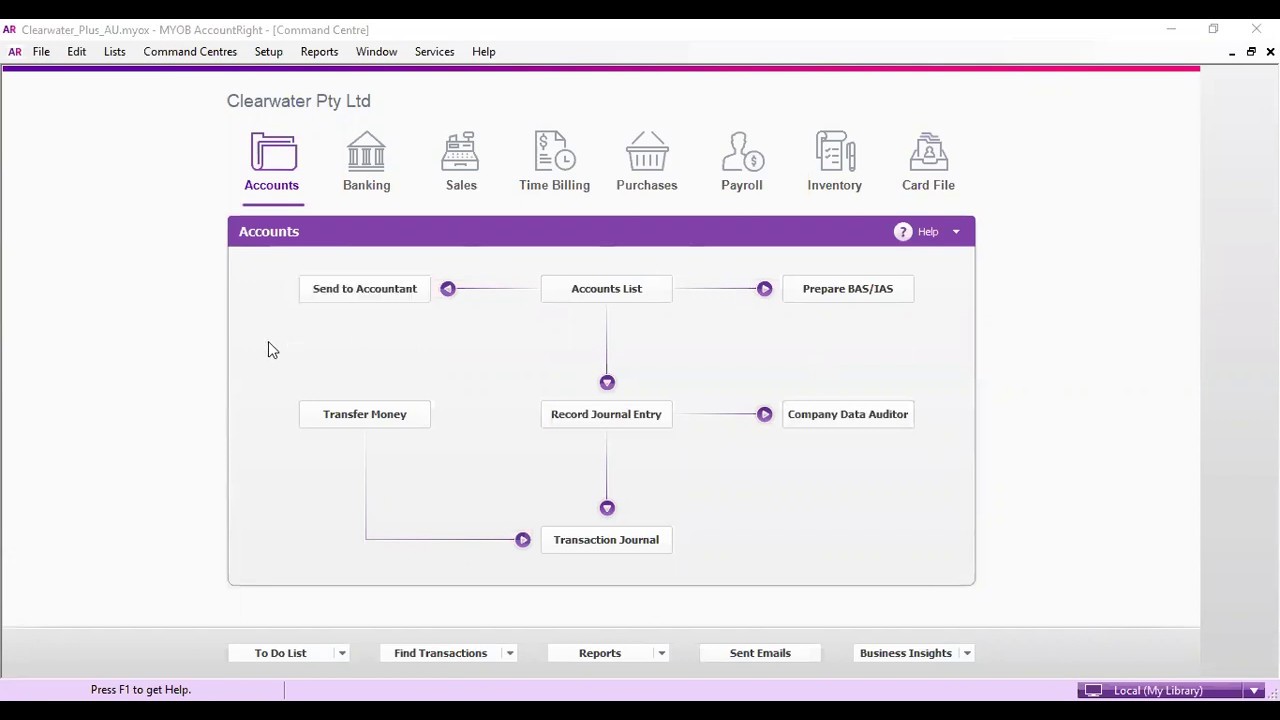
Access MYOB AccountRight: Log in to your MYOB AccountRight software.
Step 2: Navigate to Bank Reconciliation
Go to the Banking Menu: Click on the "Banking" menu at the top of the screen.
Select Reconcile Accounts: Choose "Reconcile Accounts" from the dropdown menu.
Step 3: Select the Bank Account
Choose the Account: In the Reconcile Accounts window, select the bank account you want to reconcile from the dropdown list.
Set the Date Range: Ensure the date range matches the period of your bank statement.
Step 4: Enter Bank Statement Details
Enter Statement Balance: Input the closing balance from your bank statement in the "Statement Balance" field.
Enter Statement Date: Ensure the statement date is correct.
Step 5: Match Transactions
Review Transactions: MYOB will display a list of transactions recorded in your accounting system for the selected period.
Tick Matched Transactions: Go through the list and tick off each transaction that appears on both your bank statement and in MYOB.
Identify Unmatched Transactions: Pay attention to any transactions that do not match. These could be outstanding checks, deposits in transit, or errors.
Step 6: Adjust for Discrepancies
Investigate Discrepancies: If there are differences between your MYOB records and the bank statement, investigate the cause. This may involve checking for data entry errors, missing transactions, or bank fees.
Make Adjustments: If necessary, make adjustments in MYOB to correct any discrepancies. This could involve entering missing transactions or correcting amounts.
Step 7: Complete the Reconciliation
Check the Difference: Ensure that the difference between the statement balance and the reconciled balance in MYOB is zero. If it is, you are ready to complete the reconciliation.
Click Reconcile: Once everything matches, click the "Reconcile" button to finalize the process.
Step 8: Save and Review
Save the Reconciliation: MYOB will save the reconciliation, and you can review it later if needed.
Print or Export: If required, you can print or export the reconciliation report for your records.
Step 9: Regular Reconciliation
Repeat Monthly: It’s a good practice to perform bank reconciliations regularly (monthly) to keep your accounts accurate and up to date.
Additional Tips
Use the Bank Feeds Feature: If you have bank feeds set up, you can streamline the reconciliation process by importing transactions directly from your bank.
Keep Records: Maintain a record of your bank statements and reconciliations for auditing purposes.
By following these steps, you can effectively reconcile your bank accounts in MYOB AccountRight, ensuring that your financial records are accurate and up to date.
#BankReconciliation
#MYOB
#Accounting
#Finance
#Bookkeeping
#FinancialManagement
#SmallBusiness
#AccountingSoftware
Specific to MYOB and Reconciliation
#MYOBAccountRight
#MYOBReconciliation
#BankReconciliationMYOB
#MYOBTips
#MYOBAccounting
#MYOBFinance
Engagement and Learning
#AccountingTips
#FinanceTips
#LearnAccounting
#BusinessFinance
#FinancialLiteracy
General Keywords
Bank Reconciliation
MYOB
Accounting Software
Financial Statements
Bookkeeping
Financial Management
Small Business Accounting
Cash Flow Management
Specific to MYOB
MYOB AccountRight
MYOB Bank Feeds
MYOB Reconciliation
MYOB Tips
MYOB Features
MYOB Support
MYOB Training
MYOB Reports
Related to Reconciliation Process
Reconciliation Process
Statement Balance
Transaction Matching
Outstanding Transactions
Bank Statement
Adjustments
Discrepancies
Financial Accuracy
Industry-Specific Keywords
Small Business Finance
Business Accounting
Financial Compliance
Tax Preparation
Audit Trail
Expense Tracking
Income Tracking
Keywords for Learning and Resources
Accounting Best Practices
Financial Literacy
Online Accounting Courses
Accounting Tutorials
Business Finance Tips
Financial Software Comparison
Повторяем попытку...

Доступные форматы для скачивания:
Скачать видео
-
Информация по загрузке: