2018 INFINITI Q50 - Audio System
Автор: INFINITI USA
Загружено: 2017-07-19
Просмотров: 17514
Описание:
"This video is copyrighted material of Nissan North America, Inc. and should not be copied, edited, or reproduced without the permission of Nissan.
Your vehicle’s audio system features an AM/FM radio, CD player, USB/iPod®
interface and, if so equipped, SiriusXM® Satellite Radio.
SiriusXM® is included for a period of time from the original sale date of the vehicle. A variety of factors can affect satellite radio reception, including:
● Weather,
● Trees,
● Bridges,
● Tunnels,
● Parking garages,
● Tall buildings, and
● Ground-based AM or FM transmitters.
To help ensure quality reception, avoid placing cargo in a way that blocks the satellite radio antenna.
The audio system is also capable of playing Bluetooth streaming audio and various other audio applications.
Press the VOLUME knob to turn the audio system on. Turn the knob to adjust the volume.
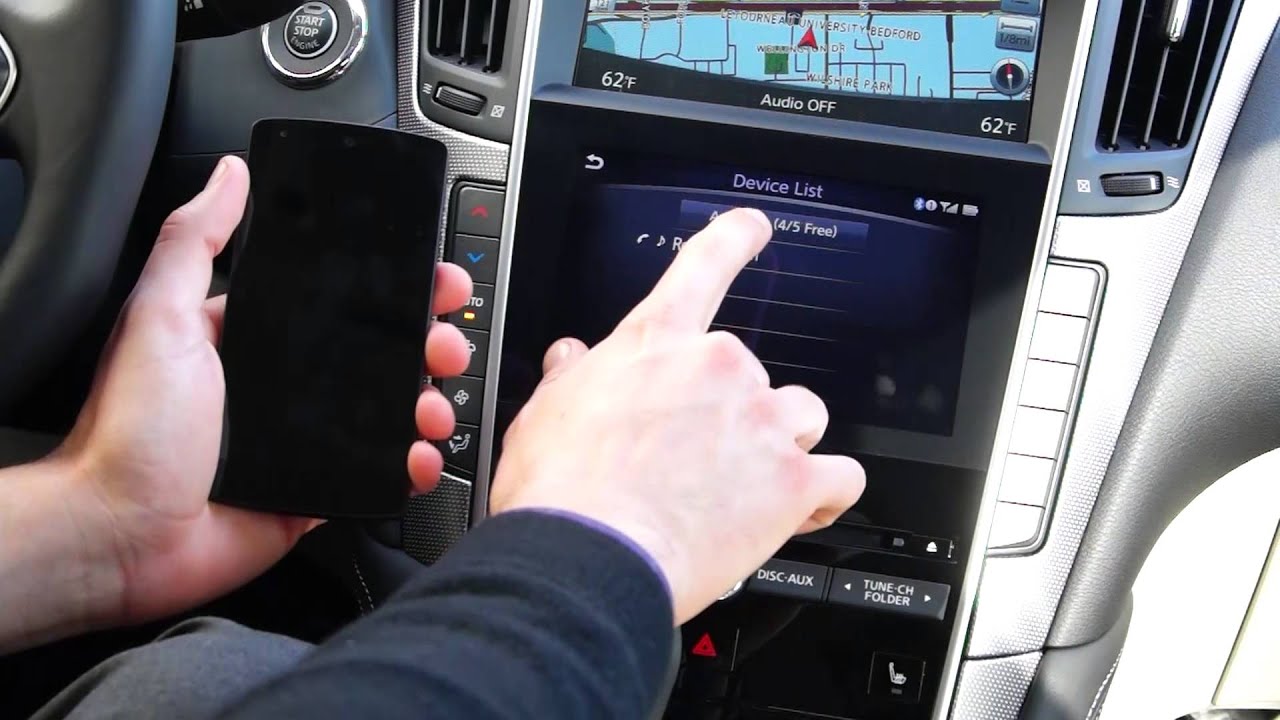
Information and touchscreen selections for the audio system are shown on the lower touch screen display.
There are multiple methods for selecting an audio source. Press the AUDIO button on the control panel to display a list of available audio sources on the touchscreen. This can also be done while the audio system is active by touching the SOURCE key in the upper left corner of the screen.
Press the RADIO button on the control panel to cycle through the available AM, FM, and SiriusXM® Satellite Radio bands. Where available and when activated, HD Radio™ broadcasts can be tuned for the AM and FM bands.
Press the DISC-AUXILIARY button to cycle through the other available audio modes. An AM or FM radio station can be found manually by pressing the left or right side
of the TUNE/CHANNEL/FOLDER button. When in SiriusXM® Satellite Radio mode,
this button selects the next or previous channel.
To tune and stop at the next AM, FM or HD Radio™ station, press the left or right side of the SEEK/CATEGORY/TRACK button. When in SiriusXM® Satellite Radio mode, this button selects the next or previous category.
Touch the CONTROL key on the lower touch screen display while in AM or FM mode to access a station list or to initiate scan tuning. Touching this key while in SiriusXM® Satellite Radio mode displays additional options, including DIRECT TUNE, which can be selected to enter the channel number using a keypad on the touch screen.
Up to 36 stations or channels can be set into memory. To set a desired station:
● Select a radio band and then tune to the desired station or channel,
● Then touch and hold any available preset key. Touch the left or right arrows on the screen to display additional groups of six presets each.
To play a stored station, touch the corresponding key on the screen.
To play a CD, insert the compact disc into the slot with the label side facing up. The disc will be guided into the slot and begin playing automatically.
When playing a CD, press the left side of the SEEK/CATEGORY/TRACK button to return to the beginning of the current track. Press several times to skip back through tracks. The compact disc will go back the number of times the button is pressed. To rewind the current track, press and hold the left side of the SEEK/ CATEGORY/TRACK button.
Press the right side of the SEEK/CATEGORY/TRACK button to skip ahead a track. Press repeatedly to advance through multiple tracks. Press and hold the right side of the SEEK/CATEGORY/TRACK button to fast forward the current track.
Touch the TRACK LIST key to display a list of the available tracks on the CD. If the CD has folders with compressed audio files, touch the FOLDER LIST key to display a list of the available folders. Touch the track or folder name on the screen to begin playing that item.
To apply a random or repeat play pattern, touch the PLAY MODE key and then touch the play pattern you wish to apply.
Press the eject button to eject the CD. To adjust the audio system settings:
● Press the MENU button on the control panel,
● Then touch the SETTINGS key,
● Touch AUDIO,
● Then touch the SOUND SETTINGS key.
From this screen, you can adjust the bass, treble, balance and fade, as well as the
Speed Sensitive Volume.
Please see your INFINITI InTouch Owner’s Manual for important safety information, system limitations, and additional operating and feature information.
"
Повторяем попытку...

Доступные форматы для скачивания:
Скачать видео
-
Информация по загрузке: