Master Revit Schedules in 10 Minutes - Full Tutorial!
Автор: konndi designs
Загружено: 2026-03-07
Просмотров: 86
Описание:
Learn how to master Revit schedules in just 10 minutes with this fast and practical full tutorial! Revit schedules are powerful tools that help architects, engineers, and BIM professionals organize project information, quantities, and building elements efficiently.
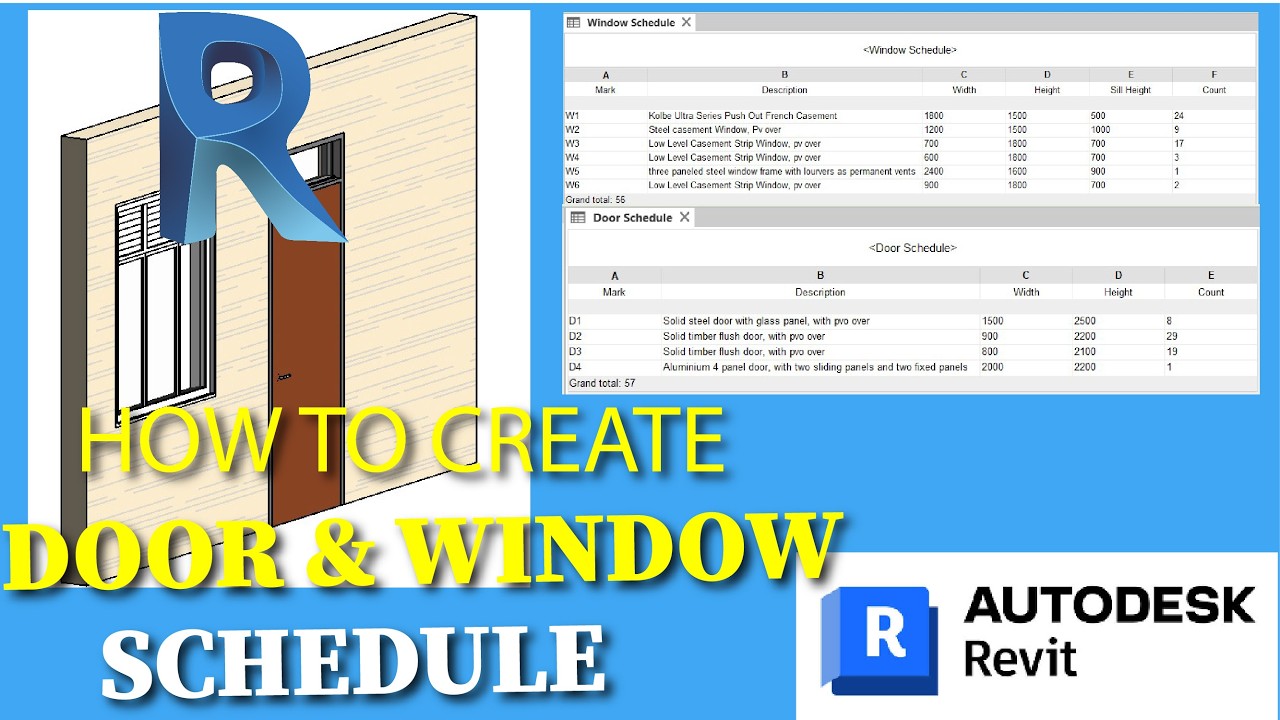
In this video, you’ll discover how to create, customize, and manage Revit schedules for doors, windows, materials, and other building components. Understanding schedules will help you improve documentation accuracy, speed up workflows, and produce professional construction drawings.
🎯 In This Tutorial, You’ll Learn:
How to create schedules in Revit step by step
How to organize and filter schedule data
How to customize fields, sorting, and formatting
How schedules update automatically with your model
Tips to improve BIM workflow and project documentation
This tutorial is perfect for: ✔️ Revit beginners
✔️ Architecture students
✔️ BIM modelers
✔️ Architects and engineers
✔️ Anyone learning professional Revit workflows
By the end of this video, you’ll understand how to use Revit schedules to manage project information faster and more efficiently, saving time on documentation and improving accuracy.
👍 Like, Share & Subscribe for more Revit tutorials, BIM tips, and architectural workflow strategies.
💬 Comment below if you want more Revit shortcuts, tricks, and productivity tips!
#Revit #RevitTutorial #RevitSchedules #BIMModeling #AutodeskRevit #ArchitectureTutorial #BIMWorkflow #RevitTips #ConstructionDocumentation
In this Revit tutorial, you'll learn how to create door and window schedules, essential for any project. We'll guide you step by step through the process, helping you master this aspect of your Revit workflow. This is a must-watch for anyone looking to improve their Revit skills and efficiently manage project data.
Повторяем попытку...
Доступные форматы для скачивания:
Скачать видео
-
Информация по загрузке: