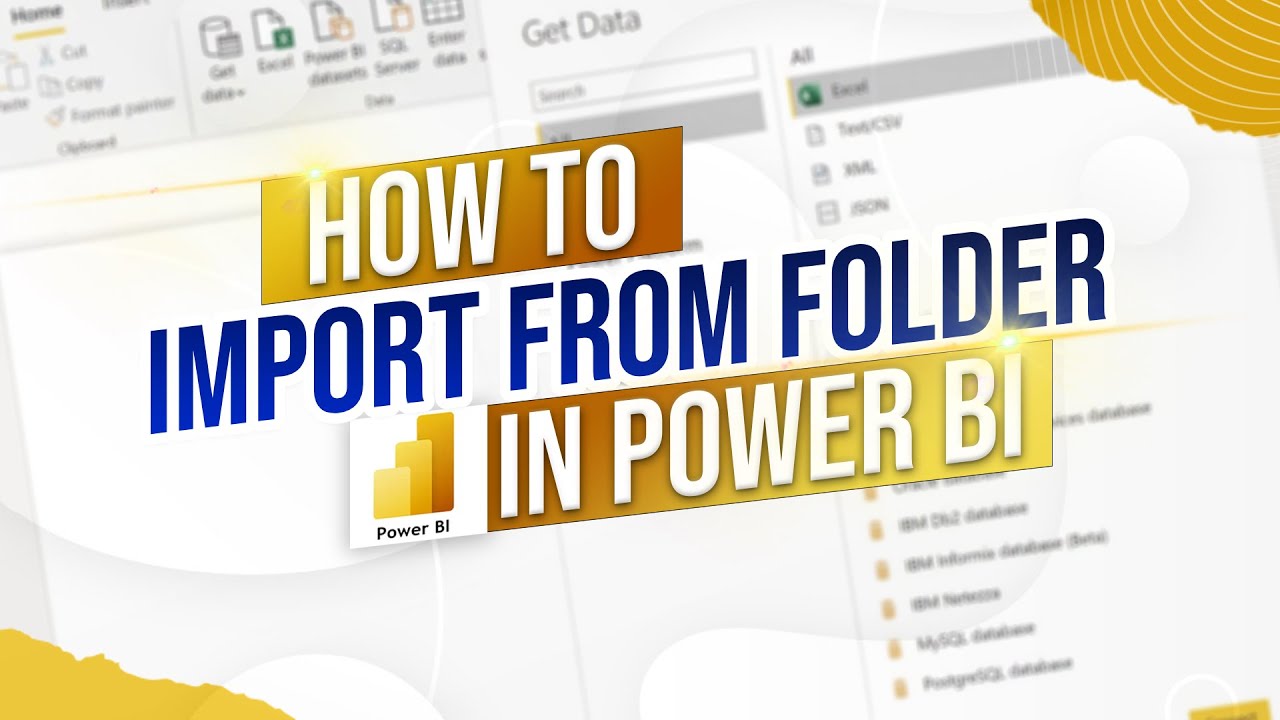
Import Files From Folder in Power BI
Автор: Ynteractive Training
Загружено: 2024-10-22
Просмотров: 766
Описание:
Description: Welcome back to Interactive Training! In this session, we'll explore how to import multiple files from a folder in Power BI efficiently. Whether you're working with several CSV files or managing a large dataset with consistent formats, this tutorial will guide you through the steps to combine and transform your data seamlessly using Power Query.
🔹 How to Import Files from a Folder in Power BI | Interactive Training 🔹
📧 Need More Help?
✉️ Email: [email protected]
📌 What You'll Learn:
Importing Multiple Files: Learn how to use the Folder connector to import all CSV files from a specific folder.
Combining Data: Discover how to combine multiple files with the same structure into a single table using the Combine & Transform Data feature.
Handling Data Formats: Understand how to ensure your data columns are correctly separated and formatted during the import process.
Customizing Data Transformation: Tips on adjusting settings in Power Query to match your data requirements.
Practical Application: Apply these techniques to real-world scenarios to streamline your data loading process in Power BI.
🕒 Timestamps: 0:00 - Introduction to Importing Files from a Folder in Power BI
0:01 - Overview of the Example: Combining Three CSV Files
0:02 - Identifying the Need to Import Multiple Files
0:03 - Navigating to Table View and Accessing Get Data
0:05 - Selecting the Folder Connector to Import Files
0:07 - Choosing the Union Folder Containing CSV Files
0:08 - Using Combine & Transform Data to Merge Files
0:10 - Verifying Column Separation and Data Formats in Power Query
0:12 - Adjusting Settings if Columns Are Not Correctly Separated
0:14 - Applying Changes and Loading Data into Report View
0:16 - Reviewing the Imported Data in Report View
0:18 - Conclusion and Final Tips on Importing Files from a Folder
0:20 - Like & Subscribe for More Content
💡 Why Import Files from a Folder in Power BI?
Efficiency: Quickly load and combine multiple datasets with identical structures without manual intervention.
Scalability: Easily manage large numbers of files, ensuring your data model remains up-to-date with minimal effort.
Consistency: Maintain data consistency by importing files that share the same column structure and data types.
Streamlined Workflow: Simplify your data loading process, allowing you to focus more on analysis and reporting.
Flexibility: Adapt to varying data sources by customizing your import settings to suit different file formats and structures.
👉 If you enjoyed this tutorial, please: 👍 Like this video
🔔 Subscribe to our channel for more tutorials and tips
💬 Comment below with any questions or topics you'd like us to cover next!
📣 Stay Connected: Stay updated with the latest tutorials and data visualization tips by following us on our social media channels!
#PowerBI #DataImport #PowerBITutorial #DataVisualization #BusinessIntelligence #InteractiveTraining #DataAnalytics #TechTutorial #DataReporting #ImportFromFolder #PowerBITraining #PowerQuery
Повторяем попытку...
Доступные форматы для скачивания:
Скачать видео
-
Информация по загрузке: