REALME Buds T200 Lite – How to Use Dual Connection
Автор: HardReset_info Tests
Загружено: 2025-08-16
Просмотров: 4266
Описание:
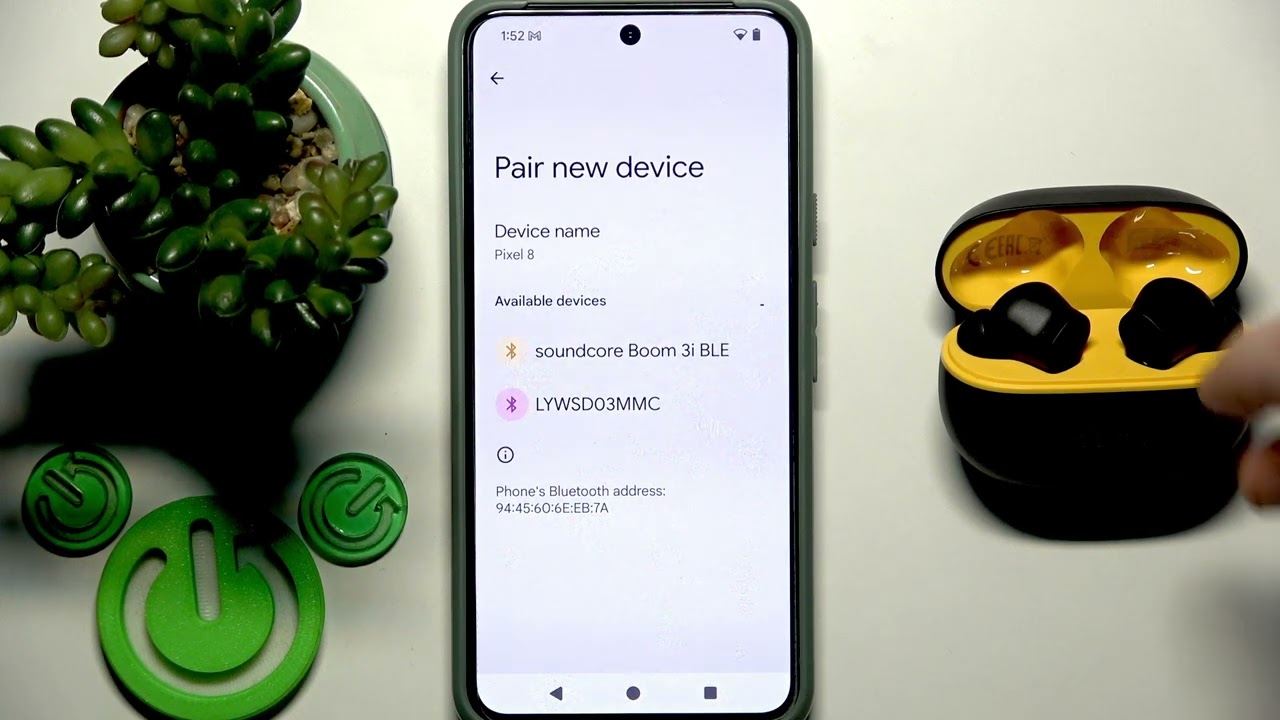
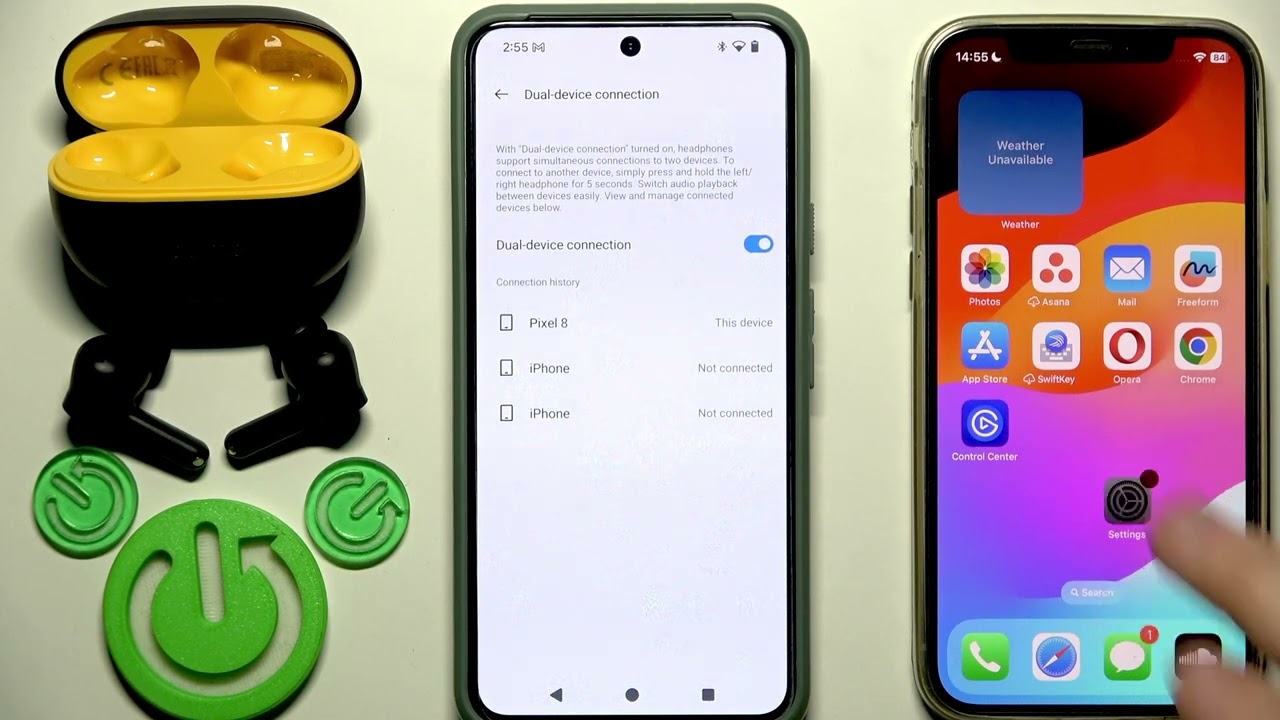
Want to connect your REALME Buds T200 Lite to two devices at the same time? In this video, we show you step-by-step how to enable dual connection on your REALME Buds T200 Lite earbuds. You’ll learn how to use the REALME Link app to activate dual device mode, pair your earbuds with a second phone or tablet, and switch between devices easily. This guide is perfect for anyone who wants to enjoy music, calls, or videos on multiple devices without disconnecting and reconnecting every time. Follow along to make the most of your REALME Buds T200 Lite dual connection feature and enjoy seamless audio switching between your devices.
How to enable dual connection on REALME Buds T200 Lite?
How to pair REALME Buds T200 Lite with two devices at once?
Where is the dual device connection setting in REALME Link app for REALME Buds T200 Lite?
0:00 Introduction
0:10 Open REALME Link app and select earbuds
0:25 Enable dual device connection
0:40 Prepare second device for pairing
1:00 Enter pairing mode on earbuds
1:20 Connect to second device via Bluetooth
1:40 Confirm dual connection is active
#REALMEBudsT200Lite #DualConnection #REALMELink #EarbudsTips
Find out more:
https://www.hardreset.info/devices/re...
Follow us on Instagram ► / hardreset.info
Like us on Facebook ► / hardresetinfo
Tweet us on Twitter ► / hardreseti
Support us on TikTok ► / hardreset.info
Use Reset Guides for many popular Apps ► https://www.hardreset.info/apps/apps/
Повторяем попытку...
Доступные форматы для скачивания:
Скачать видео
-
Информация по загрузке: