How To Fix Ssl Status Failed In Hostinger
Автор: Champ Picks
Загружено: 2025-09-09
Просмотров: 91
Описание:
How To Fix Ssl Status Failed In Hostinger
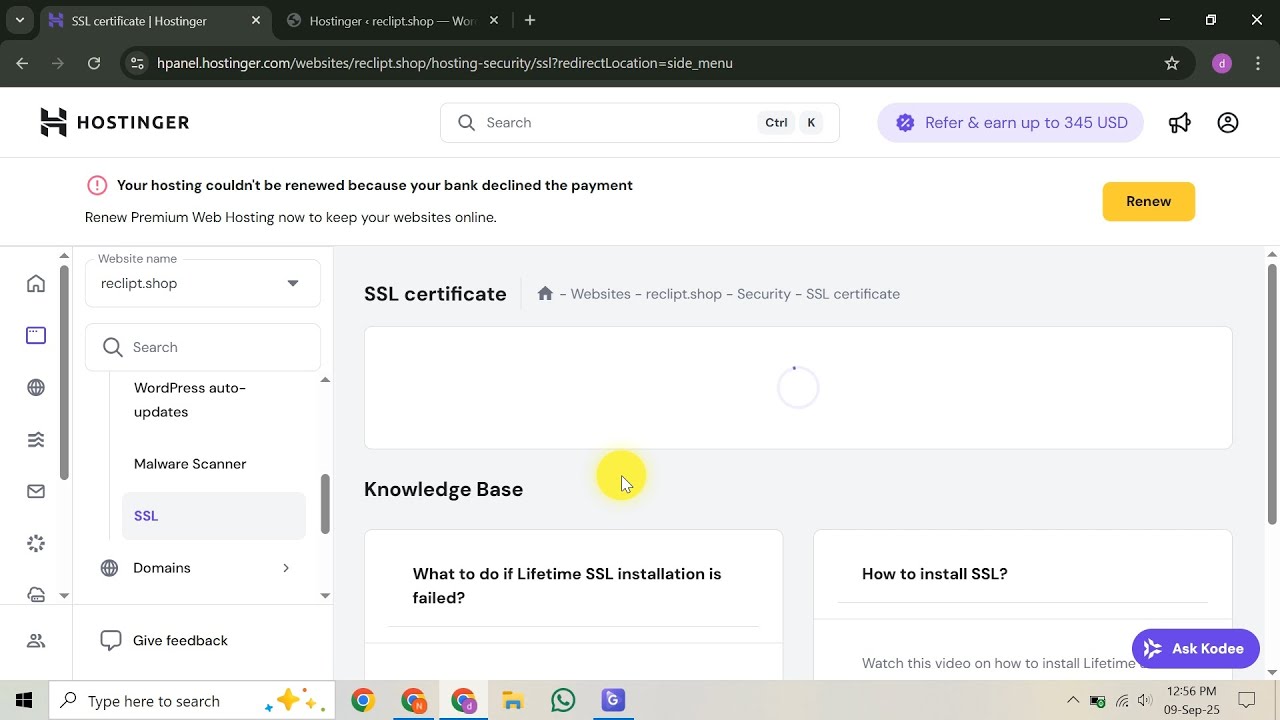
Looking for How To Fix Ssl Status Failed In Hostinger? In this video, we'll guide you through the common causes and effective solutions for resolving SSL status failed errors on your Hostinger website. It can be incredibly frustrating when your website's essential security certificate shows a 'failed' status, but rest assured, most of these common issues are straightforward to fix. We'll cover comprehensive troubleshooting steps tailored for both Hostinger's Lifetime SSL certificates and custom SSL installations. First, we delve into fixing Hostinger Lifetime SSL installation problems, emphasizing the critical importance of ensuring your domain is correctly pointing to Hostinger via nameservers or A records. Remember to allow up to 24 hours for crucial DNS propagation, as this often resolves the problem automatically. We also address potential conflicts from unnecessary DNS records, like AAAA records, and how to properly verify your CAA records to ensure they permit certificate issuance. A simple yet highly effective solution often involves a quick reinstallation of the SSL certificate directly from your hPanel's Security section, which can activate it within minutes. Furthermore, we explore the less common but crucial detail of domain length limitations that might impede SSL activation. If you're encountering an SSL certificate failed Hostinger situation with a custom certificate, our guide provides distinct troubleshooting steps. You'll learn to confirm proper domain pointing and propagation, rigorously verify your certificate configuration for any mismatches between the private key, CSR, and the certificate itself, and thoroughly check for hosting plan compatibility, especially for complex wildcard or multi-domain certificates. By diligently following these detailed instructions, you'll be well-equipped to resolve most 'SSL status failed' issues and get your Hostinger site secured quickly and effectively. Discover how to fix SSL status failed in Hostinger and restore your website's trust and security with confidence.
#HostingerSSL #FixSSLHostinger #SSLFailed #HostingerTutorial #WebsiteSecurity
Повторяем попытку...
Доступные форматы для скачивания:
Скачать видео
-
Информация по загрузке: