GRS Super Joystick – Input Mapping in Retroarch
Автор: Thunderstick Studio
Загружено: 2023-11-24
Просмотров: 479
Описание:
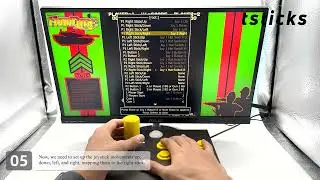
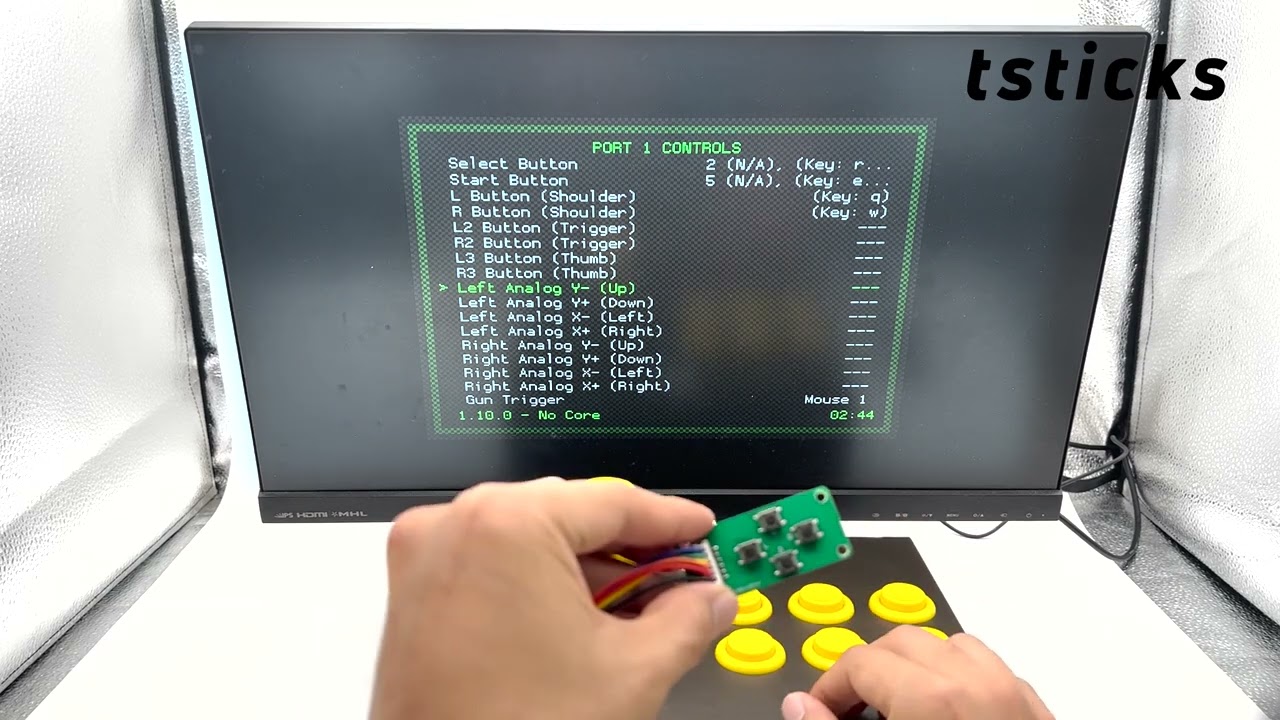
In this video tutorial, we dive into configuring the GRS Super Joystick with RetroArch on a Raspberry Pi 4. Kick-starting the process in the RetroPie menu, we select RetroArch, and then delve into the 'Settings' and 'Input'. We ensure that both the 'Device Index' and 'Mouse Index' are correctly set to 'TS-RT-JK'. After mapping the D-pad and primary buttons (adapting based on personal setups), we employ the 'Calibration PCB' to set the Hat Switch to the Left Analog position. Additionally, the MODE button proves useful in toggling between D-pad and A-pad outputs for mapping. Upon finalizing the mapping, we exit to the settings and tweak the 'Configuration on Quit' option. Once we've wrapped up, it's just a quick exit and voilà! RetroArch is all set up with your joystick. Don't forget to like and subscribe for more tech insights!
🔗 Product Details: https://shorturl.at/koBX0
🎬 Official Product Video: https://shorturl.at/sGPY3
Повторяем попытку...
Доступные форматы для скачивания:
Скачать видео
-
Информация по загрузке: