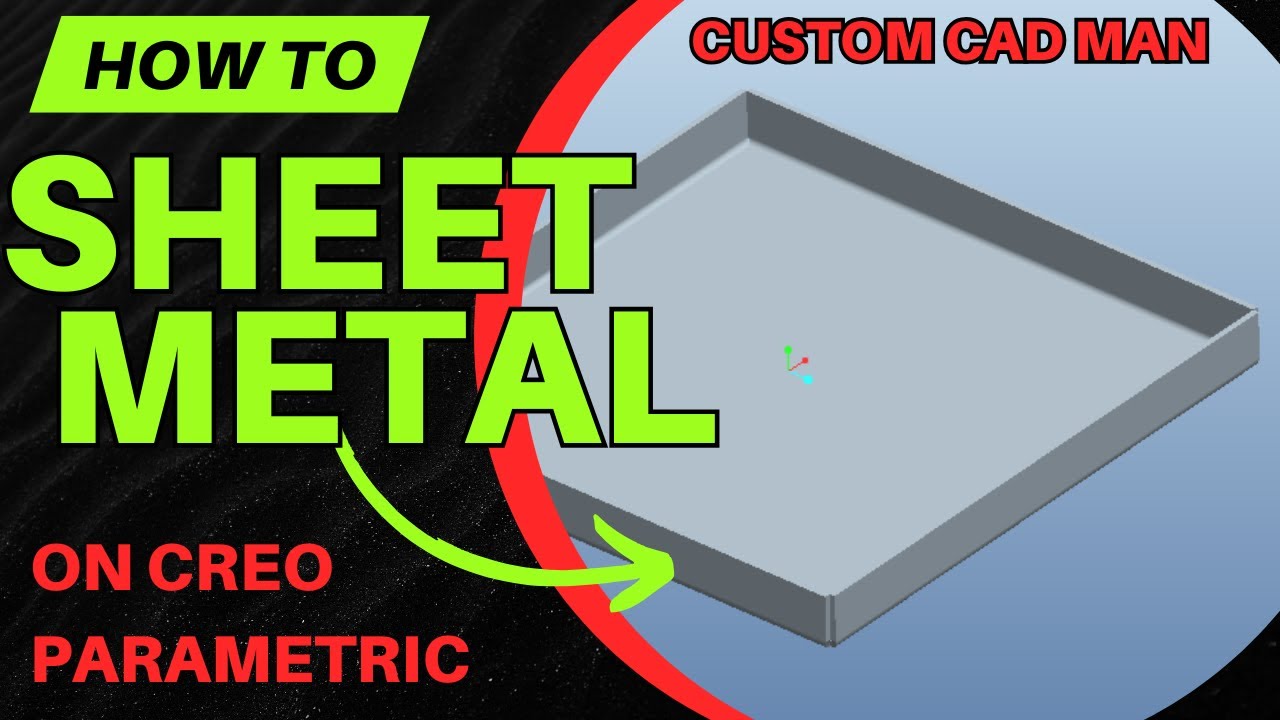
How to Convert a Solid to Sheet Metal in Creo (Step-by-Step)
Автор: Custom cad man
Загружено: 2026-01-14
Просмотров: 4
Описание:
In this step-by-step tutorial, you’ll learn exactly how to convert a solid part into a sheet metal part in PTC Creo. This video covers the entire conversion workflow — from a standard solid model all the way to a fully flattened sheet metal part.
In this video you’ll learn:
How to convert a solid part to sheet metal using the Sheet Metal application
The difference between Shell vs Driving Surface (and when to use each)
How to set sheet metal thickness correctly
How to convert solid edges into sheet metal bends
How to use Edge Rip to break solid edges so the part can flatten
Two different ways to create edge rips in Creo
How to define fixed geometry for flattening
How to create and view the flat state (flat pattern) of your part
Why edge rips and bends are required before flattening will work
This is a must-know workflow if you’re doing fabrication, laser cutting, bending drawings, or DXF exports from Creo.
👍 If this video helped, tap Like
💬 Comment what sheet metal feature you want next
🔔 Subscribe for weekly Creo fast features & real-world fabrication workflows
#PTCCreo
#CreoSheetMetal
#SheetMetalDesign
#CreoTutorial
#CreoCAD
#FlatPattern
#MechanicalDesign
#Fabrication
#LaserCutting
#CreoFastFeatures
Повторяем попытку...
Доступные форматы для скачивания:
Скачать видео
-
Информация по загрузке: