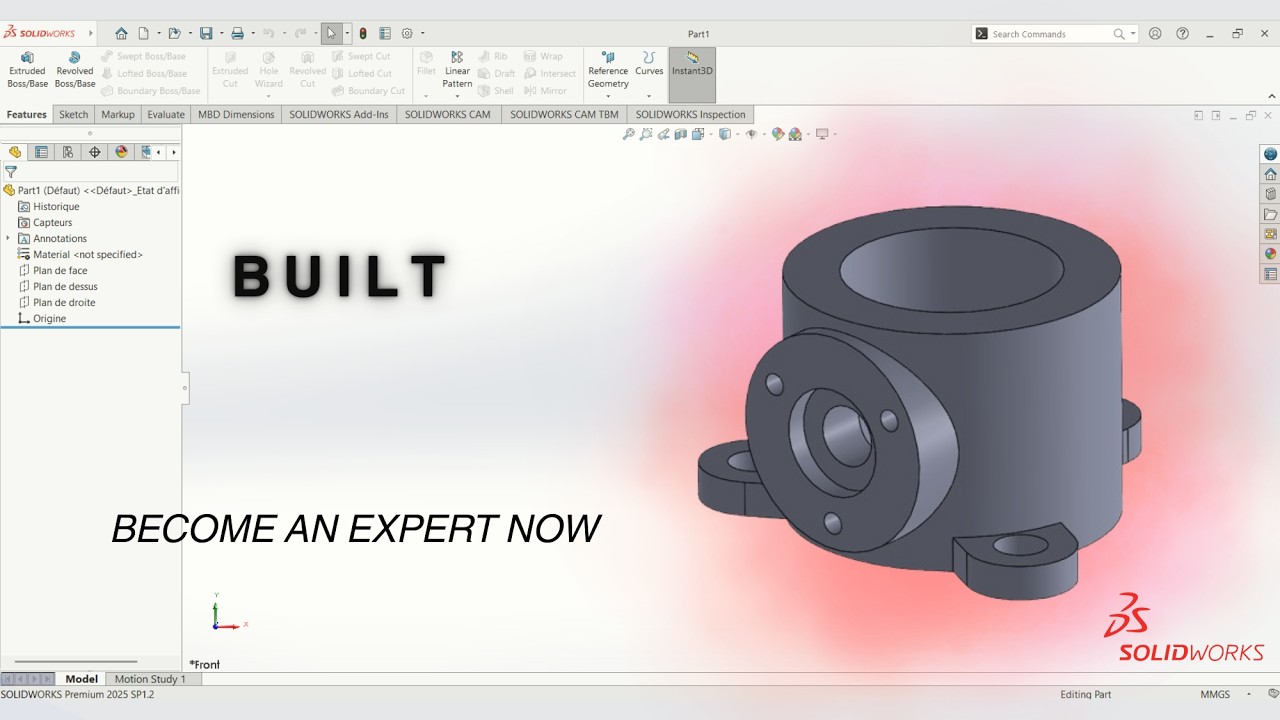
Built - SolidWorks English Tutorial For Beginners
Автор: SB CAD CAM
Загружено: 2026-02-27
Просмотров: 17
Описание:
In this SolidWorks English Tutorial for Beginners, we’ll model a Built part step by step using the Part Design environment! 🛠️
This tutorial is designed for beginners who want to improve their sketching techniques and understand how to build clean, fully defined 3D parts in SolidWorks.
In this video, you’ll learn how to:
✔️ Create fully defined 2D sketches
✔️ Apply Smart Dimensions and geometric relations correctly
✔️ Use Boss-Extrude to build the main body
✔️ Apply Cut-Extrude to remove material
✔️ Add Fillets and Chamfers for realistic mechanical finishing
✔️ Organize a clean and professional FeatureManager tree
💡 We focus on strong modeling habits, parametric design logic, and maintaining design intent — essential foundations for advanced modeling and future assemblies.
👉 By the end of this tutorial, you’ll have a complete 3D Built part ready for assembly or technical drawing creation.
Perfect for engineering students, beginners, and anyone starting their SolidWorks journey! 🚀
Don’t forget to like 👍, subscribe 🔔, and follow the playlist to keep improving your CAD skills!
#SOLIDWORKS #SolidWorksTutorial #CAD #PartDesign #MechanicalDesign #3DModeling #EngineeringDesign #LearnSolidWorks #BeginnerCAD #EngineeringStudent
Повторяем попытку...
Доступные форматы для скачивания:
Скачать видео
-
Информация по загрузке:












![How to model Sports Glasses in SOLIDWORKS? 🕶 [60-minute Surface Modeling Masterclass by Jan]](https://imager.clipsaver.ru/bVnL_QtYtIc/max.jpg)