How to Use iStock: A Tutorial for Selecting Images
Автор: Paperstreet Web Design
Загружено: 2015-11-25
Просмотров: 19006
Описание:
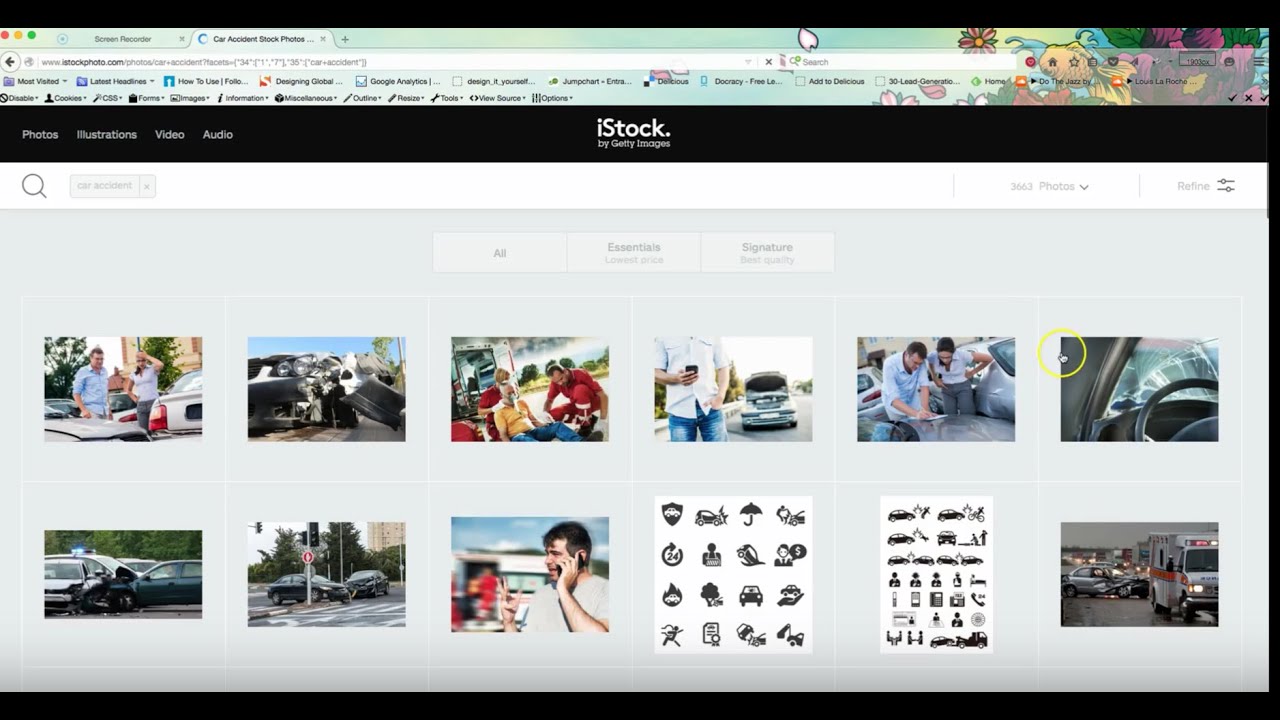
Elyssa, art director at PaperStreet, walks you through how to use istockphoto.com, PaperStreet’s preferred resource for online images, illustrations, videos and audio clips. PaperStreet uses it all the time for clients. Clients themselves also may want to use iStock for updating photos, either for their practice areas or to attach an image to a blog post, which is highly recommended.
It is free to start an account at iStock. Once signed in, you can start searching for photos, and creating lightboxes. iStock offers two categories: the essentials level and the signature level. If you have a membership with iStock, the essentials level is a little bit lower priced than the signature level. Whether or not you have an account, you can also pay for images a la carte. iStock photos are moderately priced compared to other galleries out there, such as veer or Getty images.
How to create a lightbox: hover over the picture to see whether it’s an essentials or signature level. Click the plus sign in the top right hand corner to create a new lightbox. You can choose different sizes of images.
If you’re going to be using iStock often, you may want to explore a subscription option. iStock is also good with customer service. If you are in need of web design insight, we can assist. Contact us for more information.
PaperStreet Web Design
219 SW 17th Street
Ft. Lauderdale, FL 33315
http://www.paperstreet.com/contact
Повторяем попытку...
Доступные форматы для скачивания:
Скачать видео
-
Информация по загрузке:










![Пошаговое руководство по регистрации авторов iStock by Getty Images. [Обновлено в 2023 г.]](https://imager.clipsaver.ru/HzZ_jam_wb8/max.jpg)