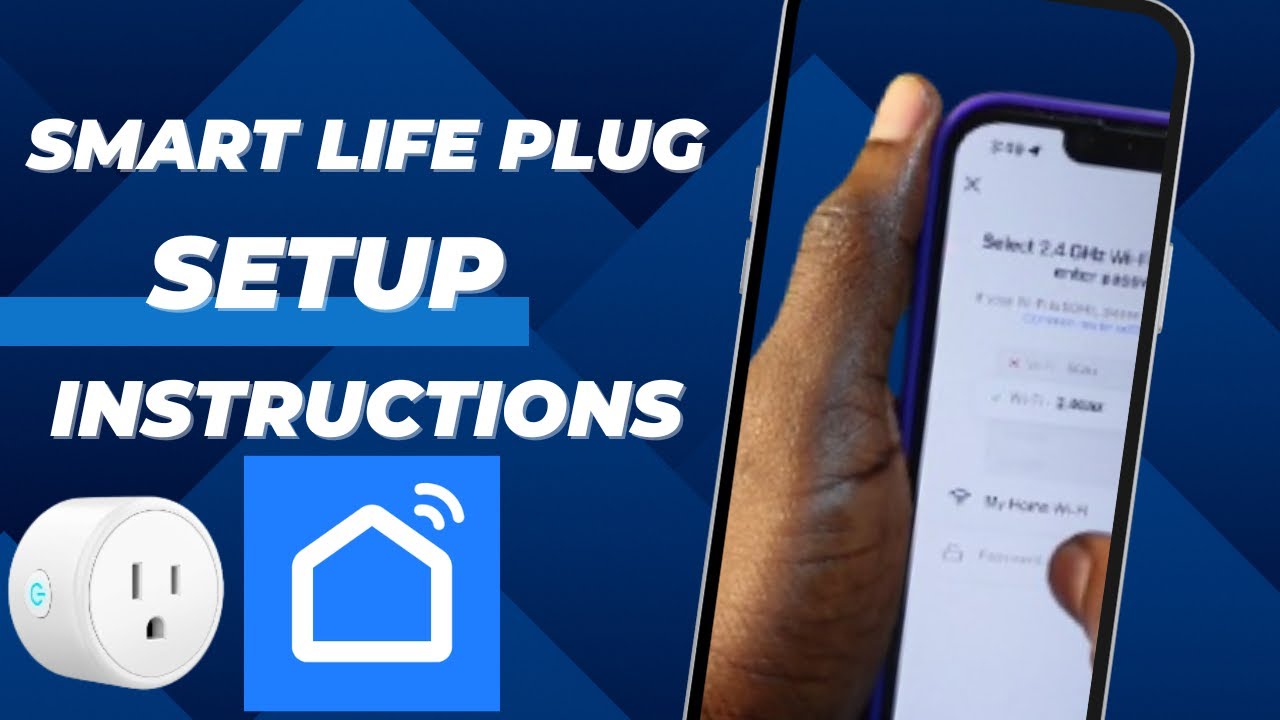
How to Link Smart Life App with Amazon’s Alexa (Outdoor Plug)
Автор: Home Tech DIY
Загружено: 2020-07-28
Просмотров: 13822
Описание:
Similar Outdoor Smart Plug: https://amzn.to/2CxSx8U
Echo Speaker: https://amzn.to/2se5CyV
More Smart Life Devices: https://amzn.to/39DRRuv
My Blog post for more info: http://hometechdiy.com/smart_life_lin...
Today we are connecting the Smart Life app with Amazon’s Alexa. I use the Smart Life app to control my Teckin Outdoor Smart Plug but this app supports multiple brands of home automation hardware, so the process I’ll be presenting today covers these many devices which use Smart Life.
If you haven’t already checked out my review on the Teckin Smart Outlet for outdoors, make sure you do so.
At thig point, I already have the Smart Life app installed and I am able to control my outlets.
Also, I already have the Alexa app on my phone.
To allow Alexa access to control devices in the Smart Life app, I need to add the Smart Life skill to Alexa and allow her to access the devices.
Next I walk through the steps to link Smart Life to Alexa but Alexa cannot find the new device on my Smart Life account.
To get the new devices to show up, I closed the Alexa app and reopened it a couple of times and still nothing. When I came back to try again, 20 minutes later, the new devices were there. Not sure why there was a delay, but it’s all good now.
When I click on switches, I see 3 new items. The Outdoor Plug controls both of the outlets together as a pair. Switches 1 and 2 gives you the ability to control them separately. The plugs do show up as “Switches” and not “Plugs”. On the device setting page, you can update the Type, but the only option is Light. If I do this and I ask Alexa to turn on the lights, all the devices of “Type” “Lights” will be activated. At this point there is no way to update the type from Switch to Plug. There is no performance impact, I just need to remember where it’s located in the Alexa app if I am configuring the device at a later date.
When I click on Switch 1, this light turns on and when I click Switch 2, the other one is on. Let’s turn them off. Now, when I click on Outdoor Plug, both are active. But notice on the Alexa user interface, the sockets are not showing as on. After waiting 30 seconds, the 2 outlets labeled Switch 1 and Switch 2 show as active on the Alexa user interface.
We should be good to go.
Alexa, turn on the Outdoor Plug.
Alexa, turn off the Outdoor Plug
Let’s try the individual switches.
Alexa, turn on Switch 1.
Alexa, turn off Switch 1.
Of course, if you don’t like the name “Switch 1” it can be changed under the settings for each device.
Let’s try the second outlet.
Alexa, turn on Switch 2.
Alexa, turn off Switch 2.
There you go. That’s how you connect your Smart Life devices to Alexa so you can control them with your voice. I hope that you found this helpful, if so, let me know with a thumbs up. Do check out my other video on this outdoor plug where I do some intense outdoor testing. Links to the outlet are in the description and go ahead and subscribe for more home automation projects.
Повторяем попытку...

Доступные форматы для скачивания:
Скачать видео
-
Информация по загрузке:





![[#99] Home Assistant – первое знакомство, установка и проблемы](https://imager.clipsaver.ru/zLC8GuOkHl0/max.jpg)