How to Check NVIDIA GPU Usage in Linux (2 Commands)
Автор: Ozzoy Bits
Загружено: 2025-06-30
Просмотров: 1636
Описание:
📝 Description:
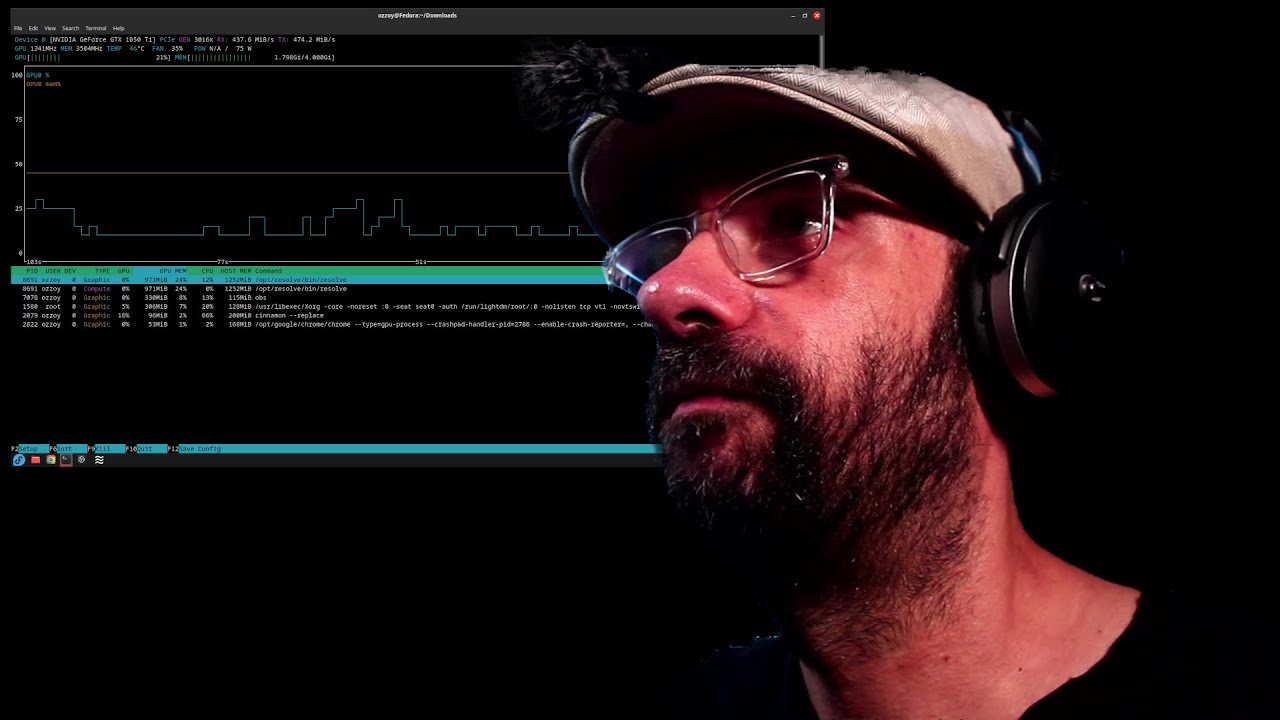
Want to monitor your NVIDIA GPU usage on Linux in real-time? In this quick tutorial, I’ll show you the easiest way to check GPU load, temperature, memory usage, and more — all from the terminal using one powerful command. Perfect for gamers, developers, and system admins running Linux with NVIDIA drivers.
✅ Works on Ubuntu, Debian, Fedora, Arch, and more
✅ Great for gaming, AI workloads, and system monitoring
✅ No GUI required — full CLI control!
👉 Don’t forget to like and subscribe for more Linux tips and tricks!
Want to check your NVIDIA GPU usage on Linux?
In this quick tutorial, you'll learn two simple commands to monitor GPU load, memory usage, and processes using your NVIDIA graphics card.
🔧 What you'll learn:
How to check GPU usage with nvidia-smi
How to monitor GPU load in real time
How to see which processes are using your GPU
Useful for troubleshooting, gaming, and AI workloads
Perfect for Linux users, gamers, and system administrators.
#Linux #NVIDIA #GPU #LinuxTips #nvidiasmi
Повторяем попытку...
Доступные форматы для скачивания:
Скачать видео
-
Информация по загрузке: