How to Set Up a Domain, Hosting & SSL for WordPress (Beginner Friendly)
Автор: Isaac Design
Загружено: 2026-02-01
Просмотров: 22
Описание:
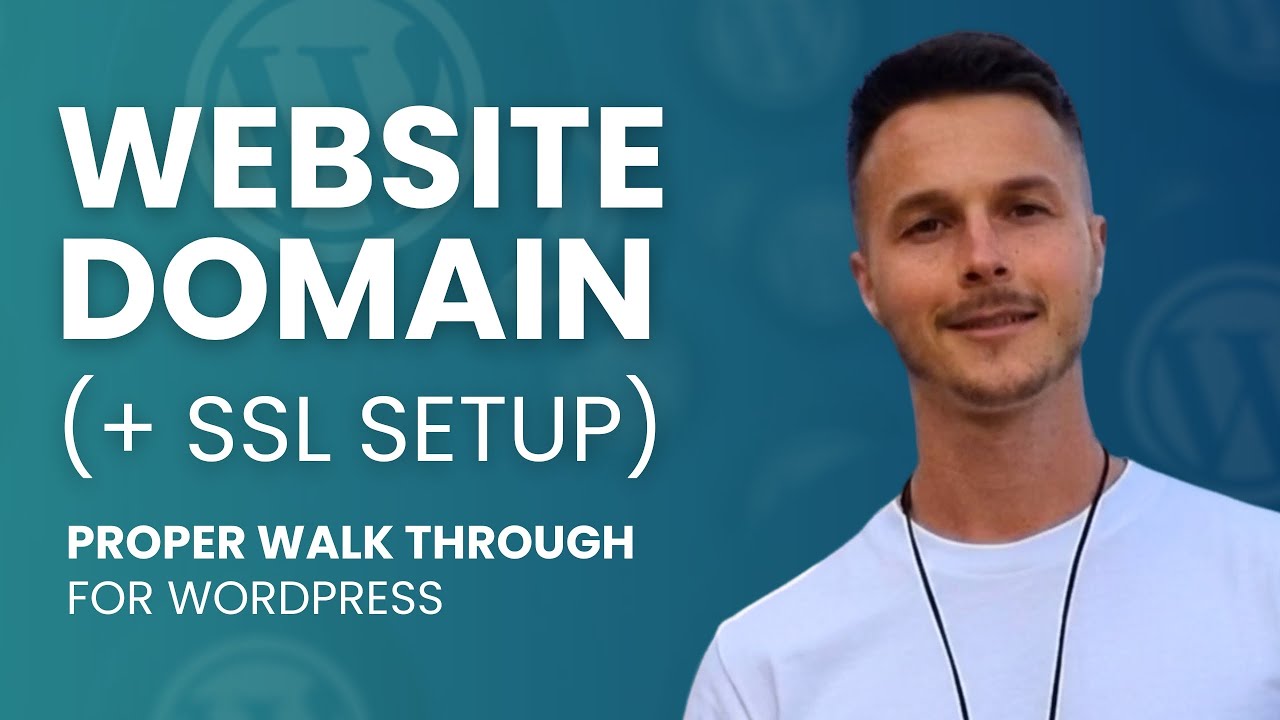
In this video, I walk through the entire domain → hosting → SSL setup process step by step, using a real WordPress site and a real hosting environment (Cloudways in this example).
Setting up a website domain, connecting it to hosting, and configuring SSL is one of the most confusing (and most skipped) parts of building a WordPress website.
This is a proper walkthrough designed to help beginners (and frustrated intermediates) understand what’s actually happening behind the scenes, so you can set things up confidently without breaking anything.
No rushing, no hype, and no “just click this” without explaining why.
▶️ Watch the full Ultimate WordPress Web Design Tutorial
This video is a short section from my full, in-depth walkthrough:
👉 Ultimate WordPress Web Design Tutorial (Beginner to Pro)
• Ultimate WordPress Website Tutorial (Begin...
Cloudways Hosting Discount: Get 20% off for the first 3 month with the coupon ISAAC DESIGN or use this link: https://unified.cloudways.com/signup?...
What this video covers:
Buying a domain and understanding what it actually controls
Connecting a domain to WordPress hosting properly
DNS basics explained in plain English
Pointing a domain to hosting the right way
Setting up SSL (HTTPS) correctly
Fixing the “Not Secure” warning
Common mistakes people make with domains and SSL
How domain, hosting, and SSL all work together
Although this walkthrough uses WordPress + Cloudways as the example, the concepts apply to any WordPress setup and will help you understand domains and SSL regardless of host.
This video is a focused section taken from my longer WordPress website tutorials, created for people who want help with domain setup and SSL specifically without watching a full multi-hour build.
Повторяем попытку...
Доступные форматы для скачивания:
Скачать видео
-
Информация по загрузке: