How To FIND Your Epic Games Password & Reset It Fast!
Автор: Online Fanatic
Загружено: 2026-01-28
Просмотров: 39
Описание:
In this video, I will show you how to find your epic games password and reset it quickly. If you use google chrome, there is a chance it may be saved. Go to google chrome, click on the 3 dot icon and choose “password and autofill”, then select “Google Password Manager”.
On this search bar, type epicgames and the website would show up if you have saved them in the past. Click on it and you can then select this icon here to reveal the password.
Otherwise, you have to go to the official epic games website. From there, you want to click on “support” on the left side, then choose “explore topics” and select “account”.
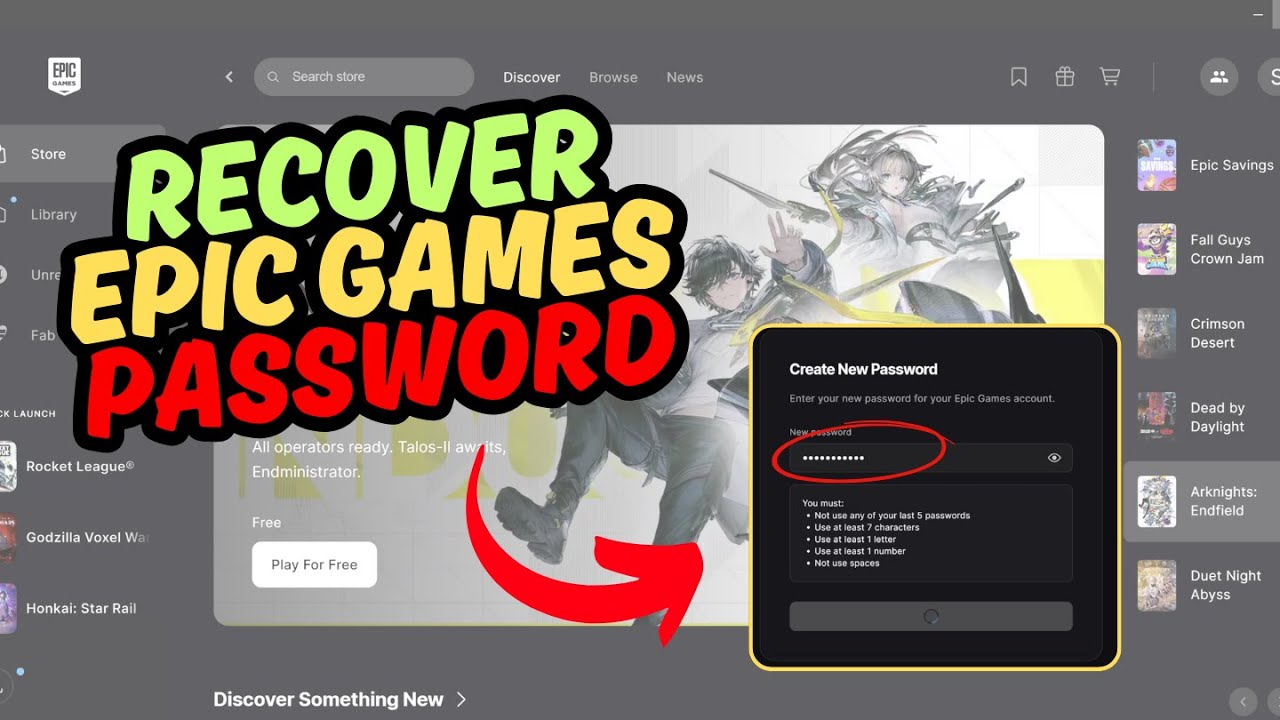
Then, go ahead and click on “forgot password” by scrolling down. Put in your email address and a 6 digit code is sent there. Get the code and put it in. You will now need to reset your password with a new one. Once that is done, you will need to sign in again.
Use your email again, alongside the new password. You will have to re-do the verification code once more and once that is completed, you are now officially logged into your epic games account.
Related Search Terms
Epic Games forgot password recovery steps
Reset Epic Games password without email access
Where is my Epic Games password stored
Recover Epic Games account password help
Change password in Epic Games account settings
Epic login password reset link not working
Find Epic Games password on console like PS5 or Xbox
How to reset Epic password if two-factor is enabled
Epic Games support for lost password and email
Reset password for Epic Games Fortnite account
Повторяем попытку...
Доступные форматы для скачивания:
Скачать видео
-
Информация по загрузке:
![🔴 EXPRESS BIEDRZYCKIEJ | DARIUSZ WIECZOREK, TOMASZ SEKIELSKI [NA ŻYWO]](https://image.4k-video.ru/id-video/ZHTaCQRsh50)