How to Add a Driver in Movcar (Fleet Folder) | Invite Drivers & Assign Vehicles
Автор: Movcar App Official
Загружено: 2026-01-27
Просмотров: 4
Описание:
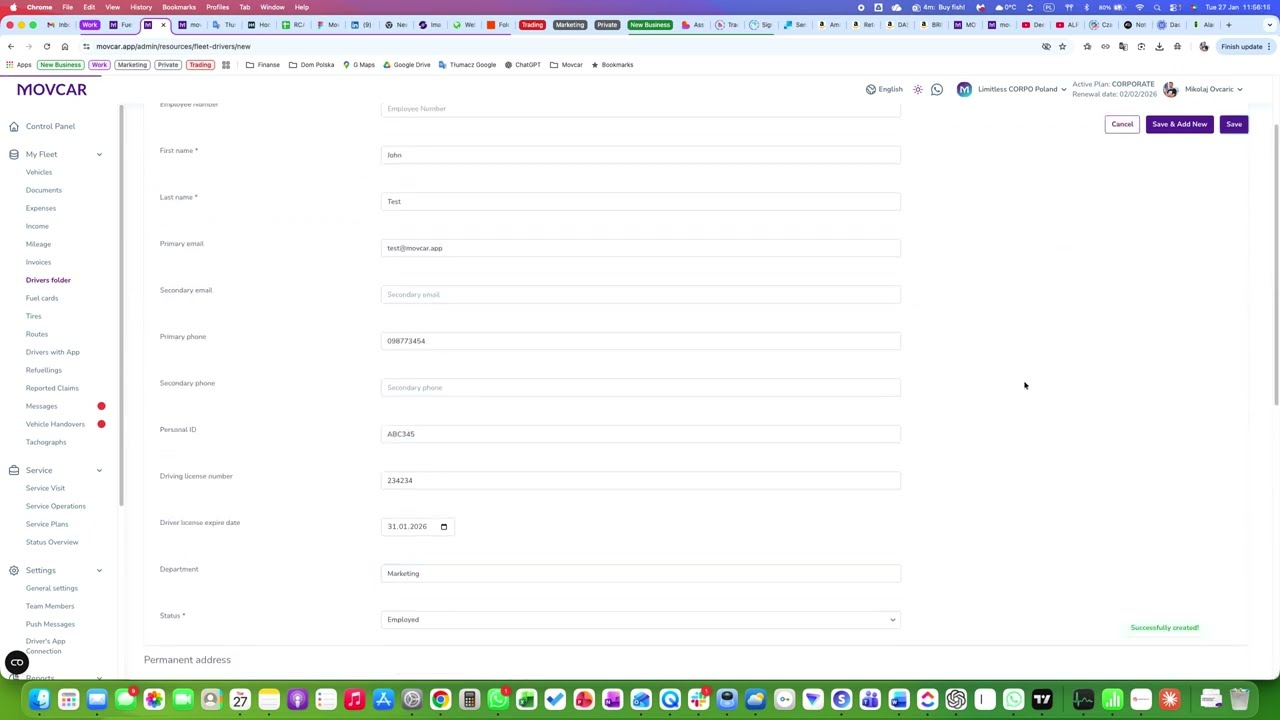
Add a driver to your fleet in Movcar so you can manage assignments, documents, costs, and driver updates in one place. This tutorial shows how to create a driver profile in the Fleet folder, invite the driver (if applicable), and assign vehicles/permissions.
Try Movcar: https://www.movcar.app
Support: [email protected]
What you’ll learn:
Go to Fleet → Drivers (Fleet folder)
Create a new driver profile (name, contact details)
Set role/permissions (driver vs admin access, if available)
Assign a vehicle (optional)
Save and confirm the driver appears in the list
#movcar #fleetmanagement #fleetautomation #fleetmanager #vehiclemanagement #vehicles
Повторяем попытку...
Доступные форматы для скачивания:
Скачать видео
-
Информация по загрузке: