Master Boot Disks: Pro Tips for Creation and Troubleshooting
Автор: Adventures in Nostalgia (1)
Загружено: 2022-12-10
Просмотров: 949
Описание:
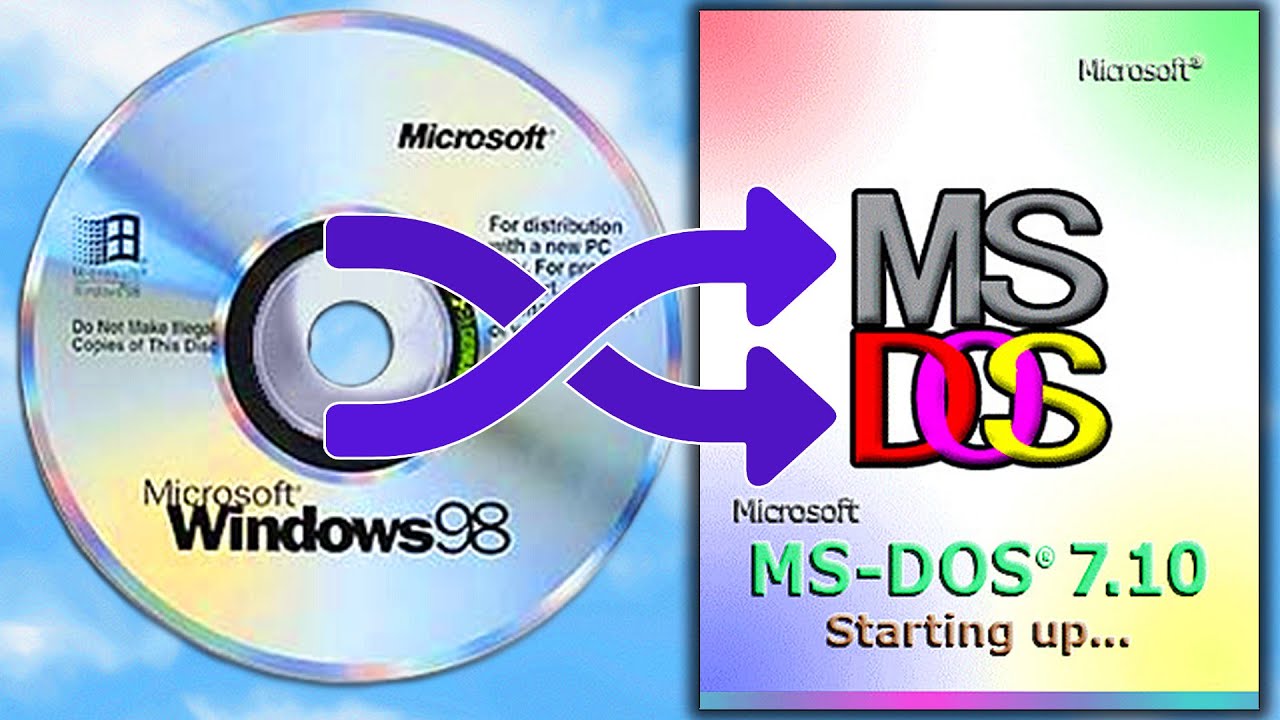
Learn how to create a bootable disk with essential MS-DOS utilities. This tutorial will guide you through the process of creating a boot disk that includes CD-ROM support, making it a valuable tool for troubleshooting and system recovery.
Key topics:
MS-DOS boot disk essentials: Discover the key components and utilities to include in your boot disk.
Creating a bootable disk: Follow step-by-step instructions to create a bootable disk using your preferred method.
Using a boot disk: Learn how to boot your system from the created disk and access its utilities.
Troubleshooting tips: Get expert advice on troubleshooting common boot disk issues.
Whether you're a seasoned MS-DOS user or just starting out, this video will provide you with the knowledge and skills to create a reliable and versatile boot disk.
In the realm of computers, boot disks stand as lifesavers, offering a lifeline when your system encounters hiccups or refuses to boot up. Whether you're a seasoned tech enthusiast or a novice user, mastering the art of boot disks can empower you to tackle these challenges with confidence.
In this introduction, we'll delve into the world of boot disks, equipping you with the knowledge and skills to create, utilize, and troubleshoot boot disks like a pro. From crafting an MS-DOS boot disk with CD-ROM support to harnessing the power of boot disk utilities, we'll cover all the essentials.
Boot disks are special disks that allow you to boot your computer from a different operating system or partition. By using a boot disk, you can expand your PC's limits and explore different options that may be unavailable from the standard ms dos operating system.
By using a boot disk, you can install extra drivers, applications, and even back up your computer. This is a great way to increase your PC's performance and expand its capabilities! We'll show you how to use a boot disk to increase your PC's speed and capacity, so you can get the most out of your machine!
Unveiling the Secrets of Boot Disks:
Creating Your Own Bootable Disk: Embark on a step-by-step journey to crafting your own MS-DOS boot disk, arming yourself with the ability to restore your PC to its former glory.
Emergency Boot Disk: Your PC's Rescue Kit: Discover how to transform an ordinary disk into an emergency boot disk, ensuring you're always prepared for unforeseen system troubles.
Mastering Boot Disk Utilities: Your Arsenal for PC Rescue:
Navigating the MS-DOS Command Line: Conquer the command line with confidence, empowering you to control your PC's core functions with ease.
Boot Disk Utilities: Your Secret Weapons: Explore the best boot disk utilities available, equipping yourself with a robust arsenal for tackling even the most complex PC problems.
Whether you're battling boot disk-related woes or simply seeking to expand your tech repertoire, this comprehensive guide will equip you with the knowledge and skills to navigate the world of boot disks with confidence.
If this is your first time here thank you for stopping by. On this channel we discuss #retrocomputing and #unsupported software. You will find how to videos, demonstrations, slipstreaming updates, and repairing automatic updates for windows among many other projects. There is a little bit here for all manner of retro computing enthusiasts.
Channel Page: / adventuresinnostalgia
Subscribe: https://www.youtube.com/c/Adventuresi...
Support the channel - Buy Me a Coffee: https://www.buymeacoffee.com/advinnos
I appreciate you spending time here with me on the channel. If you would like to join me for more on retrocomputing and unsupported software please subscribe and click the bell icon so you don’t miss anything. #doscember
Повторяем попытку...

Доступные форматы для скачивания:
Скачать видео
-
Информация по загрузке: