Resolume Arena & Avenue (Tutorial): Cue Points & Auto Pilot
Автор: DocOptic
Загружено: 2014-06-25
Просмотров: 40836
Описание:
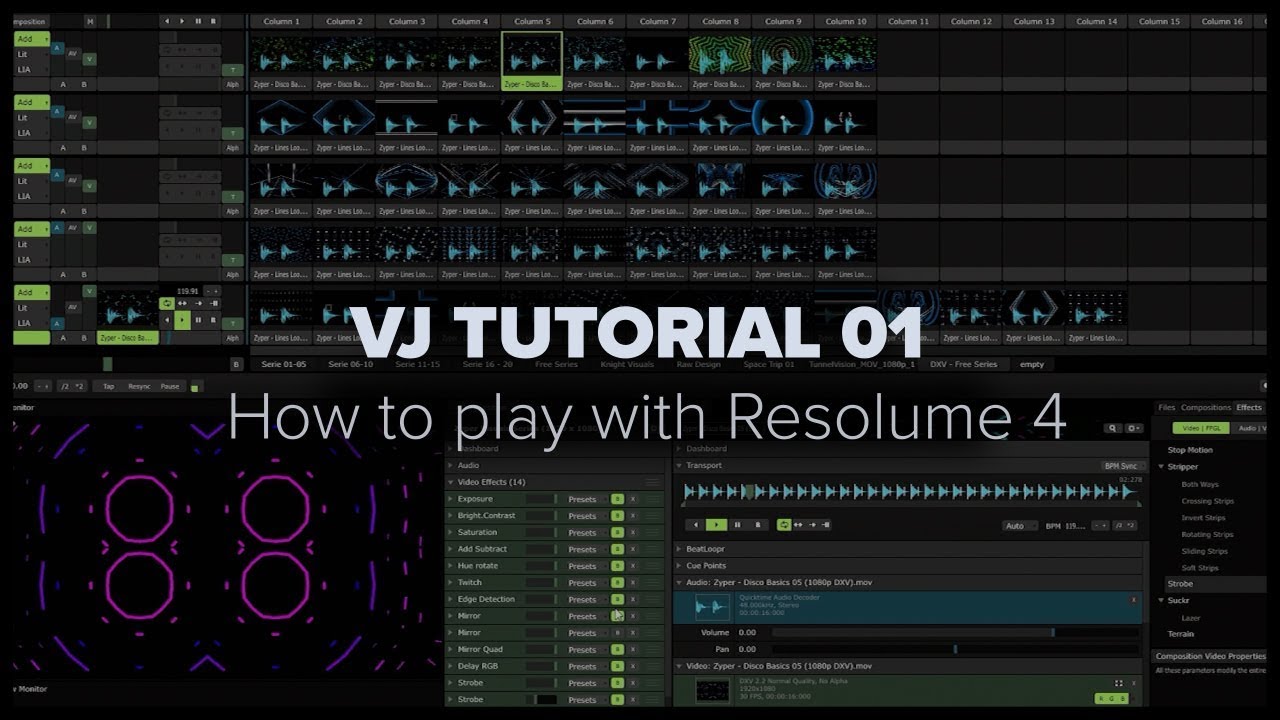
This tutorial explains how the Cue Point and Auto Pilot features work in Resolume Avenue 4 and Arena 4 & 5.
You will learn how to set Cue Points, create keyboard or MIDI shortcuts to trigger Cue Points, and gain an understanding of how the interface works. Also covered is how to activate Auto Pilot mode to automate your live visual mix, the various Auto Pilot settings, and examples of how Auto Pilot works with layers and individual clips.
The visuals & video clips showed in this tutorial are ready-made for Resolume and available on our website along with additional training and sample video mixes:
http://docoptic.com
Subscribe to DocOptic for future Tutorials and live visual content!
Other Resolume Tutorials:
The Basics of Loading Visuals -- • Resolume Arena & Avenue (Tutorial): The Ba...
Create Audioreactive Effects -- • Resolume Arena & Avenue (Tutorial): Create...
BPM Sync & Techniques -- • Resolume Arena & Avenue (Tutorial): BPM Sy...
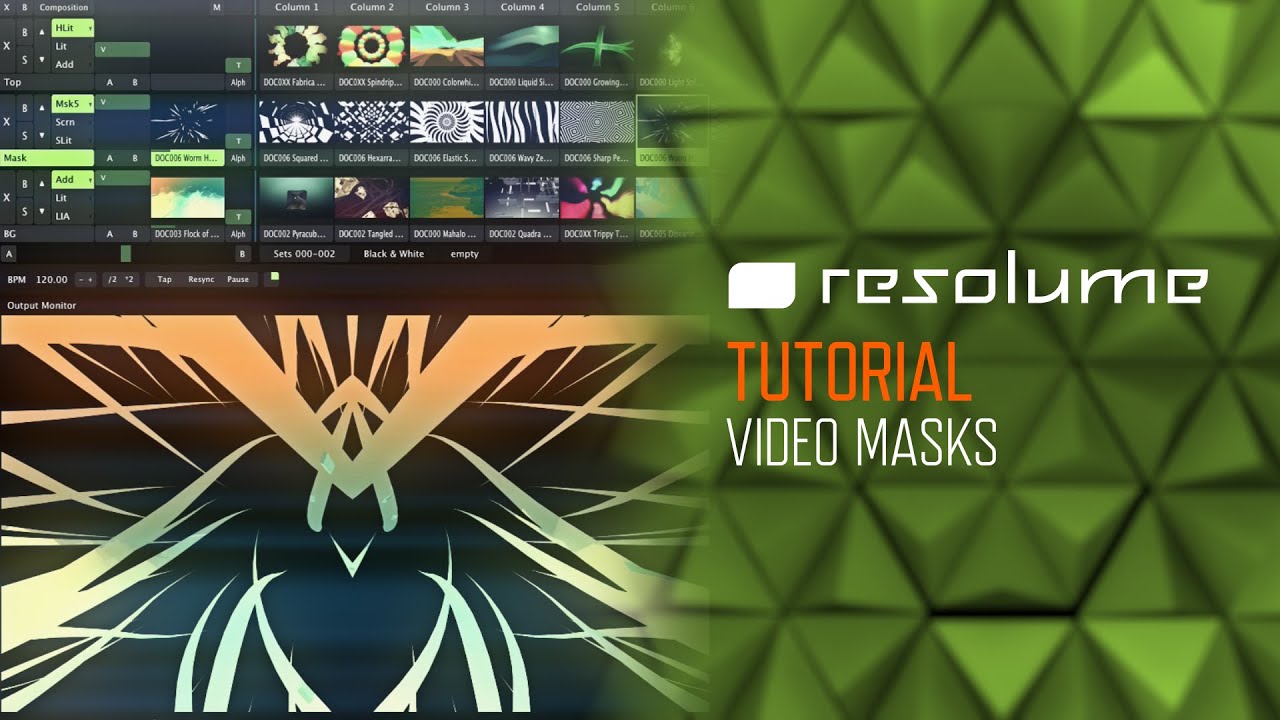
How To Use Video Masks -- • Resolume Arena & Avenue (Tutorial): Video ...
Expressive Live Triggering – • Resolume Arena & Avenue (Tutorial): Expres...
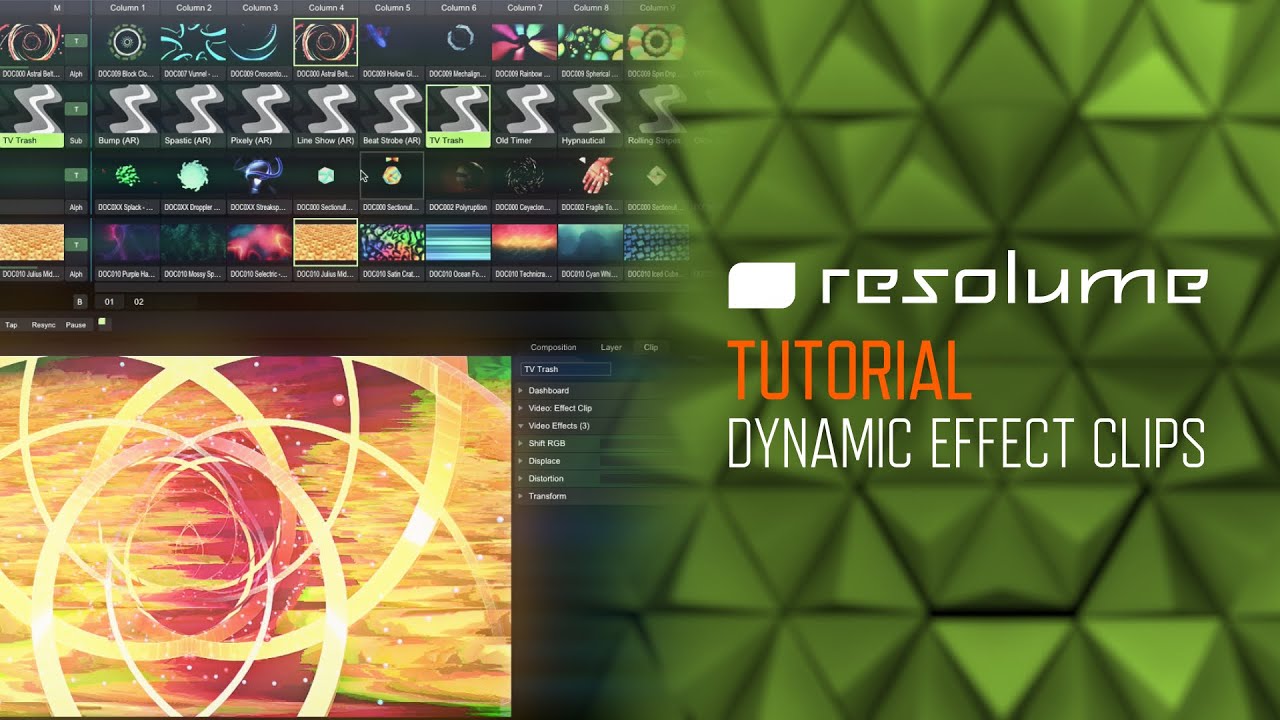
Dynamic Effect Clips – • Resolume Arena & Avenue (Tutorial): Dynami...
Mask Overlay Technique – • Resolume Avenue & Arena (Tutorial): Mask O...
Quick Tips & Tricks — • Resolume Avenue & Arena (Tutorial): Quick ...
Remix Content w/ Alpha Channels – • Resolume Avenue & Arena (Tutorial): Remix ...
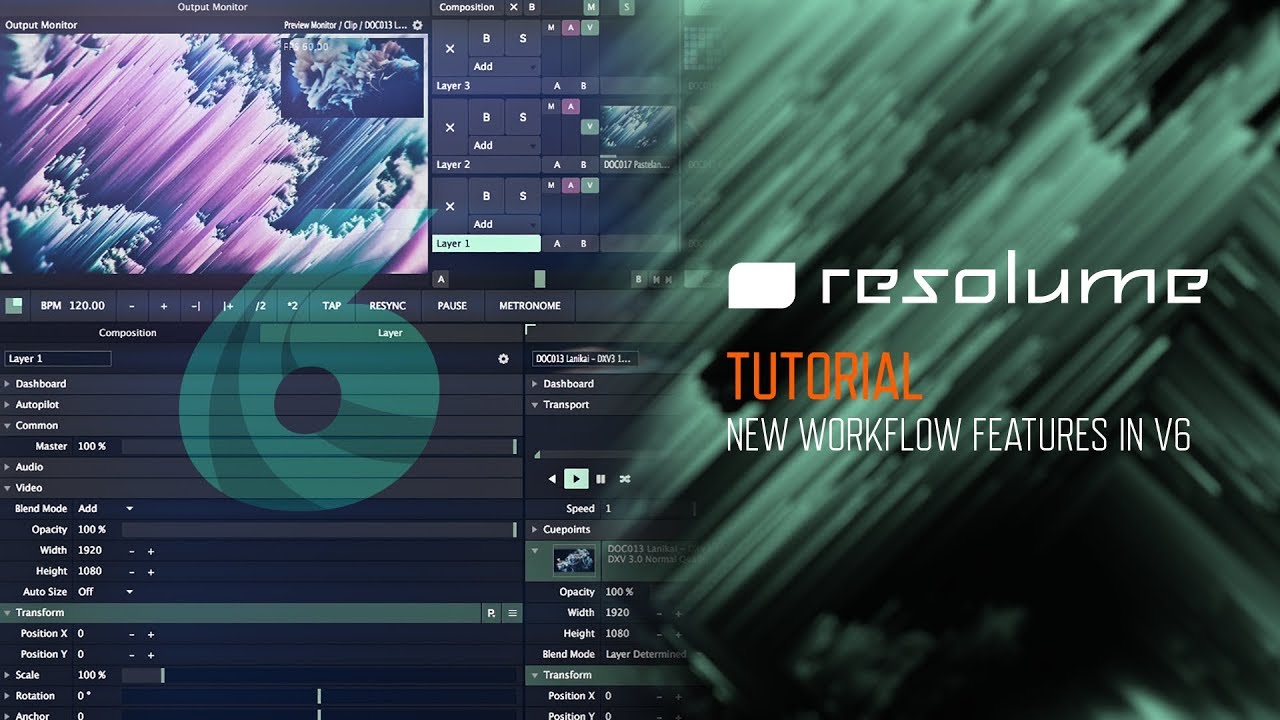
New Workflow Features (V6) – • Resolume 6 (Tutorial): New Workflow Features
Повторяем попытку...

Доступные форматы для скачивания:
Скачать видео
-
Информация по загрузке: