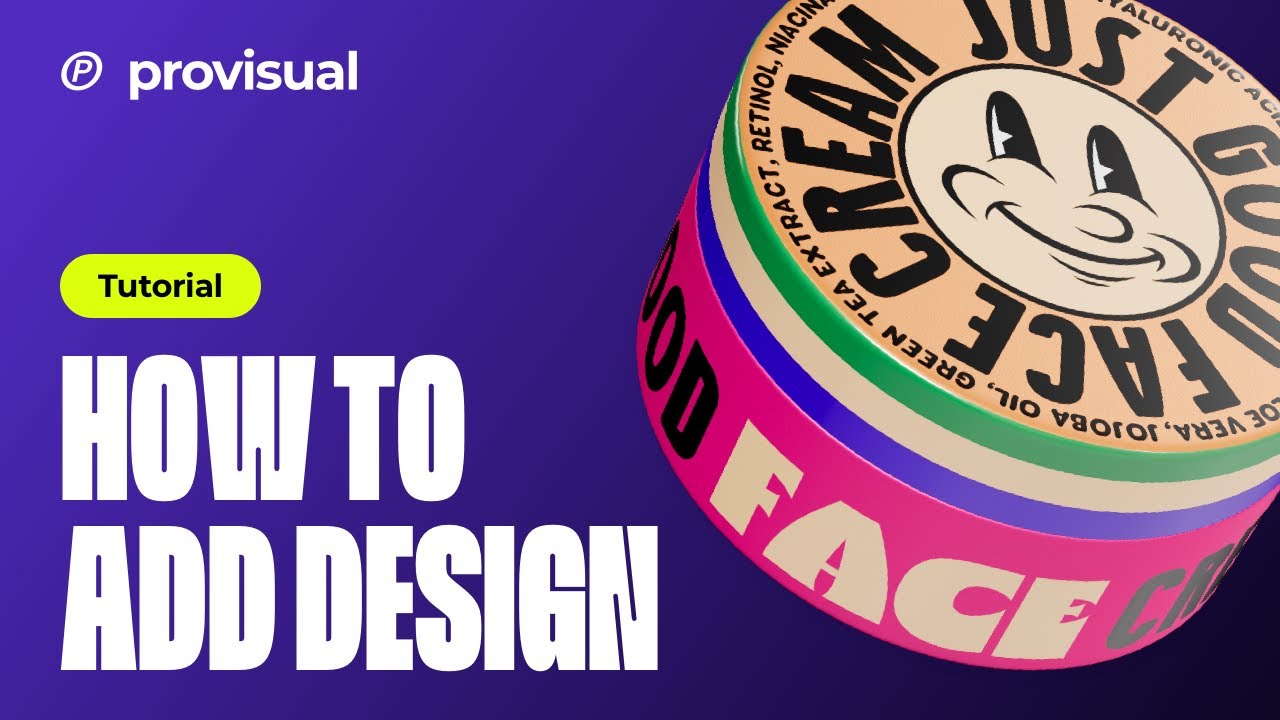
Provisual Tutorial: How to Edit a Cosmetic Jar 3D Mockup
Автор: YELLOW IMAGES
Загружено: 2023-09-14
Просмотров: 646
Описание:
Do you want to create a stunning 3D presentation of your product but don’t know where to start? 😱 No worries, we got you covered! Follow this step-by-step tutorial - it will take you less than 5 minutes to create the most beautiful 3D artwork online in ProVisual!
In this ProVisual tutorial for beginners, we guide you through ProVisual’s interface, tools and features following a very valuable principle “from simple to complex” to help you master this powerful online tool effortlessly.
Do you have more questions about ProVisual features or different artworks you can create with it? Leave them in the comments below ⬇️
✅ If you want to request a custom 3D model for ProVisual or get BUSINESS ACCESS for your company or professional team of designers, contact us 👉 https://yellowimages.com/contact-us
Also if you haven’t already, subscribe to our YouTube channel for some great mockup tutorials and design videos💛 / / @yellowimages 😉
🛠️ Resources mentioned in this video:
1️⃣ ProVisual Online 3D Mockup editor - https://provisual.app
2️⃣ Yellow Images PSD Mockups - https://yellowimages.com
3️⃣ Lumenor.ai Free AI Images for your design Projects - https://lumenor.ai/
⏰ Video Timestamps:
0:00 Intro
0:21 Choosing an object for our tutorial
0:32 Cosmetic Jar description
00:49 How to change material
00:57 Changing the color
01:07 How to copy the material
01:21 Changing Drop Shadow settings
01:27 Environment setting
01:44 Ways to add your design
02:05 Editor: Real-time design placement and display
02:17 Editor: Reset the position coordinates of our design
02:29 How to change some of materials for design
03:18 Various types of backgrounds
03:51 Add your own image to the background
04:00 How to turn on moving lights
04:05 How to rotate the 3D model
04:19 Saving the project
04:23 How to share your project
✅ Check out our ProVisual website to learn more about creating immersive 3D presentations and try it FOR FREE to create top-shelf visualisations! 👉 https://provisual.app
✅ Visit our official Behance to grab some creative ideas for your presentations and handy tips for ProVisual 👀 https://www.behance.net/yellowimages
Thank you so much for watching!
----
#Provisual #ProvisualTutorial #Design #GraphicDesign #PackagingDesign #3dMockup #3dModel #3dVisualisation #JarDesign #CosmeticJar #3dOnlineVisualisation #3dVisualizer #3dApp
Повторяем попытку...
Доступные форматы для скачивания:
Скачать видео
-
Информация по загрузке:

![Разработка резьбы и вставок для 3D-печати с помощью [Shapr3D]](https://imager.clipsaver.ru/Z9nCvDPohX4/max.jpg)


![How To Remove a Background In Photoshop [For Beginners!]](https://imager.clipsaver.ru/BQQqnn2uZv4/max.jpg)